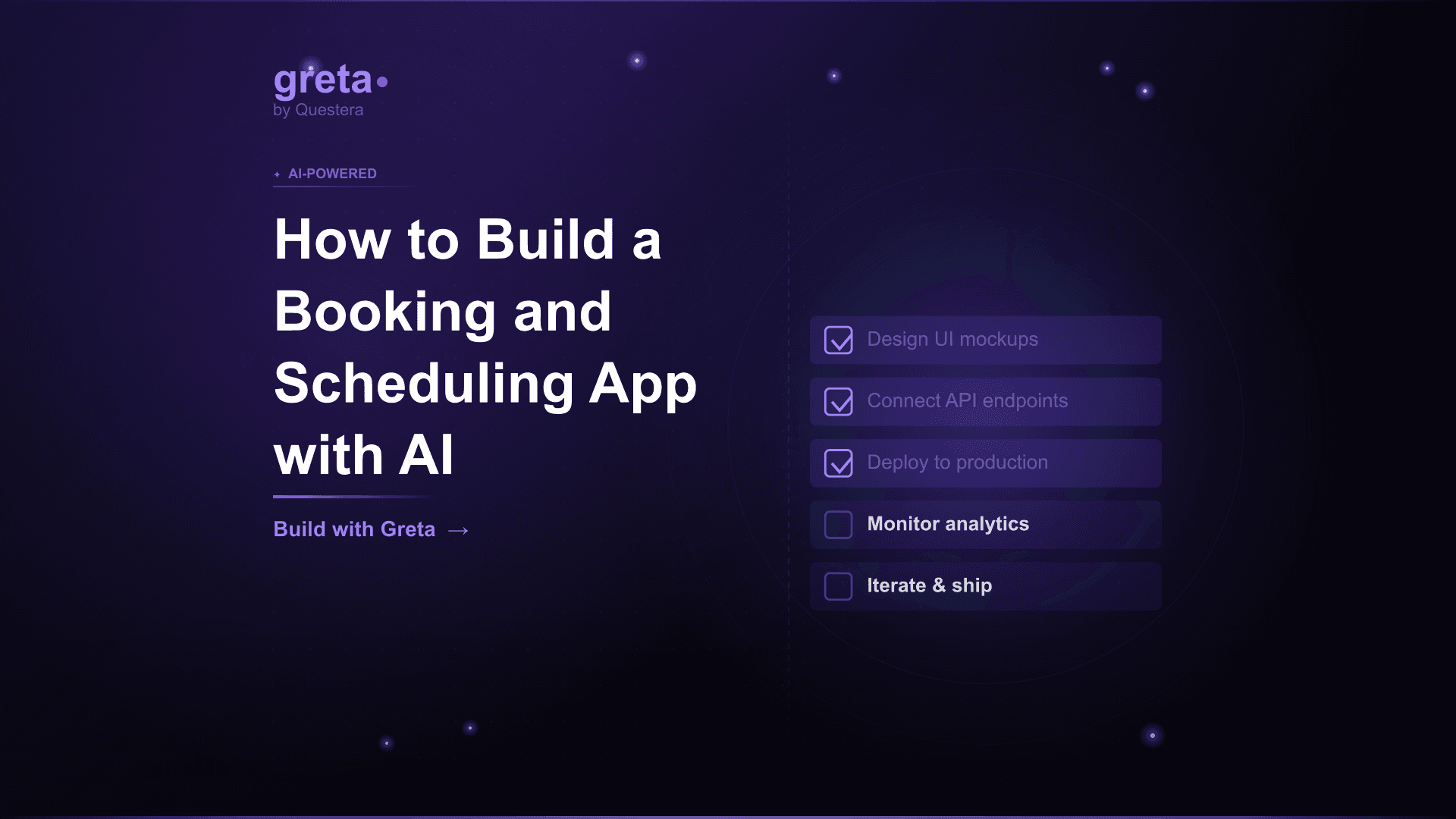
TL;DR: Building a booking and scheduling app with AI is approachable in 4--6 days. Core scope: availability calendar, time slot booking, conflict prevention, timezone handling, email/SMS reminders, payments. The hard parts are timezone correctness (a notorious source of bugs), conflict prevention under concurrency, and recurring schedules. This guide covers the data model, the build sequence, the timezone strategy that actually works, integrations (Google Calendar sync, Stripe), and the niche-fit pattern that separates 'another Calendly clone' from a real business.
Introduction
Booking and scheduling apps are one of the most common SaaS categories. Calendly, Cal.com, SimplyBook, Acuity, Square Appointments --- the established players cover horizontal scheduling well. The opportunity for new builders isn't to compete horizontally; it's to build for specific niches that horizontal players serve poorly. Booking for tutoring, fitness classes, healthcare appointments, professional consultations, equipment rentals, venue bookings --- each niche has specific requirements horizontal tools don't address.
With AI app builders in 2026, building a niche booking app takes 4--6 days for the core technical build. The hard work isn't shipping the build; it's getting the details right --- timezone handling (a notorious source of bugs), conflict prevention under concurrency, recurring schedules, reminders, integration with external calendars. These details determine whether your booking app is reliable or buggy.
This guide covers the realistic build. The data model, the timezone strategy that actually works, the build sequence, payment integration via Stripe, calendar sync, and the niche selection patterns that work in 2026.
Niche selection: what actually works
- Tutoring and educational sessions (one-to-one online tutoring marketplaces)
- Fitness classes and personal training (group classes, recurring schedules)
- Healthcare and wellness appointments (specific licensing requirements)
- Professional consultations (legal, financial, business advisors)
- Equipment and venue rentals (hourly/daily booking with availability)
- Service businesses (salons, mechanics, home services)
- Coworking and meeting room booking
- Music lessons and creative class bookings
- Pet services (grooming, daycare, walks)
- Restaurant reservations with table assignment
Before building, it is worth knowing what the off-the-shelf tier already does well. Our comparison of booking system builders sorts Calendly, Acuity, SimplyBook.me and the vertical tools by which rules each can actually express — and names the workaround count that tells you when you have outgrown them.
For current plans and prices of the horizontal tools, including Cal.com's move to closed source, see our Calendly alternatives guide.
Why niche beats horizontal
- Horizontal tools (Calendly, Cal.com) are excellent at generic scheduling
- Vertical-specific tools win on workflow fit --- music teachers need student progress tracking; tutoring needs subject categorization; fitness needs class capacity
- Customer acquisition is easier in niche (specific communities, content channels)
- Pricing power is higher in niche (specific workflows justify higher prices)
- Less competition in niche than horizontal
If the bookings are jobs for technicians in the field, with dispatch, quotes and invoicing, compare the best field service management software before building.
Got an idea? Build it now!
Just start with a simple prompt. No coding required: Greta.sh turns your idea into a working app in minutes.
Core v1 scope
- Provider profile (the person/business offering bookings)
- Service definition (what's being booked, duration, price)
- Availability calendar (when bookings can happen)
- Customer-facing booking flow (browse availability, pick slot, confirm)
- Booking management for provider (view bookings, modify, cancel)
- Email confirmations and reminders
- Payment via Stripe (if paid bookings)
- Timezone handling
- Basic conflict prevention (no double-booking)
What to skip in v1
- SMS reminders (email-only v1; SMS via Twilio v1.1)
- Group bookings (single attendee v1; group capacity v1.1)
- Complex recurring schedules (weekly recurring v1; complex patterns later)
- Calendar sync (one-direction sync v1; bidirectional sync v1.1)
- Multi-provider businesses (single provider v1; multi-provider v2)
- Resource management (room/equipment booking --- defer if not core to niche)
- Custom intake forms (basic info v1; rich forms v1.1)
- Loyalty programs and packages (subscriptions v2)
- Native mobile apps (PWA suffices v1)
The data model
- Provider (id, name, email, timezone, business_info, stripe_account_id)
- Service (id, provider_id, name, duration_minutes, price, description)
- Availability (id, provider_id, day_of_week, start_time, end_time, timezone)
- Booking (id, customer_id, provider_id, service_id, start_at_utc, end_at_utc, status, payment_status)
- Customer (id, name, email, phone, timezone)
- Block (id, provider_id, start_at_utc, end_at_utc, reason) --- for blocking time off
- ReminderSent (id, booking_id, type, sent_at) --- for tracking sent reminders
Key data model decisions
- Store all booking times in UTC --- Never store times in local timezone in database
- Store timezone separately on Provider and Customer --- Used for display only
- Convert to local timezone for display --- Use date-fns-tz or Temporal API
- Booking spans (start_at_utc, end_at_utc) --- Easier for conflict queries than start + duration
- Status enum (pending, confirmed, canceled, completed, no_show)
- Payment status separately from booking status
Got an idea? Build it now!
Just start with a simple prompt. No coding required: Greta.sh turns your idea into a working app in minutes.
The timezone strategy that works
Timezone bugs are notorious in booking apps. The strategy that actually works:
Storage
- All datetime fields in UTC in database
- Use timestamptz in Postgres (timestamp with timezone)
- Never store local time in database
Provider availability
- Store availability in provider's local timezone (day_of_week, start_time, end_time, timezone)
- Convert to UTC at booking time using provider's timezone
- Account for DST transitions during conversion
Display
- Display in viewer's local timezone always
- Use Intl.DateTimeFormat with explicit timezone
- Show timezone abbreviation alongside time for clarity
- On customer-facing booking flow, show times in customer's timezone (auto-detected or selected)
Date math
- Use date-fns-tz or Temporal API for timezone arithmetic
- Don't write your own timezone math
- Test against DST transitions explicitly
The 4--6 day build sequence
Day 1: Scaffolding, provider setup, services
- Hour 1: PRD (niche, service types, payment model)
- Hour 2--3: Data model setup (Provider, Service, Availability, Booking, Customer)
- Hour 4--5: Provider onboarding (signup, profile, timezone, business info)
- Hour 6--8: Service definition (name, duration, price, description)
Day 2: Availability and calendar
- Hour 1--3: Availability calendar UI (week view, provider sets recurring availability)
- Hour 4--6: Calendar generation logic --- generate available slots given availability + existing bookings + blocks
- Hour 7--8: Timezone handling in availability rules
Day 3: Customer booking flow
- Hour 1--3: Service browse page (customer-facing)
- Hour 4--6: Booking calendar view with available slots
- Hour 7--8: Booking confirmation flow (customer info, confirm slot)
Day 4: Conflict prevention, status flow, provider dashboard
- Hour 1--3: Conflict prevention --- Postgres advisory locks or unique constraint approach
- Hour 4--5: Booking status workflow (pending → confirmed → completed)
- Hour 6--8: Provider dashboard (view bookings, modify, cancel)
Day 5: Payments and notifications
- Hour 1--3: Stripe integration for paid bookings (Stripe Connect if multi-provider; direct Stripe if single provider)
- Hour 4--5: Email confirmation (booking confirmed, provider notified)
- Hour 6--8: Reminder system (24h before, 1h before via cron job)
Day 6: Polish, harden, soft launch
- Hour 1--3: Empty states, error handling, mobile responsive
- Hour 4--5: Provider settings (booking policies, cancellation policy)
- Hour 6--7: RLS and security review
- Hour 8: Soft launch with 5 friendly providers
Conflict prevention strategies
When multiple customers attempt to book the same slot simultaneously, only one should succeed.
Postgres advisory locks
- Use pg_advisory_lock with lock key derived from provider_id + slot_start
- Only one transaction can hold the lock at a time
- Other transactions wait or fail fast
- Reliable, performant for typical booking volumes
Unique constraint approach
- Create unique constraint on (provider_id, start_at_utc)
- Database enforces uniqueness; second insert fails
- Handle conflict gracefully in application code
- Simpler to implement; effective for most use cases
Got an idea? Build it now!
Just start with a simple prompt. No coding required: Greta.sh turns your idea into a working app in minutes.
Reminder system
- Reminder schedule: 24 hours before, 1 hour before (configurable per provider)
- Use cron job (Vercel cron or similar) to find upcoming bookings and send reminders
- Email via Resend; SMS via Twilio (v1.1)
- Track sent reminders in ReminderSent table to avoid duplicates
- Allow customers to add to their own calendar (.ics file in confirmation email)
- Provider notification on booking, cancellation, no-show
Stripe integration patterns
Single provider (you are the provider)
- Direct Stripe integration
- Customer pays you directly
- Standard Stripe API for payment intents
Multi-provider marketplace
- Stripe Connect (Express accounts for providers)
- Customer pays platform; platform pays providers minus commission
- Providers onboard via Stripe-hosted Express flow
- Platform deducts commission (e.g., 10--20% per booking)
Common Mistakes Building Booking Apps
- Ignoring timezones until production --- Timezone bugs surface late. Build timezone-correct from day 1.
- Storing times in local timezone --- Always store UTC. Local timezone for display only.
- Writing your own timezone math --- Use date-fns-tz or Temporal API. Don't reinvent.
- Skipping conflict prevention --- Race conditions WILL produce double-bookings. Use advisory locks or unique constraints.
- Building generic horizontal app --- Calendly already exists. Build for niche.
- Skipping reminders --- Missed appointments are revenue loss. Reminders reduce no-shows significantly.
- Forgetting cancellation policy --- Customers will cancel; what's your policy? Decide before launch.
- Not testing DST transitions --- Daylight savings transitions cause many bugs. Test explicitly.
- Hardcoding minute increments --- Different services have different durations. Make duration configurable per service.
- Ignoring buffer time --- Provider needs gap between bookings. Configurable buffer time per service.
- Skipping calendar export --- Customers want bookings in their calendar. Generate .ics in confirmation.
Got an idea? Build it now!
Just start with a simple prompt. No coding required: Greta.sh turns your idea into a working app in minutes.
Frequently Asked Questions
Q1: Why not just use Calendly or Cal.com? They're excellent for generic scheduling. The opportunity for new builders is niche-specific workflows they don't address --- tutoring with subject categorization, fitness classes with capacity management, healthcare with specific intake requirements.
Q2: How important is mobile native? Most booking happens on mobile web. PWA is sufficient for v1. Native mobile app adds significant cost; defer until validated demand exists.
Q3: What about no-shows? No-show rates vary by industry (5--25%). Mitigations: reminders, deposit/full payment at booking, cancellation policy enforcement, easy rescheduling. Don't overengineer no-show prevention upfront; measure first.
Q4: Can I integrate with multiple calendars? Yes --- Google, Outlook, iCloud. Each requires separate integration. Start with Google (largest market share); add others based on customer demand. Defer to v1.1 if v1 build is taking too long.
Q5: What about scheduling for teams (multiple providers)? Adds significant complexity (availability across team, load balancing, team-based booking pages). Defer to v2. Many successful niche booking apps stay single-provider focused permanently.
Q6: How do I handle recurring appointments? Two patterns: (1) Generate individual booking records for each occurrence (simpler queries, more storage). (2) Store recurrence rule and generate occurrences on the fly (less storage, harder to handle exceptions). For v1, simple weekly recurring with generated records is usually best.
Q7: What's the realistic time to first paying customer? 4--6 days build + 2--4 weeks for first paying provider customer if you have an existing network. Without network, 2--4 months of customer development. Build is the easy part; finding customers in niche is the work.
Conclusion
- Booking and scheduling apps with AI: 4--6 days for core technical build (provider setup, availability, customer booking flow, conflict prevention, payments, reminders).
- Niche-fit is essentially mandatory. Calendly and Cal.com dominate horizontal. Pick a niche (tutoring, fitness, healthcare, etc.) with specific workflow requirements.
- Timezone handling is the most error-prone part. Store all times in UTC. Use date-fns-tz or Temporal API. Test DST transitions explicitly. Display in viewer's local timezone always.
- Conflict prevention via Postgres advisory locks or unique constraints. Reminders reduce no-shows significantly.
If a booking app interests you, pick your specific niche this week. Map the provider workflow, customer workflow, and what makes your niche specifically different from generic scheduling. Run the 4--6 day build with timezone correctness from day one. Soft-launch with 5 friendly providers. Iterate based on real usage. Successful niche booking apps in 2026 came from founders who picked their niche carefully and shipped fast. Be specific about your niche. Build with timezone correctness from day one. Compete on workflow fit.