TL;DR: AI builders make it easy to generate a working feature in minutes, which means testing often gets skipped entirely. Before you ship an AI-built app, check auth flows, edge cases, third-party integrations, and what happens when data is missing or malformed --- not just the happy path a demo shows you. A focused pass through this checklist catches most of what breaks in production before a customer does.
Introduction
Ask an AI builder for a booking system and you'll have one running in an afternoon. It looks finished --- the calendar renders, the form submits, the confirmation email goes out. That's the demo path, and it almost always works.
What doesn't get demoed is the double booking, the payment that fails halfway through, or the user who leaves every field blank and hits submit anyway. Those are the moments that decide whether an app is a prototype or something you can put in front of paying customers.
Why does testing get skipped when you're building with AI?
Because the feedback loop is so fast, it feels like testing already happened. You typed a prompt, watched the feature appear, clicked through it once, and it worked. That single successful click gets mistaken for verification.
It isn't. A working demo confirms one path through the code, usually the one you were thinking about when you wrote the prompt. Real users don't follow your script. They double-click submit buttons, use back and forward navigation mid-form, and open the same record in two tabs.
What should you actually test before shipping?
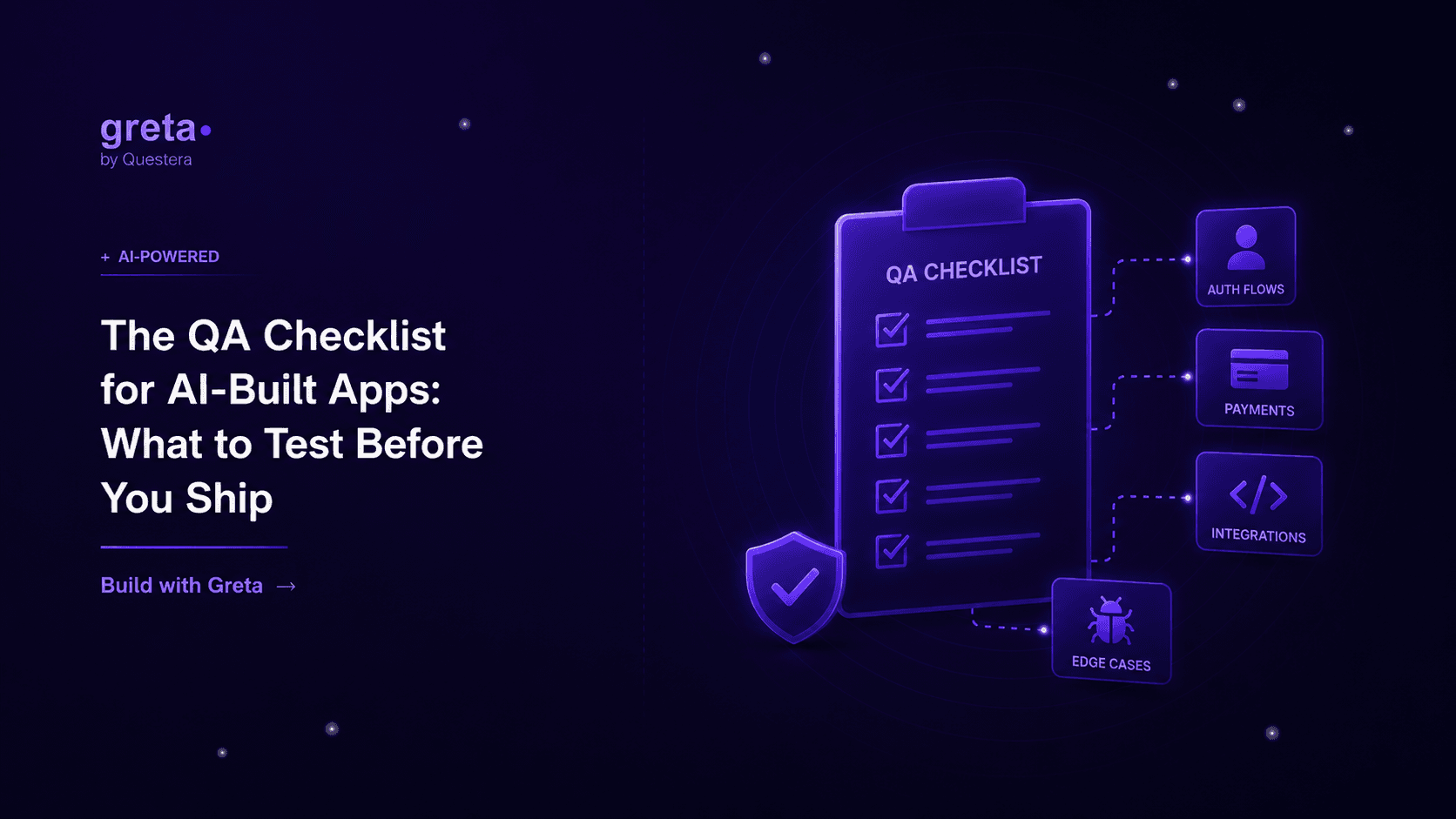
A short pass through these areas catches most production surprises.
| Area | What to check | Why it matters |
|---|---|---|
| Auth flows | Signup, login, logout, password reset, expired sessions | Broken auth locks out real users, not just testers |
| Forms and inputs | Empty fields, invalid formats, max-length values | Bad input handling causes silent data corruption |
| Payments | Failed cards, partial refunds, webhook retries | Money bugs erode trust faster than any other kind |
| Permissions | Each role sees only what it should | Wrong access is a security incident, not a bug report |
| Third-party integrations | API timeouts, rate limits, malformed responses | External services fail more often than your own code |
| Mobile and responsive | Small screens, slow connections, touch targets | Most first visits now happen on a phone |
None of these require a dedicated QA hire. They require deliberately trying to break the app instead of only confirming it works.
The table leaves out accessibility, which needs its own pass. Two short ones make a sensible start: a keyboard-only acceptance test, where you put the mouse away and try to finish every task, and a screen reader smoke test on the one flow that matters most.
Got an idea? Build it now!
Just start with a simple prompt. No coding required: Greta.sh turns your idea into a working app in minutes.
Which edge cases catch AI-built apps off guard specifically?
A few patterns show up often enough to call out on their own.
- Two users editing the same record at the same time, with the last save silently overwriting the first.
- A form submitted with every optional field left blank, including ones the AI assumed would always be filled.
- A webhook that fires twice for the same event, duplicating an order or a notification.
- A session that expires mid-action, so the user's next click hits an endpoint expecting a logged-in user that no longer exists.
- An API integration that returns an error the app never learned to expect, because the prompt only described the success case.
Most of these trace back to the same root cause: the prompt described what should happen, not what should happen when something goes wrong.
How do you test this without a dedicated QA team?
You don't need one to run a solid pass. Use a staging environment that's a real copy of production, not a local build only you've ever touched. Seed it with messy data --- long names, special characters, empty optional fields --- instead of the clean sample records a demo uses.
For payments, run through Stripe's test card numbers for declines and disputes, not just the one that succeeds. For anything with webhooks, fire the same event twice and confirm the app doesn't double-charge or double-send. And test on an actual phone, not just a resized browser window --- touch targets and slow connections expose problems a desktop test never will.
This connects directly to who can see and touch what inside the app. If you haven't locked down permissions yet, it's worth pairing this checklist with role-based access in AI-built apps before you ship, since access bugs tend to surface at the same time as everything else on this list.
Teams shipping into healthcare, finance, or other regulated spaces have a longer bar to clear. The audit and documentation side of that is covered in prototype to production-ready in regulated industries.
Common Mistakes to Avoid
- Testing only the happy path --- one successful click doesn't mean the feature is done.
- Skipping the staging environment --- testing locally hides bugs that only show up under real infrastructure.
- Using clean sample data --- messy, real-world input is where most bugs live.
- Ignoring webhook retries --- a service that fires an event twice will break an app that assumes it only fires once.
- Treating permissions as a UI problem --- hiding a button isn't the same as blocking the underlying request.
Got an idea? Build it now!
Just start with a simple prompt. No coding required: Greta.sh turns your idea into a working app in minutes.
Frequently Asked Questions
Q1: Do I need a QA engineer to properly test an AI-built app?
No. A deliberate pass through auth, forms, payments, permissions, and integrations catches most issues, and you can run it yourself with a staging environment and some messy test data.
Q2: What's the single highest-value thing to test first?
Payment and auth flows. Bugs there cost you trust and revenue directly, while most other issues just cost you time to fix.
Q3: Why do bugs show up in production that never appeared during building?
Because building surfaces the happy path you were actively working on. Production surfaces every path real users actually take, including the ones nobody thought to try.
Q4: How do I test third-party integrations I don't control?
Use their sandbox or test mode when available, and deliberately simulate failures --- timeouts, rate limits, malformed responses --- since those are the cases your prompt probably never described.
Q5: Is this checklist different for AI-built apps versus traditionally coded ones?
The categories are the same as any software project. What's different is the pace --- because building is faster, it's easier to ship before testing catches up, so the checklist matters more, not less.
Key Takeaways
- A working demo confirms one path through the app, not that the app is ready to ship.
- Auth, forms, payments, permissions, and third-party integrations cover most of what breaks in production.
- Edge cases in AI-built apps usually trace back to prompts that described success but not failure.
- Testing with a staging environment and messy data catches problems a clean demo never will.
Before you ship the next feature Greta.sh generates, run it past this list --- a few minutes of deliberate testing now is cheaper than a support ticket from a customer who found the bug first.