Learn how to delete your project on Greta.
1. Log in to Greta
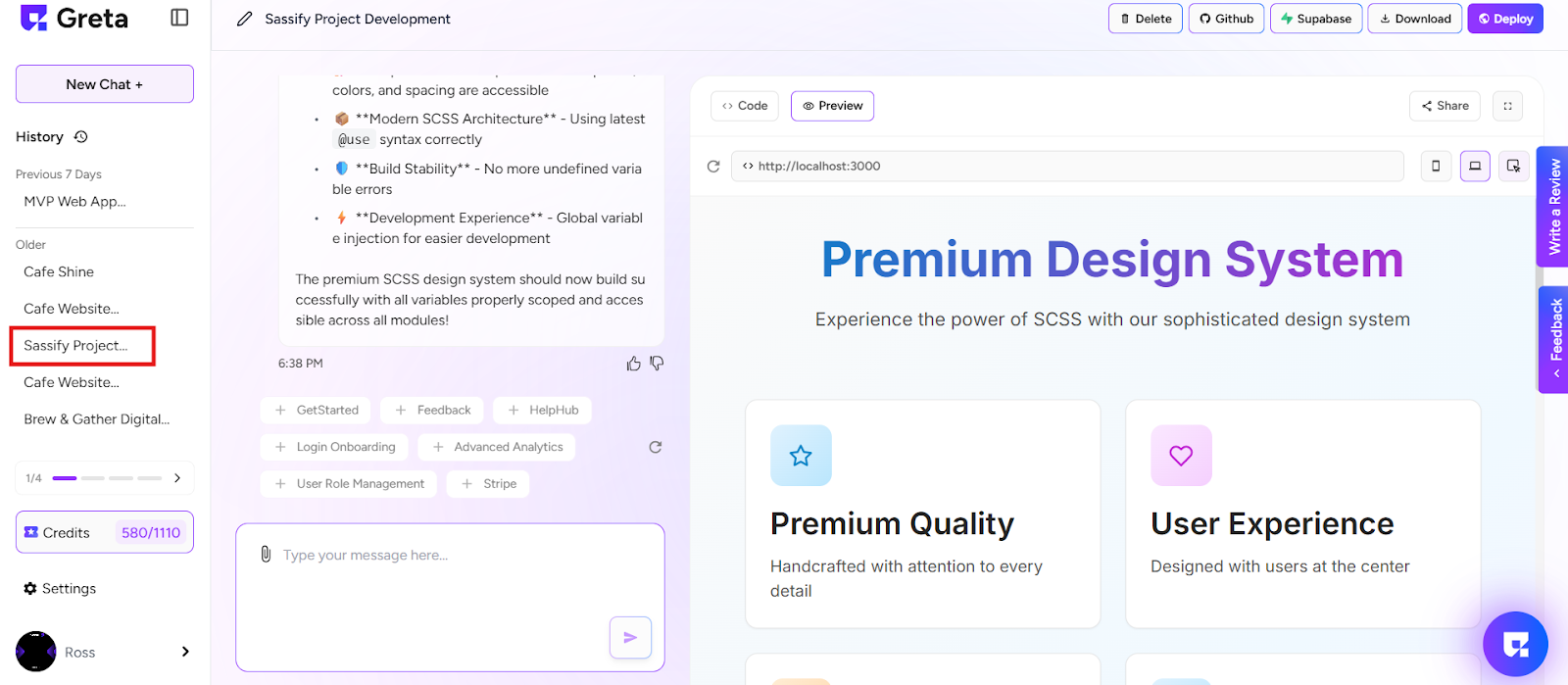
2. If you want to delete your project, select and open your project from the sidebar.
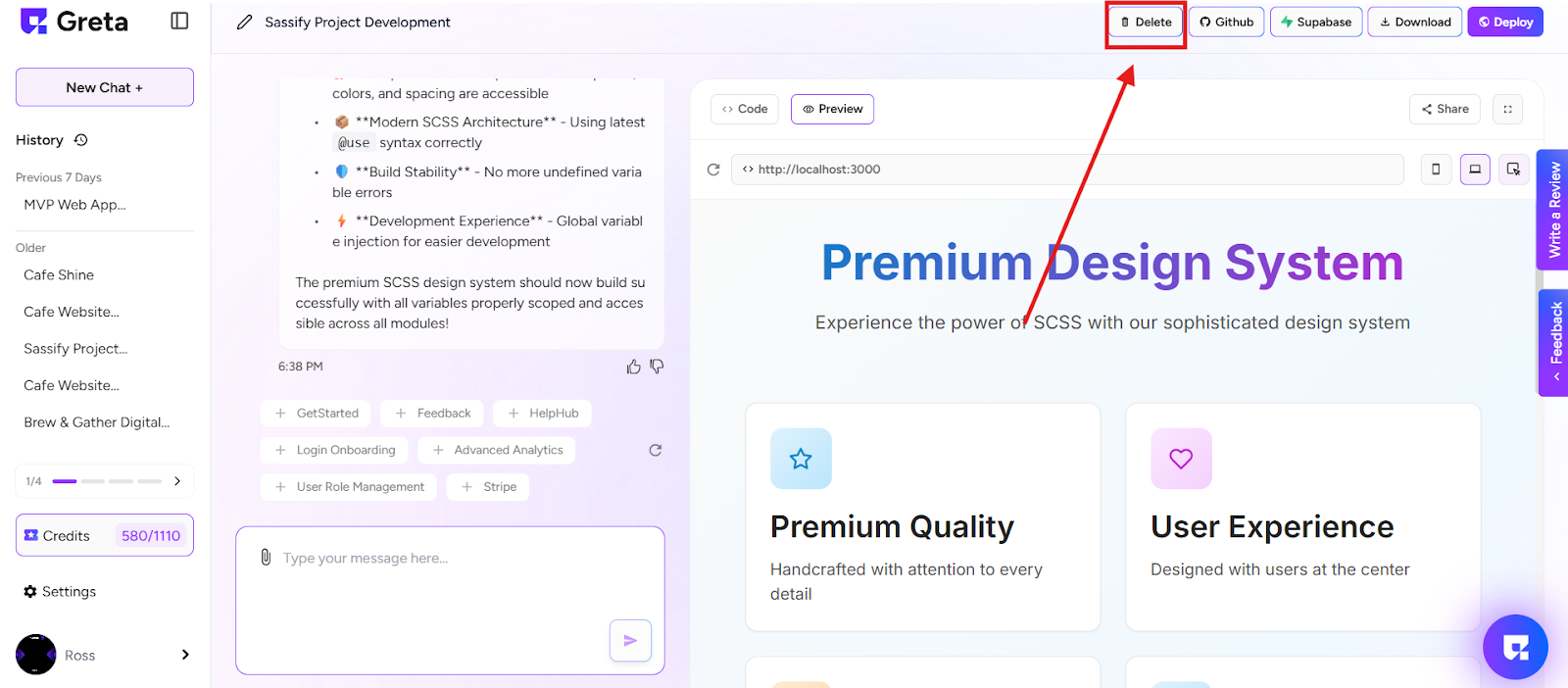
3. Once the project is open in Preview Mode, look at the top of the screen.
4. You’ll see a “Delete” button — click on it.
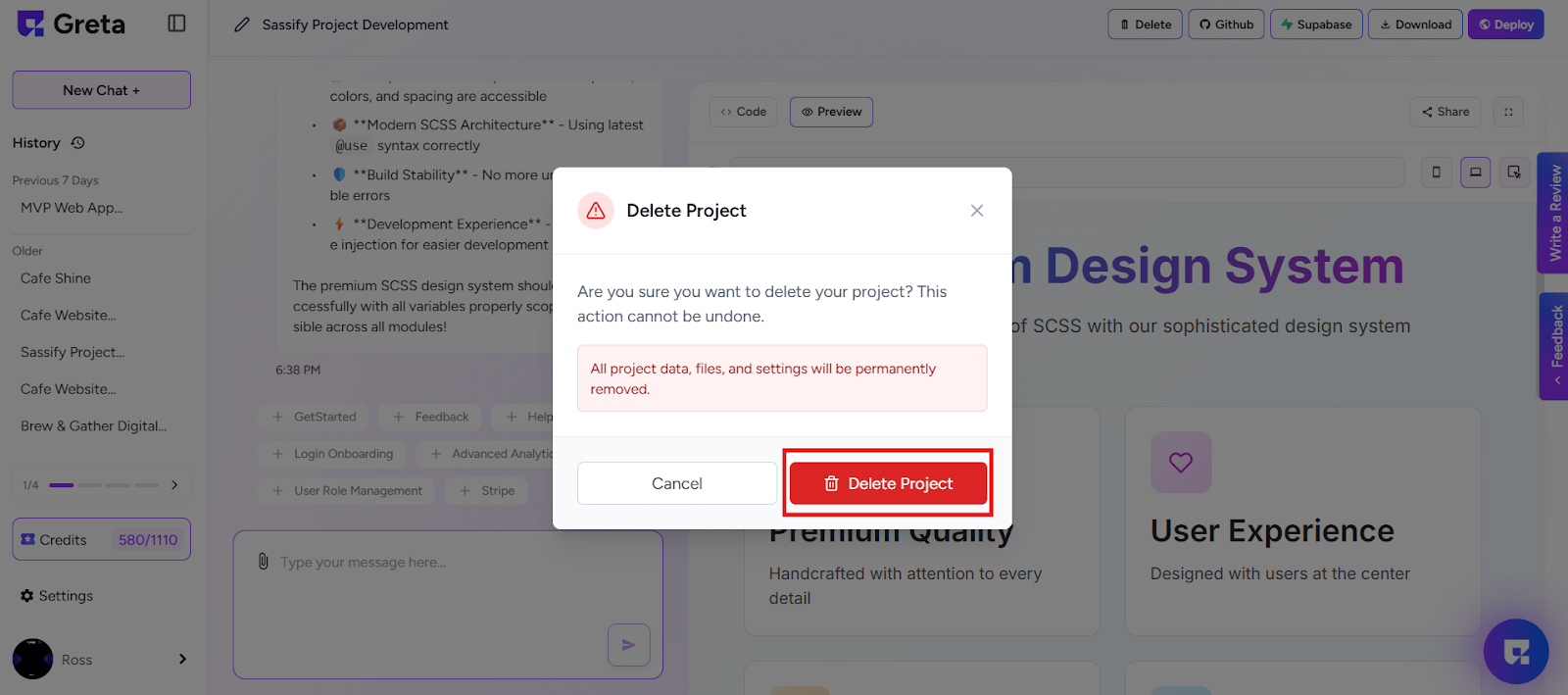
5. A warning message will appear saying:“This action will permanently delete the project and cannot be undone.”.
6. Click on “Delete Project” to confirm.
Done!
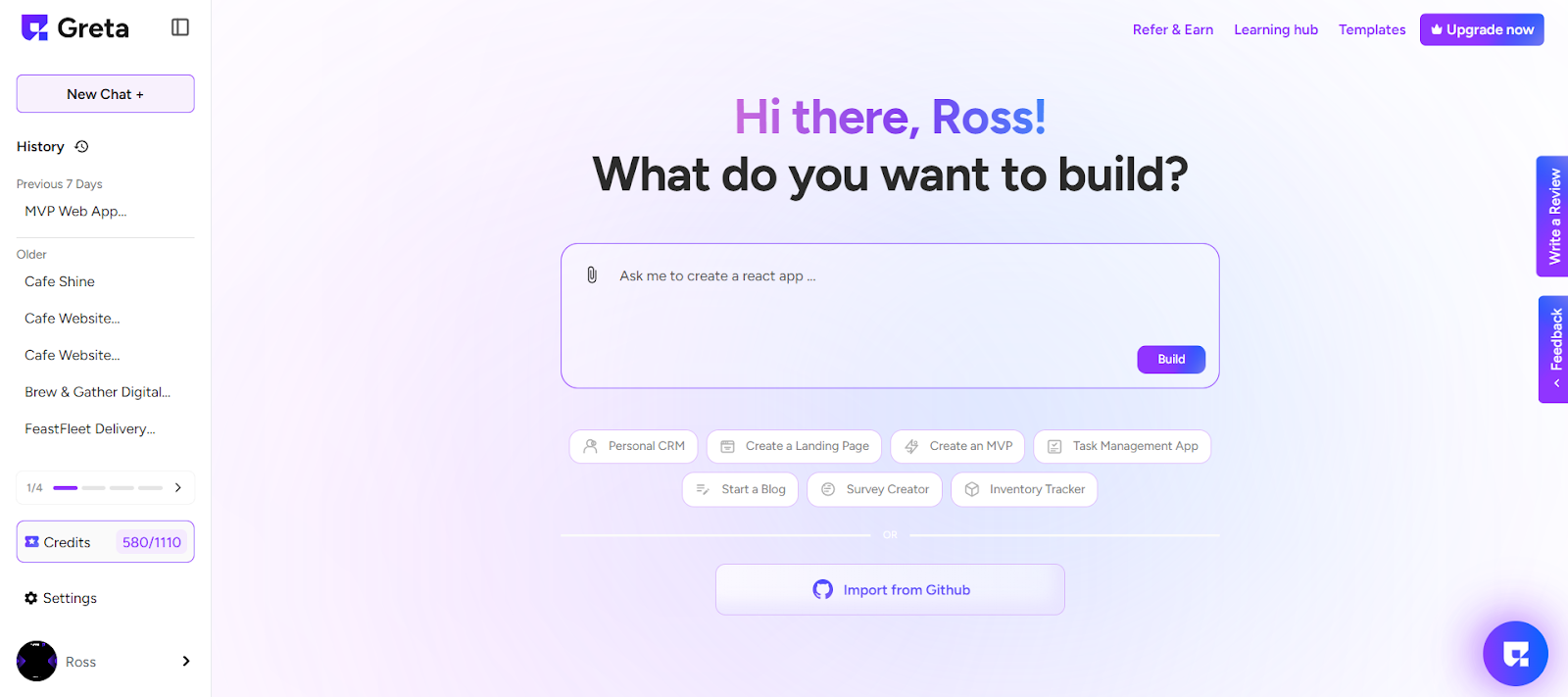
7. Your project will now be permanently removed from your Greta history.
If you can describe it, you can build it.