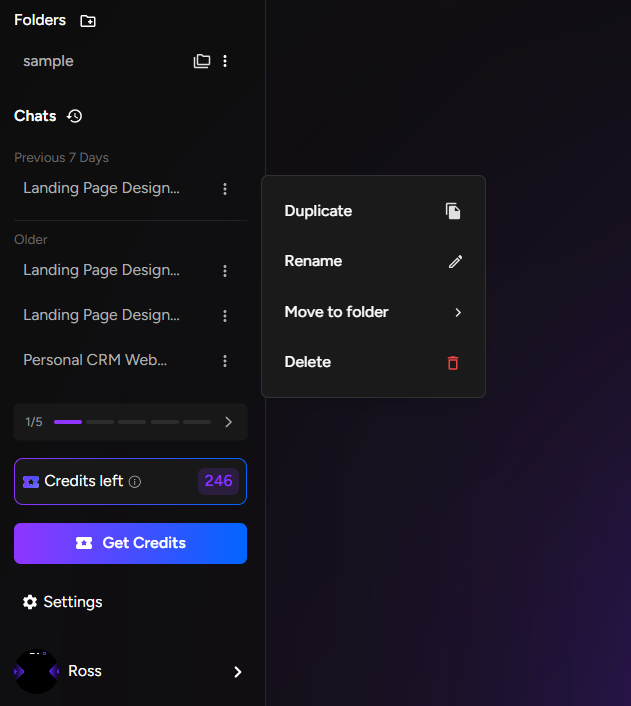
1. Navigate to your project dashboard 2. Locate the project you want to rename 3. Click the three-dot menu on the project card
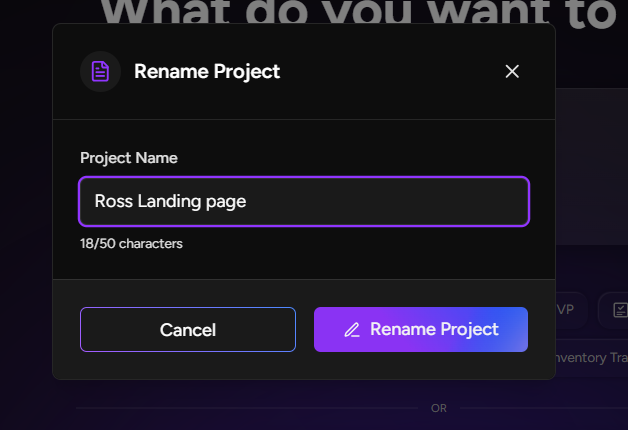
4. Select "Rename" from the dropdown menu 5. Enter the new project name in the text field 6. Press Enter or click "Save" to confirm 7. The project card will immediately update with the new name
Deleting a Project:
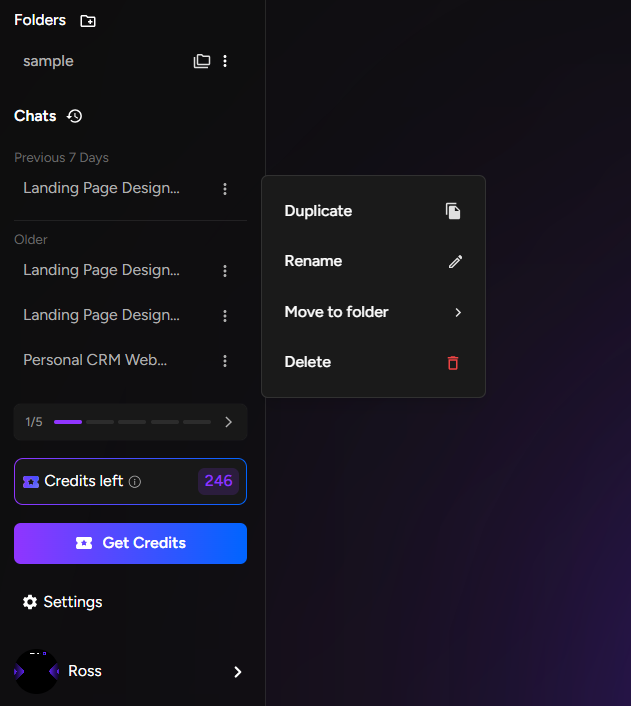
1. From your dashboard, find the project to delete 2. Click the three-dot menu on the project card 3. Select "Delete" from the options
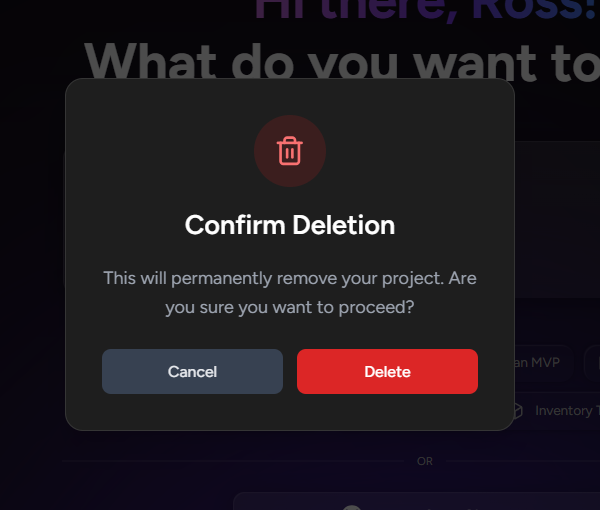
4. A confirmation dialog will appear asking you to confirm 5. Read the warning: "This action cannot be undone. All project data will be permanently lost." 6. Click "Confirm Delete" to proceed or "Cancel" to keep the project 7. The project will be immediately removed from your dashboard