Why is my project locked?
Understand why your project appears locked, what it means when someone else has control, and how the owner can unlock it in Greta.sh.
Why is my project locked?
If you see your project in a locked (read-only) state and cannot send messages or make changes, don’t worry — this is expected behavior when using Greta.sh’s Team feature.
This guide explains why your project is locked, what it means, and how to regain access.
What does Project Locked mean?
A locked project means that someone else currently has contribution control.
Greta.sh allows only one active contributor at a time to avoid conflicting changes.
When a project is locked:
• You can view the project • You cannot send messages or modify code • The lock is temporary and fully reversible
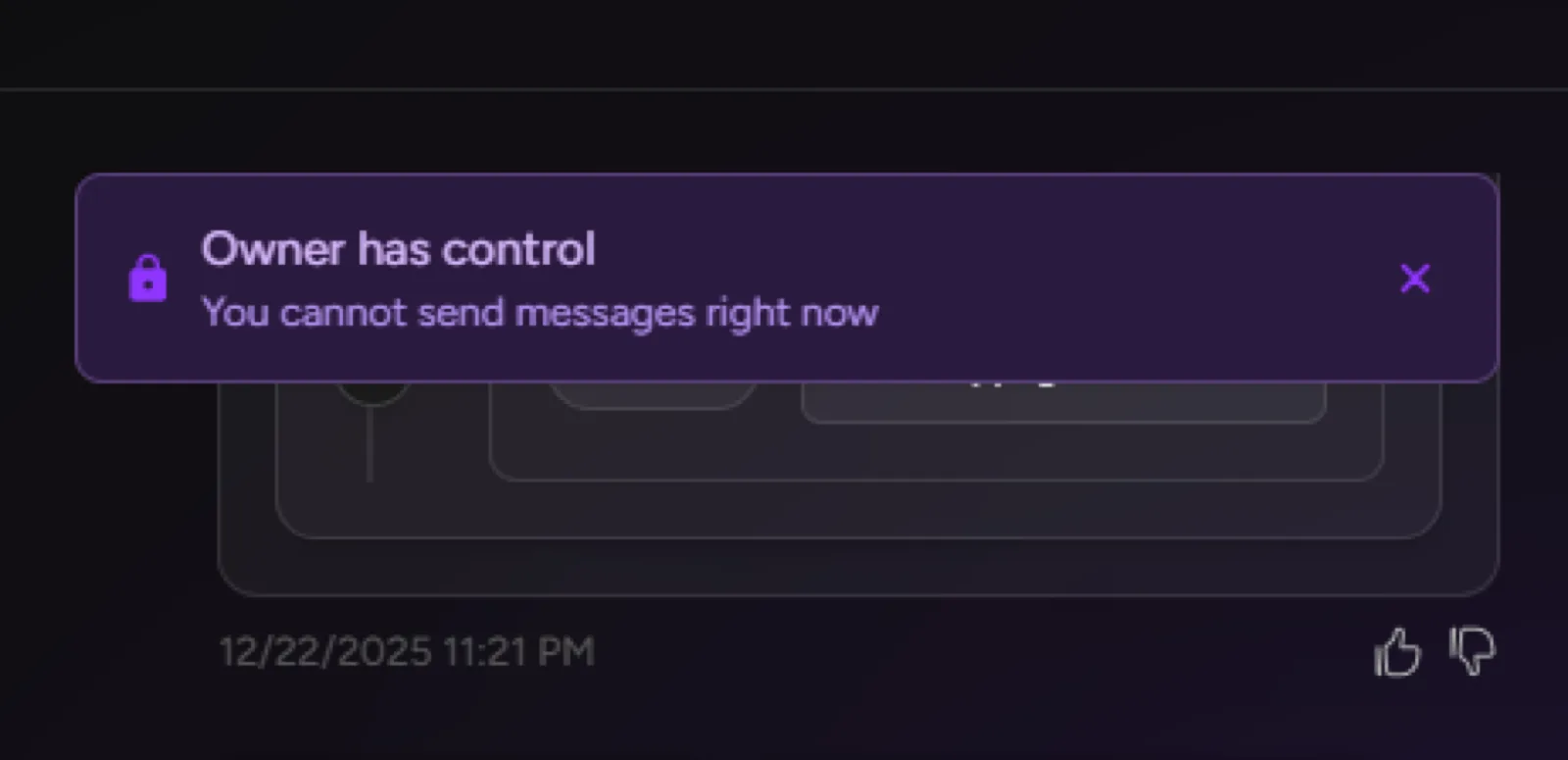
When does a project get locked?
Your project can be locked in the following situations:
1. When the Owner transfers access to an Editor.
2. When an Editor is actively contributing to the project.
3. When you are an Editor and the Owner has control.
In all cases, the lock simply indicates that someone else is currently the Current Controller.
How to unlock the project
The way to unlock the project depends on your role.
If you are the Project Owner:
4. Go to Project Settings → Team.
5. Look for the banner showing Current Controller.
6. Click Take Back Control.
7. You will instantly regain contribution access.
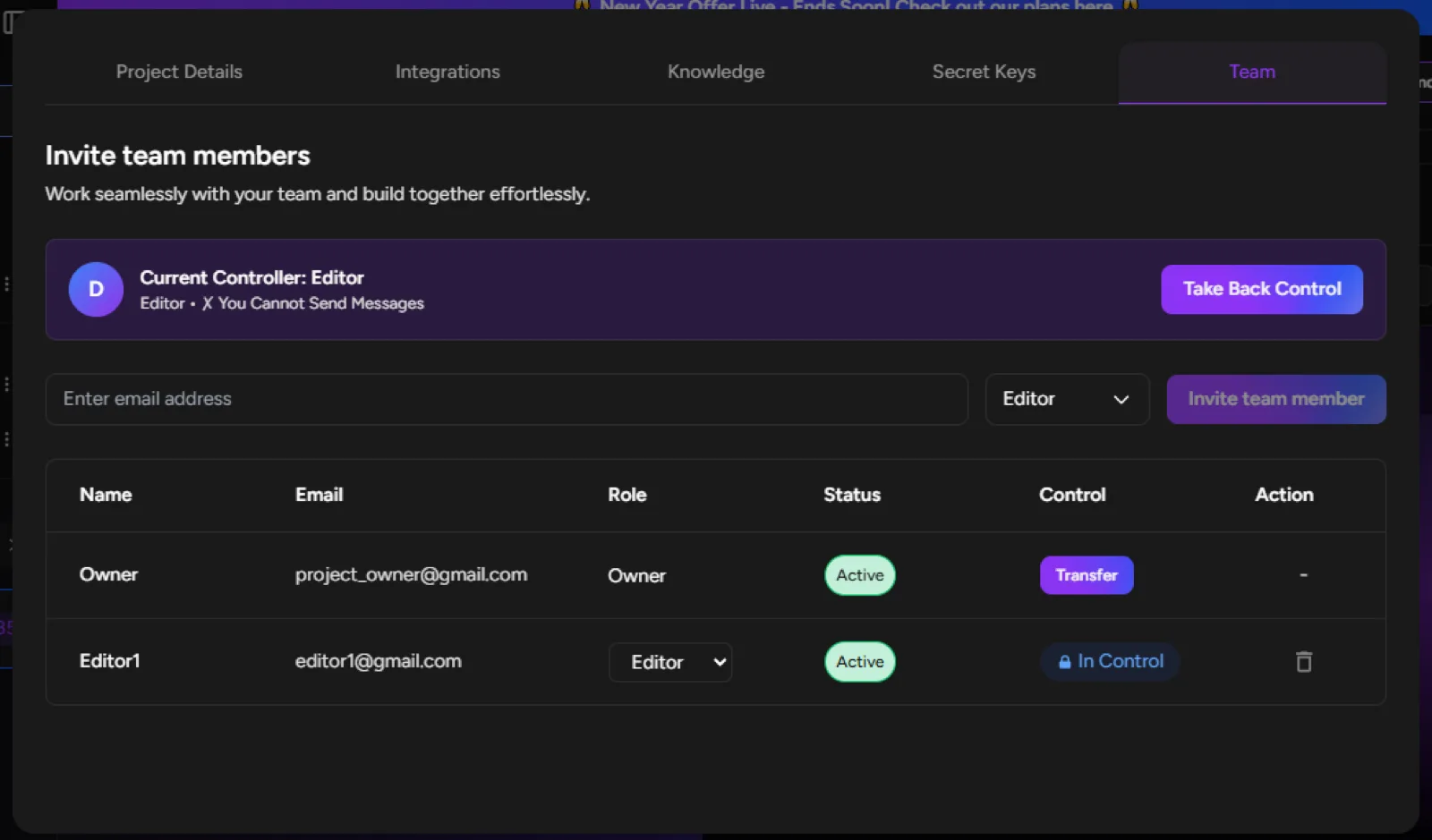
Who can unlock the project?
• The Owner can always unlock the project by taking back control.
• Editors cannot unlock the project themselves.
• Viewers always remain in read-only mode.
Important: The Owner is always the final authority and can override any active editor at any time.
That’s it!
A locked project is not an error — it’s a safety feature that ensures smooth collaboration without conflicts.