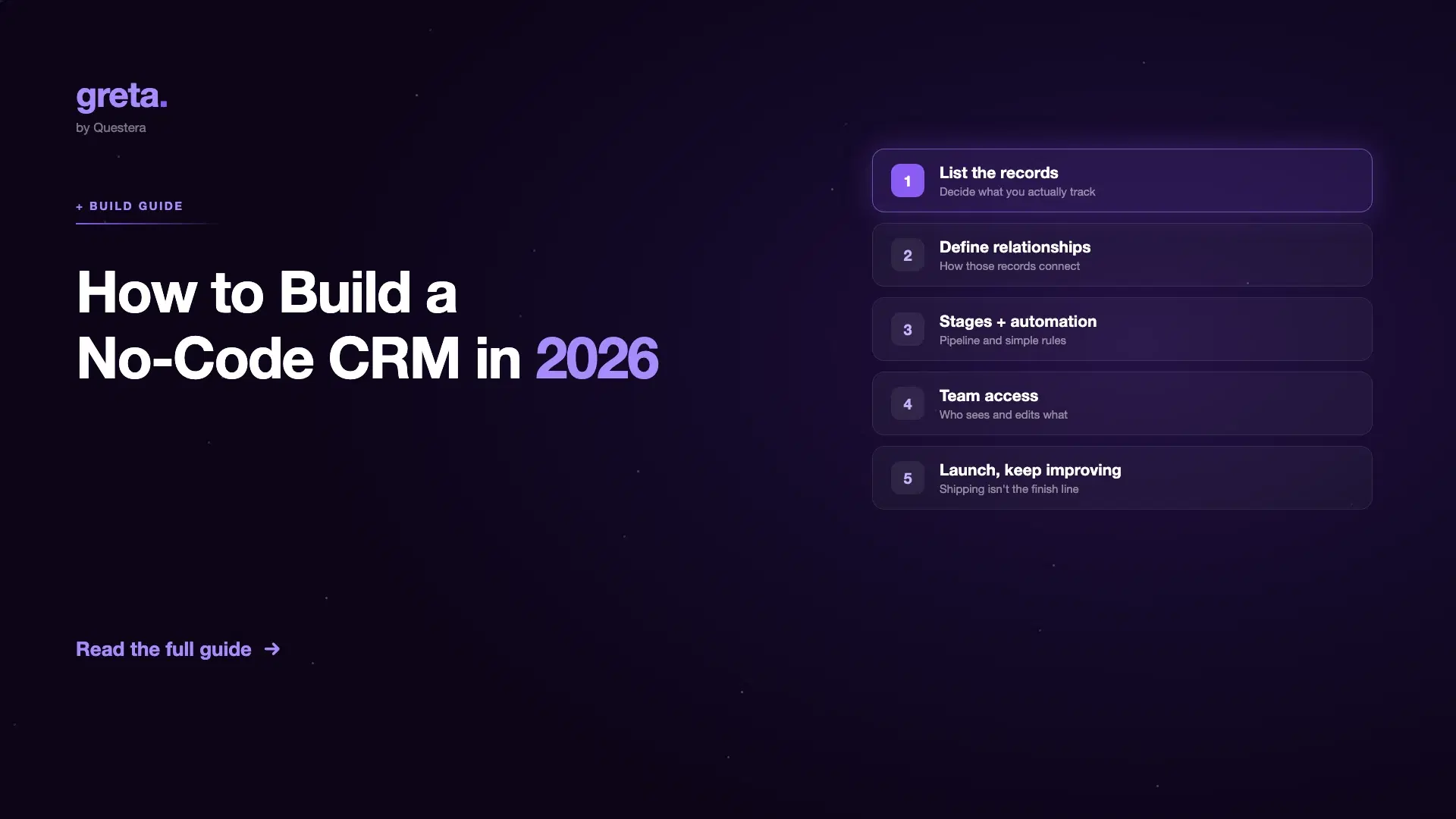
Home / Blog / How to Build a No-Code CRM Without Any Code
Answer first: Build a no-code CRM by defining your records (contacts, deals, notes), the relationships between them (one contact → many deals), your pipeline stages, and who gets access — then describe that structure in plain English to an AI CRM builder like Greta.sh, or assemble a custom CRM manually in a no-code database tool. Most teams have a working no-code CRM platform live in under an hour; the real difference between CRM builders shows up in how far you can customize it afterward. I'd choose this over a spreadsheet because once the business starts growing, relationships, workflows, and permissions become much harder to manage than rows and columns.
Most "internal CRM" projects start the same way: a spreadsheet that got out of hand. It works until someone needs a second view, or a permission the columns can't express, or a mobile-friendly way to log a call after a meeting. You don't need to hire a developer to fix this — you need a proper data model and a no-code CRM platform that can hold it.
What actually counts as a no-code CRM?
At minimum: a table of contacts or accounts, a table of deals or opportunities linked to those contacts, a way to see where each deal sits in a pipeline, and some notes or activity history attached to each record. Everything past that — task reminders, email logging, reporting is a feature you add once the core three tables work in your CRM builder.
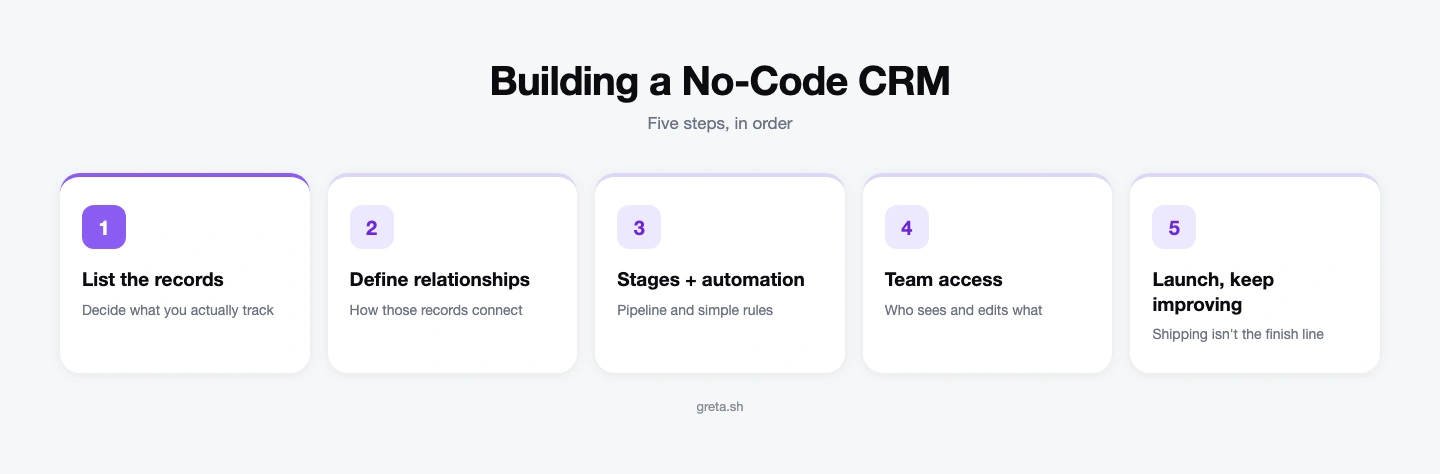
Step 1: List the records you actually need to track
Write down the nouns first, not the features. Typically: Contacts, Companies, Deals, Notes/Activities. Resist adding more than that on day one — every extra table is a relationship you now have to maintain.
Step 2: Define how those records relate to each other
This is the part a spreadsheet can't really do. A contact belongs to a company. A deal belongs to a contact (or several). A note belongs to a deal. In a real database, these are relationships — which is what lets you open a contact and see every deal and note attached to them automatically, instead of manually filtering rows.
Got an idea? Build it now!
Just start with a simple prompt. No coding required: Greta.sh turns your idea into a working app in minutes.
Step 3: Add pipeline stages and simple automation
Give deals a status field — Lead, Contacted, Proposal, Won, Lost — and, if your tool supports it, a rule that does something when a deal changes stage (notify the team, create a follow-up task). This is usually where spreadsheet-backed tools start to strain: conditional logic across linked tables is exactly what they're weakest at.
Step 4: Set up team access and permissions
Decide who can see what before you invite the team — sales reps seeing only their own deals vs. managers seeing everyone's is the most common split. Retrofitting permissions after real customer data is already in the CRM is far more painful than setting them up first.
Step 5: Launch it, then keep improving it
This is the step most no-code CRM guides skip: a CRM is never actually "done." New fields, new views, a mobile-friendly layout for the sales team — this is ongoing maintenance, not a one-time build. Tools that stop at "you built an app" leave that work on you; Greta.sh keeps improving the app after launch automatically, which matters more for a custom CRM than almost any other internal tool, since it's the one everyone touches daily and complains about first.
Got an idea? Build it now!
Just start with a simple prompt. No coding required: Greta.sh turns your idea into a working app in minutes.
Which no-code CRM builder should you actually use?
- A no-code database + portal tool (Knack, or Airtable paired with Softr/Stacker) — the fastest CRM builder if you're comfortable thinking in spreadsheets and don't need deep custom logic.
- Bubble — the most control over logic and UI as a CRM app builder, but the steepest learning curve; often needs a "no-code developer" to maintain as it grows.
- Greta.sh — describe the CRM in plain English (the records, the relationships, the pipeline) and get a real full-stack no-code CRM platform with its own database and auth, not a spreadsheet with a UI layered on top — the better fit if the CRM is expected to outgrow its first version.
If you're choosing between a spreadsheet-backed CRM builder and a real database from day one, this vendor lock-in and data ownership checklist is worth reading before committing — switching backends later is far more painful than picking correctly up front.
Common mistakes when building a no-code CRM
- Modeling everything as one giant table instead of separate linked tables for contacts, deals, and notes — this is the single most common reason DIY custom CRMs become unusable within a few months.
- Skipping permissions until "later" — later is after real customer data is already in the system.
- Picking a CRM builder based on how fast the demo looks, not on whether it can hold real relational data once you have more than a few hundred records.
Teams that outgrow a spreadsheet-backed internal tool stack entirely tend to follow a similar path — see From SaaS Sprawl to Custom-Built Tools for what that transition looks like. Greta.sh also has ready-made templates for internal tools and dashboards if you'd rather start from a CRM-shaped template than a blank prompt.
Frequently asked questions
Can I build a no-code CRM without any coding experience?
Yes — the core of a no-code CRM is a data model (contacts, deals, notes, and how they relate), not code. No-code database tools and AI CRM builders both let you define that structure visually or in plain English, without writing logic by hand.
Is a spreadsheet enough to run a no-code CRM?
A spreadsheet-backed CRM builder works for a simple setup early on, but it starts to strain once you need multi-step automation, granular permissions, or the data grows past a few thousand rows — that's usually the point teams move to a no-code CRM platform with a real relational database.
What's the fastest way to build a custom CRM without code?
Describing the records, relationships, and pipeline stages you need in plain English to an AI CRM builder is typically faster than assembling the same structure manually in a visual no-code editor, since the AI handles the schema and relationships for you.
Do I need a developer to maintain a no-code CRM platform?
Not for the initial build, but CRM builders with deep custom logic often require ongoing "no-code developer" maintenance as the CRM grows. Tools that keep improving the app automatically after launch reduce this ongoing burden.
Got an idea? Build it now!
Just start with a simple prompt. No coding required: Greta.sh turns your idea into a working app in minutes.
Explore more
If you have not yet ruled out buying one, best CRM for small business covers the six products worth checking first and the three signals that mean building is the right call. Otherwise, see Greta.sh's templates for internal tools and dashboards, compare stacks in Greta.sh vs Notion for internal ops, or check current Greta.sh pricing.
Running a service business with trucks on the road? Our tow truck business plan guide shows where dispatch, customer records and invoicing fit into the plan.
Replacing something that already exists rather than starting clean? The parallel trial guide is how to find the undocumented behaviour the old system had before it is switched off.