How it works
From Scattered Projects to a Smooth Studio Operation
Stop tracking projects in spreadsheets and chasing approvals via email. Build a creative studio system that runs like clockwork, in four steps.
How it works
From Scattered Projects to a Smooth Studio Operation
Stop tracking projects in spreadsheets and chasing approvals via email. Build a creative studio system that runs like clockwork, in four steps.
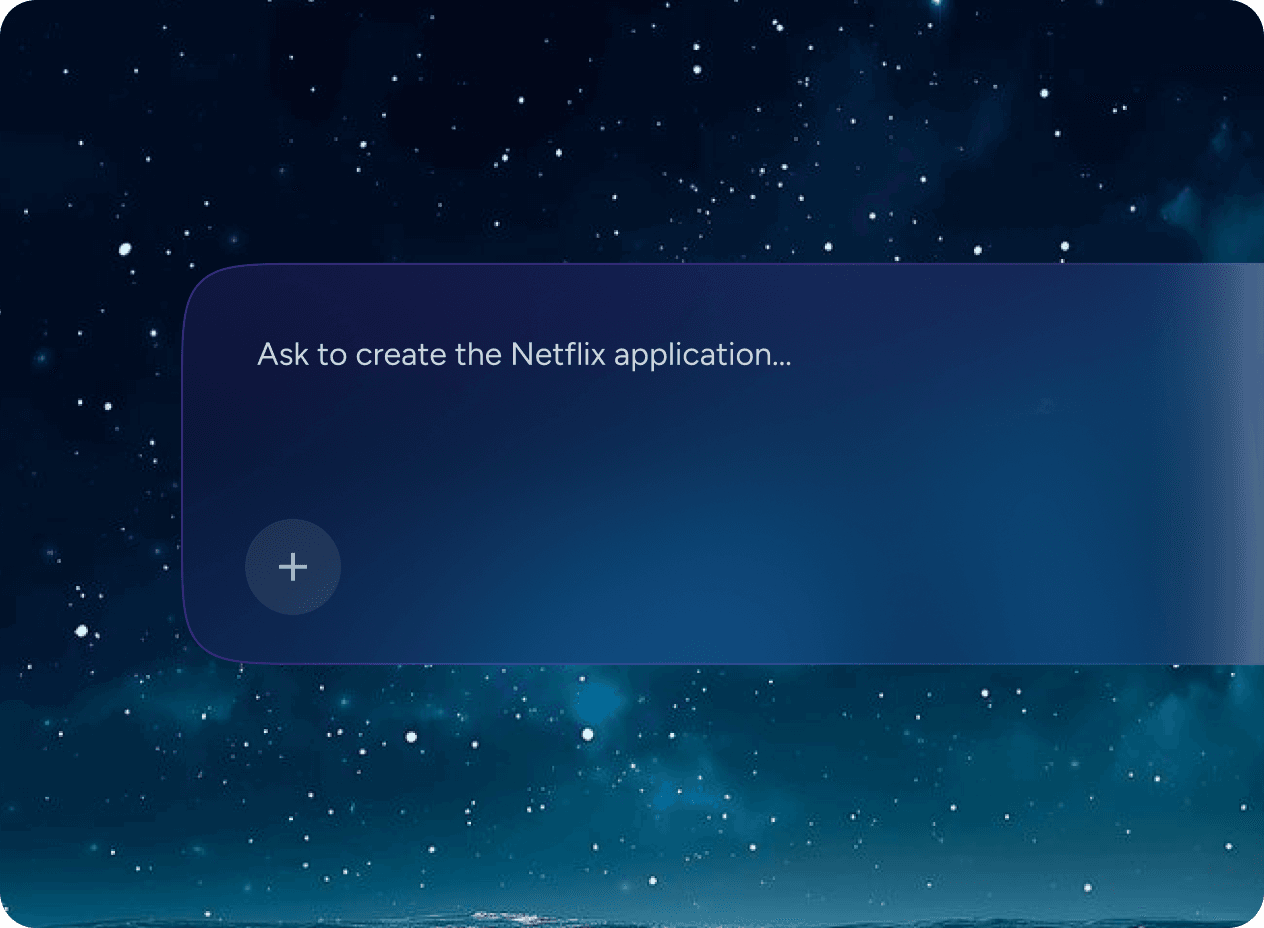
Describe Your Studio Workflow
Tell Greta.sh how you manage briefs, deliverables, revisions, and client approvals.
- Describe your project stages, deliverable types, and approval process.
- Greta.sh maps the right project structure and client touchpoints automatically.
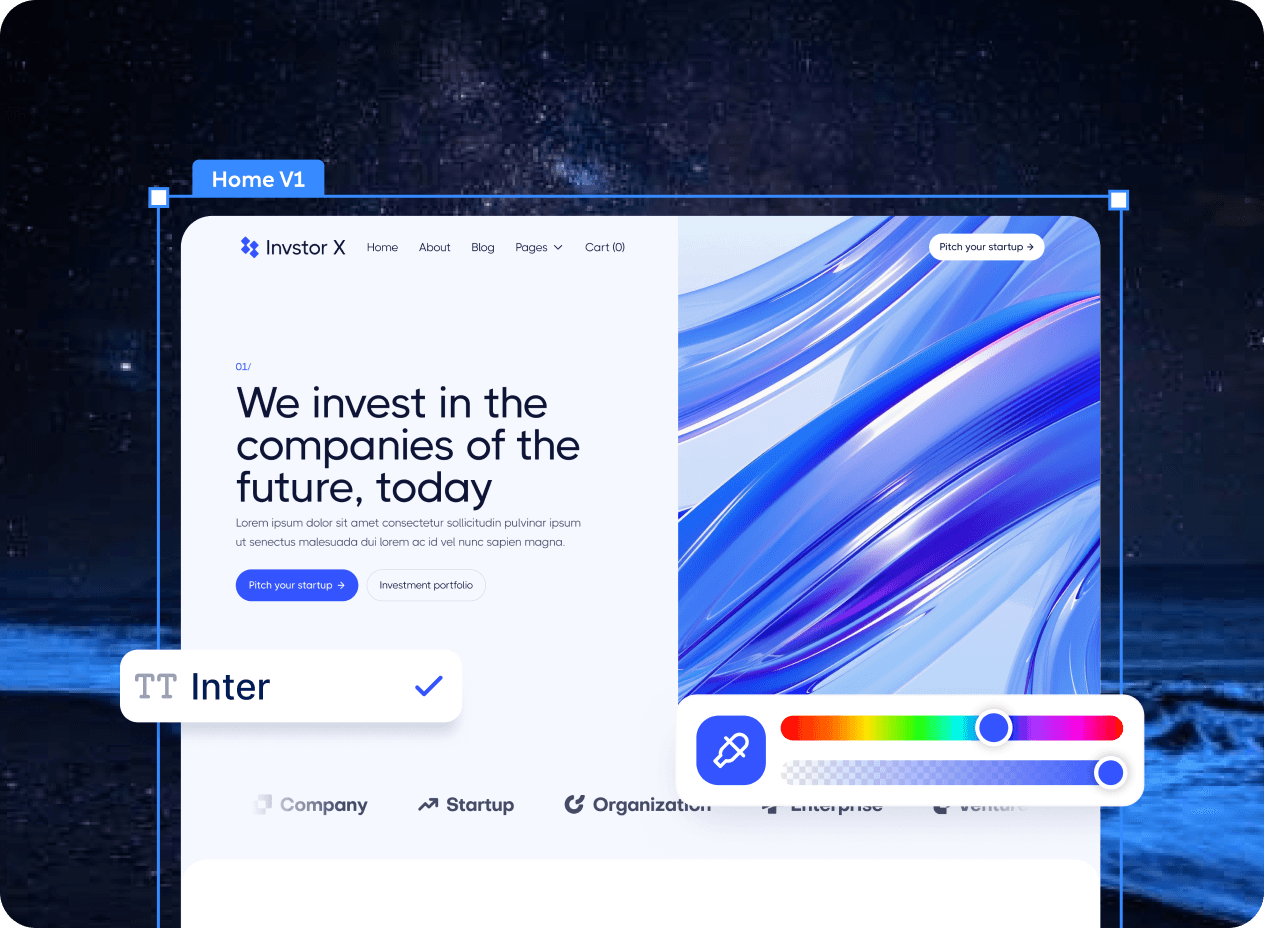
Build Your Project Dashboard
Your studio dashboard appears instantly — projects, deadlines, and revision status in view.
- Customise project stages, milestone labels, and approval checkpoints.
- Add file uploads, version control, and client comment threads.
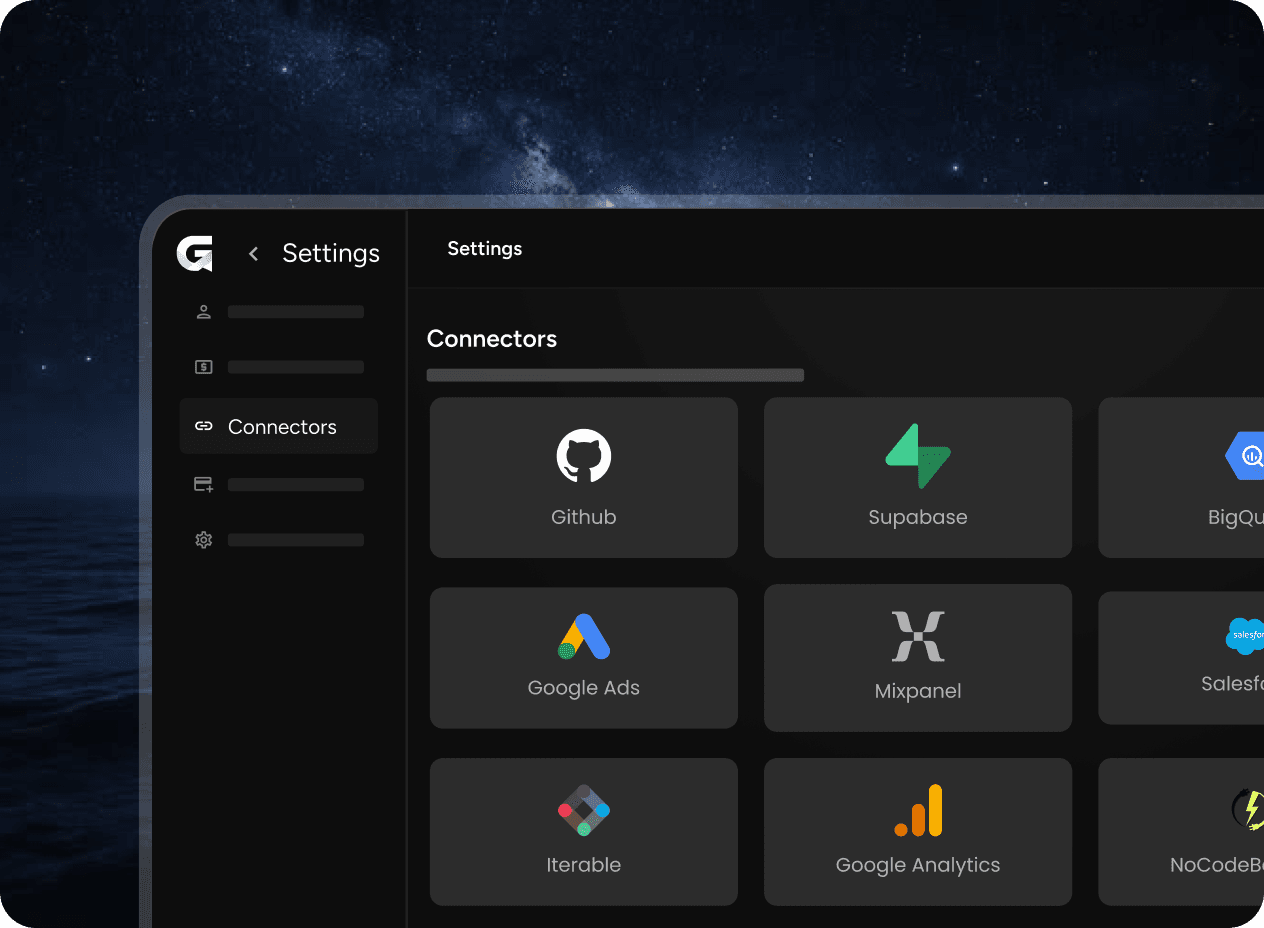
Connect Your Creative Tools
Connect Figma, Notion, or Harvest to keep production moving without context switching.
- Connect Figma, Notion, Harvest, or your project communication tools.
- Sync deliverable status with your team's existing workflow tools.
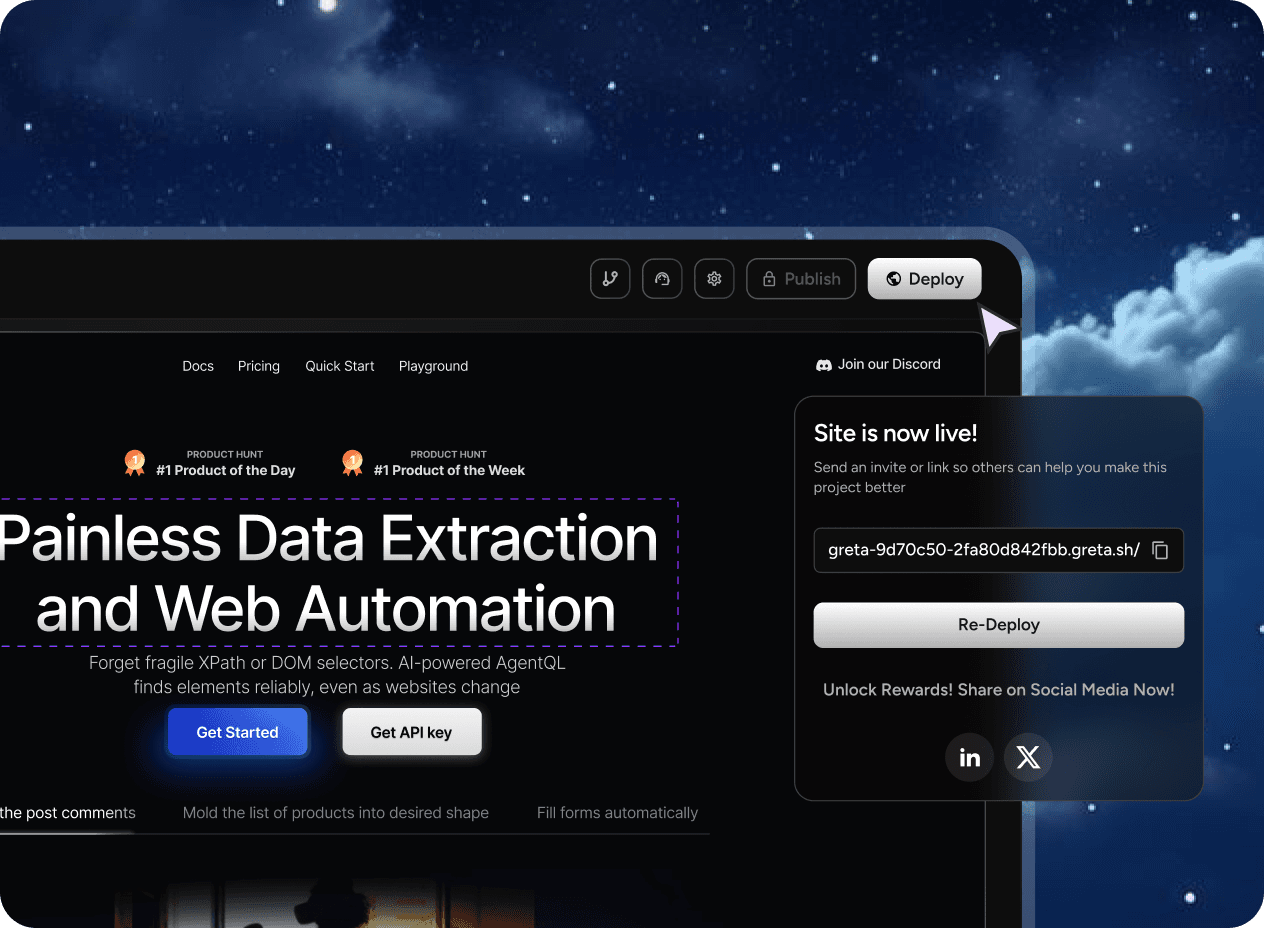
Give Clients a Branded Approval Portal
Launch a client portal where clients review work and sign off without email chains.
- Clients see only their project — no logins, no confusion.
- Approvals are logged with timestamps so you have a clear record.
Platform
A Creative Studio's Complete Toolkit
From portfolio to project management — Greta.sh creative studio tools keep your work moving and your clients impressed.
Portfolio Showcase Builder
Build a stunning portfolio site that showcases your work beautifully — update it in minutes, no designer or developer needed.
Project & Deadline Tracker
See every active project, upcoming deadline, and team member assignment in one clear dashboard that prevents last-minute panic.
Client Approval & Feedback Portal
Share work-in-progress with clients through a branded portal where they can comment, annotate, and formally approve deliverables.
Invoice & Payment Tracker
Generate invoices from completed project milestones and track payment status without switching to a separate accounting tool.
Asset & File Manager
Organise every project's assets, drafts, and final files in a structured library with version history built in.
Greta.sh is built for founders, product managers, designers, and marketing teams who want to move fast. Ops teams and sales teams use it to build internal tools and client-facing apps without code. See pricing or explore integrations.
Explore More
Other Industries on Greta.sh
Greta.sh adapts to every industry. Explore how it works for yours.
FAQ
Creative Studio Automation — Answered
Everything you need to know before building your first studio tool with Greta.sh.
Build Something Real
If you can describe it, you can build it.