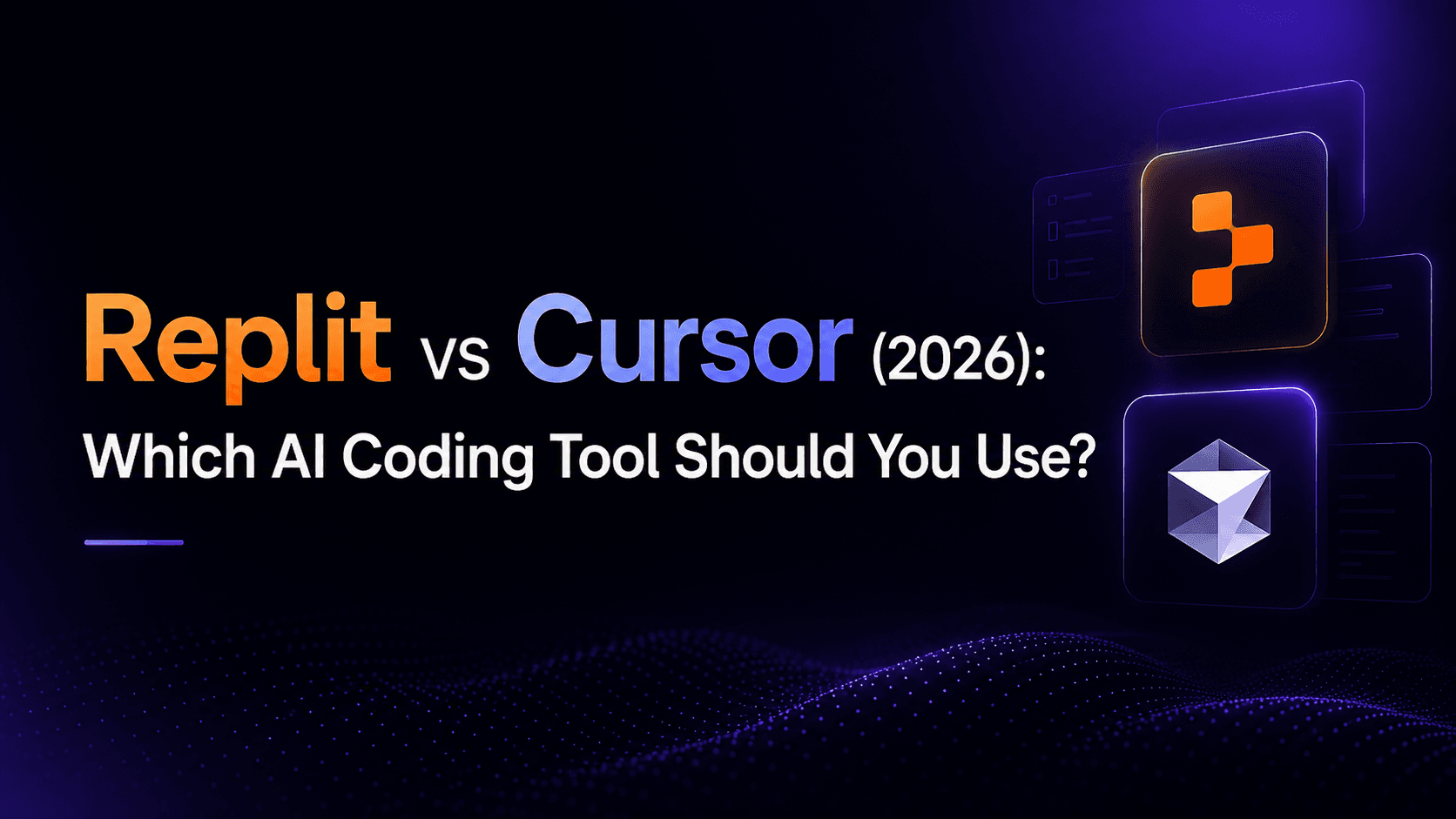
Replit vs Cursor: cloud IDE or AI code editor?
Replit vs Cursor comes down to whether you want an all-in-one cloud platform or a supercharged editor. Replit is a full cloud IDE — you build, run, host, and collaborate in the browser, with an AI Agent that can build apps for you. Cursor is an AI-first code editor you run locally: it makes writing and refactoring real code faster, but you bring your own runtime and deployment. Replit Core is $20/month, while Cursor's plans start at $8/month (Grok models only) with Premium at $30/month. Replit suits beginners and full-stack building; Cursor suits professional developers in an existing codebase. If you don't want to code at all, a no-code option like Greta.sh is the honest third path.
Replit vs Cursor: quick verdict
- Choose Replit if you want to build, run, and host an app in one place — great for beginners and full-stack projects without local setup.
- Choose Cursor if you're a developer who wants the fastest AI-assisted coding inside a professional editor, working on real codebases.
- Consider Greta.sh if you're non-technical and don't want to write or manage code at all — it builds the full-stack app from plain English.
Whether you search it as Replit vs Cursor or Cursor vs Replit, the split is simple: Replit is a place to build and ship; Cursor is a place to write code faster.
How do Replit and Cursor compare at a glance?
| Replit | Cursor | |
|---|---|---|
| Best for | All-in-one cloud building, beginners | Pro developers in real codebases |
| Type | Cloud IDE + AI Agent + hosting | AI-first code editor (local) |
| Runs where | In the browser | On your machine |
| Hosting / deploy | Built-in | Bring your own |
| Free plan | Yes (Starter, 1 app) | Yes |
| Entry paid plan | Core $20/mo ($18 annual) | Plus $8/mo (Grok models only), Premium $30/mo |
| Higher tiers | Pro $100/mo | Super $100, Ultra $200, Teams from $30/user |
| Pricing model | Credits + usage-based Agent | Usage pool; third-party models billed by usage |
| Made by | Replit | Anysphere |
Pricing from each vendor's live pricing page, July 2026; verify before relying on it.
Got an idea? Build it now!
Just start with a simple prompt. No coding required: Greta.sh turns your idea into a working app in minutes.
What is Replit best at?
Replit is best at letting you build and ship a full app without leaving the browser. It bundles a cloud IDE, a built-in database, an AI Agent that can generate apps, multiplayer collaboration, and one-click hosting — so a beginner or a founder can go from idea to a live URL with no local setup. Pricing: a free Starter (one published app, daily Agent credits), Core at $20/month ($18 annual, $20 in monthly credits, up to 5 collaborators), and Pro at $100/month (up to 15 collaborators); Agent usage is billed on top on an effort basis. Its strength is the all-in-one, zero-setup experience; its limitation is that usage-based Agent pricing makes bills variable.
What is Cursor best at?
Cursor is best at making a professional developer faster in real code. It's an AI-first editor (a VS Code-style app you run locally) with agent mode and access to Grok and third-party models — ideal for writing, refactoring, and navigating existing codebases. Pricing: a free tier, Plus at $8/month (Grok models only), Premium at $30/month, Super at $100/month, Ultra at $200/month, and Teams from $30/user/month; each tier includes a usage pool, and third-party models are billed separately at API list prices. Its strength is best-in-class in-editor AI; its limitation is that it assumes you can already code and handle your own runtime and deployment — there's no builder or hosting.
For how Cursor compares with a terminal-first agent, read Cursor vs Claude Code.
Replit vs Cursor: pricing compared
Both have free tiers. Replit Core is $20/month, while Cursor's plans start at $8/month (Grok models only) with Premium at $30/month. You're paying for different things. Replit's price includes hosting, a database, and an Agent that builds apps, with Agent usage metered on top. Cursor's price is for the editor and a usage pool, with third-party models billed separately; you supply the rest of the stack. For heavy individual use, Cursor scales up through Super ($100) and Ultra ($200), while Replit's next step is Pro at $100/month. Both meter AI usage, so real cost depends on how hard you push the AI.

Got an idea? Build it now!
Just start with a simple prompt. No coding required: Greta.sh turns your idea into a working app in minutes.
Which should you choose: Replit or Cursor?
Match the tool to how you work. If you want an all-in-one place to build and host — especially as a beginner or founder — Replit is the better home. If you're a developer working in a real codebase and want the fastest AI editing, Cursor is the better tool. If you don't want to code at all, neither is really for you — that's where a no-code AI builder like Greta.sh fits, generating the full-stack app from plain English. See Greta.sh vs Replit and the deeper take on an AI app builder vs an AI IDE. Reach for Replit when you want to build and deploy quickly in one browser tab, and Cursor when you're working seriously inside an existing codebase and want precise control.
Can Replit and Cursor be used together?
Yes. Replit and Cursor are not always direct substitutes. You can use Cursor to edit a repository locally with AI assistance, then deploy the application through Replit or another hosting provider. This workflow gives you Cursor's code-editing experience while retaining a managed deployment environment. However, it introduces more setup than building entirely inside Replit.
Frequently asked questions
Is Replit better than Cursor? Neither is strictly better — they're different tools. Replit is better if you want an all-in-one cloud platform to build and host apps, especially as a beginner. Cursor is better if you're a professional developer who wants the fastest AI coding inside your editor. Replit Core is $20/month, while Cursor's plans start at $8/month (Grok models only) with Premium at $30/month.
Is Replit or Cursor better for beginners? Replit is generally better for beginners. It runs in the browser with no setup, includes hosting and a database, and its AI Agent can build apps for you. Cursor assumes you already code and manage your own runtime, which is a steeper starting point.
Is Replit or Cursor cheaper? Replit Core is $20/month ($18 annual); Cursor Plus is $8/month (Grok models only) and Premium is $30/month. Both have free tiers. Costs diverge with heavy use: Cursor scales to Super ($100) and Ultra ($200), while Replit's next tier is Pro at $100/month, and both meter AI usage.
Do Replit and Cursor host your app? Replit includes built-in hosting, so you can deploy from the browser. Cursor does not host anything — it's an editor, so you bring your own deployment. That's the core difference: Replit is build-and-ship, Cursor is write-code-faster.
What if I don't want to code at all? Then neither Replit nor Cursor is ideal — both still expect you to work with code. A no-code AI builder like Greta.sh builds the full-stack app (frontend, backend, database, deployment) from plain English, which suits non-technical founders better.
Don't want to touch code? Build a full-stack app from a prompt → Try Greta.sh free
Greta.sh vs Replit · Greta.sh vs Cursor (AI app builder vs AI IDE) · Best Replit alternatives · All comparisons
Last updated: July 26, 2026. Pricing/features from each vendor's live pricing page on this date; confirm before relying on it.