Build a Student Portal That Keeps Learners Engaged
Build a student portal with course progress, milestone badges, announcements and reminder emails through Resend, as an app you create and own with Greta.sh.
How it works
From Idea to Live Student Portal
Four steps from a plain-language description to your published student portal.
How it works
From Idea to Live Student Portal
Four steps from a plain-language description to your published student portal.
Describe Your Idea
Tell Greta.sh in plain language what your student portal should do and who will use it.
- No code needed: describe the pages, forms and data you want.
- Describe your course structure and milestones.
See It Come to Life
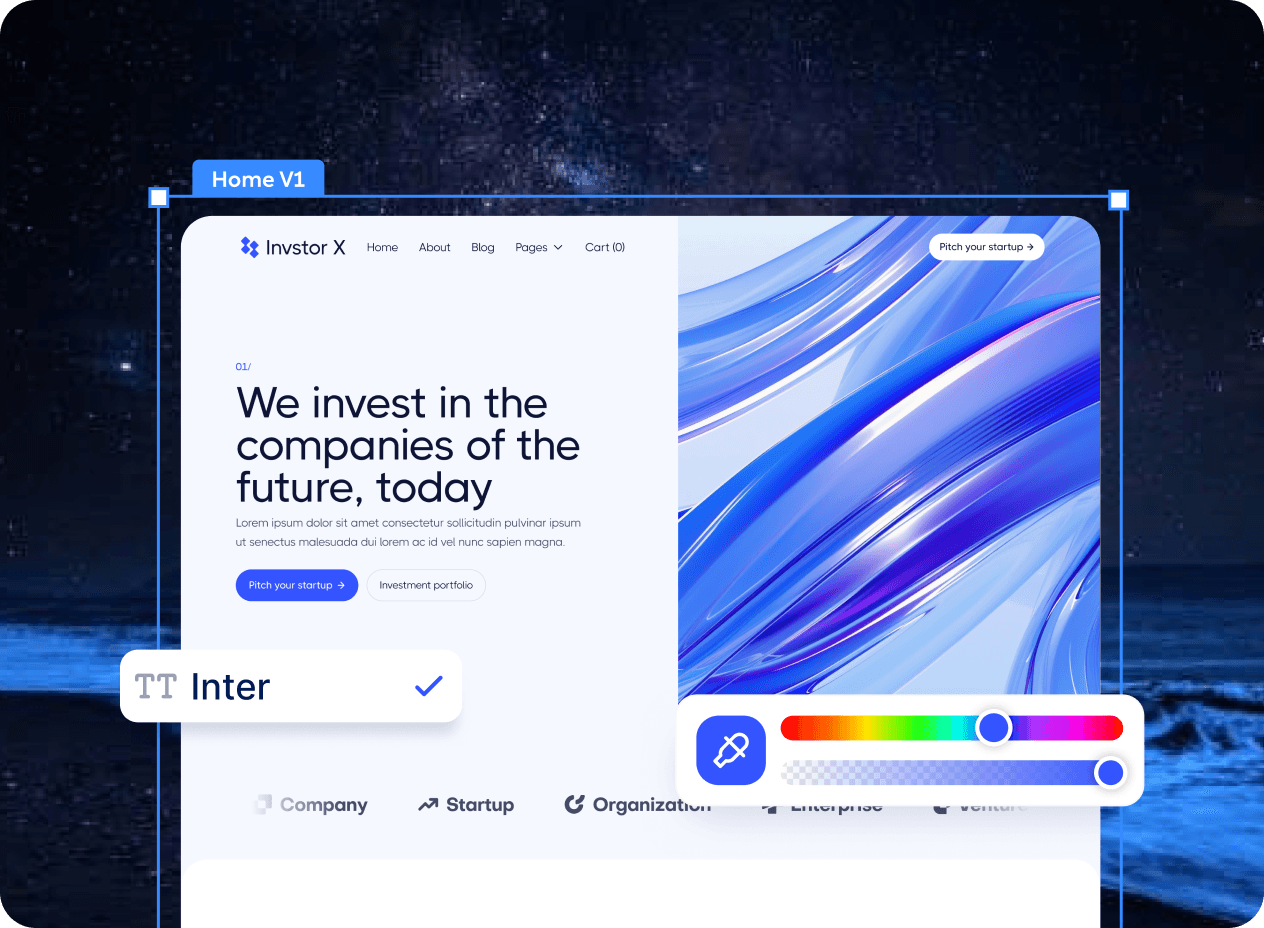
Greta.sh builds a working student portal that you preview and refine by chat.
- Change layouts, copy and logic by describing the change.
- Preview the portal as a student would see it.
Add What You Need
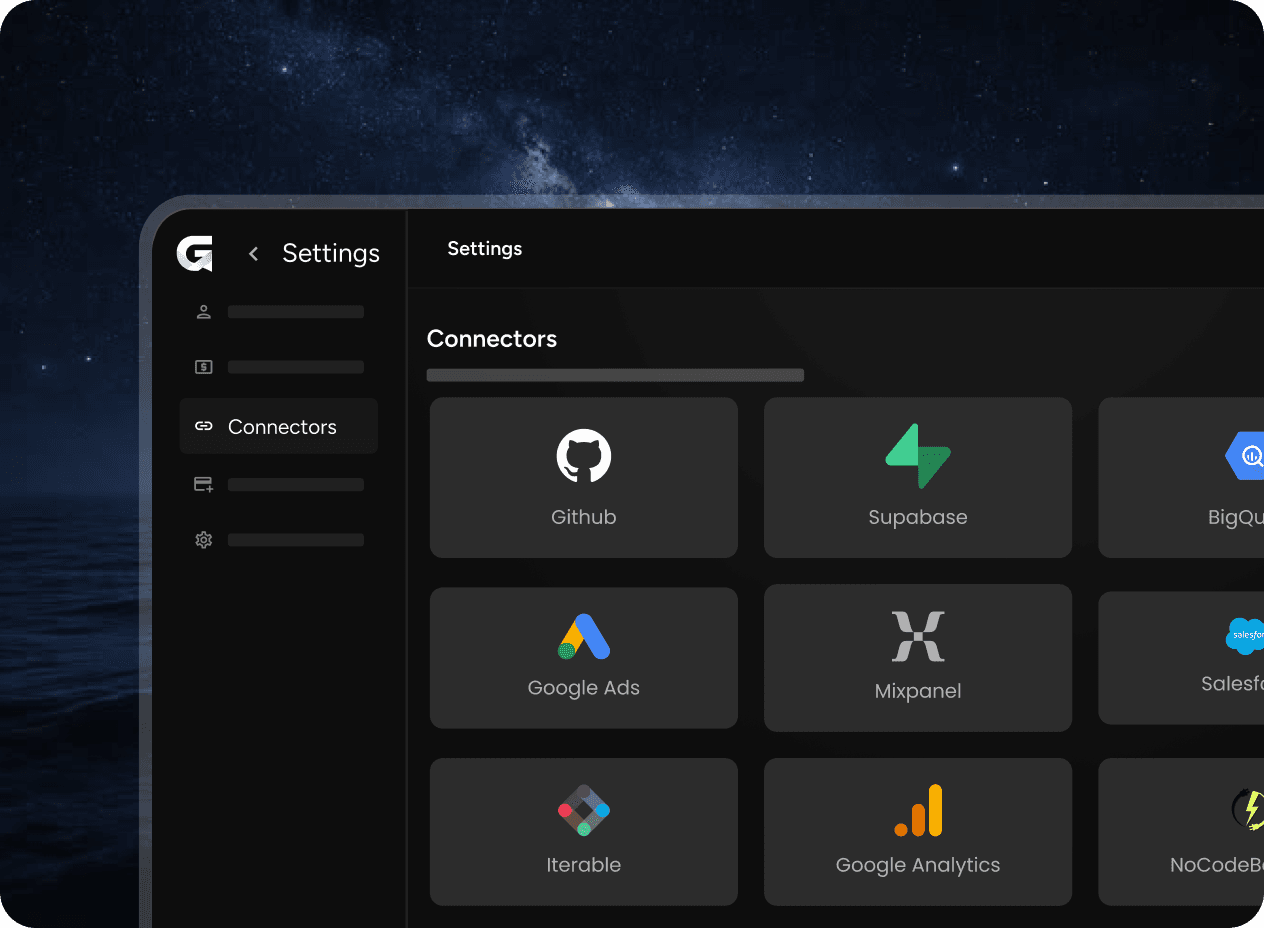
Add the data, email and outside services your student portal needs.
- Email goes out through the Resend connector; the database and Flows are on the Pro plan.
- Anything else with an HTTP API, such as your learning platform, can be called from your app: describe the call and Greta.sh writes it.
Publish When Ready
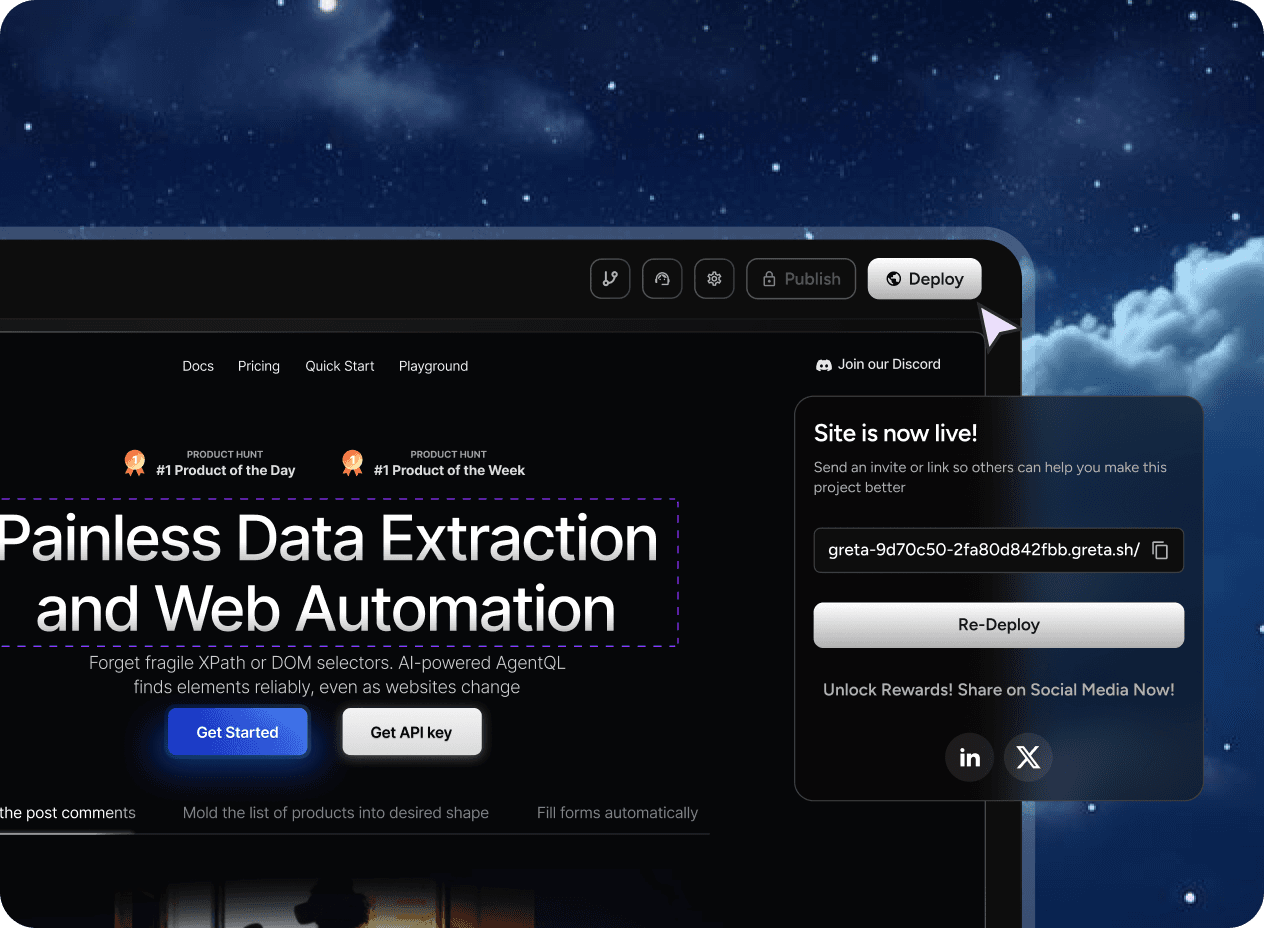
Put your student portal live from the Starter plan, on your own domain if you want.
- Deployment, a custom domain and web analytics come with the Starter plan.
- The code is yours to read and edit, with GitHub version control on Pro.
Platform
What Your Student Portal Can Include
Ideas to describe to Greta.sh. Each one becomes part of your own app, built from your prompt and published on your plan.
Progress Dashboard
Each student sees completed lessons and what is next, stored in your database.
Milestone Badges
Badges awarded when a student reaches a milestone you define.
Announcements and Reminders
Course news in the portal and reminder emails sent through Resend.
Your Code, Your App
Read and edit the generated code in the editor, and keep it in GitHub with version control on the Pro plan.
Publish on Your Domain
Go live with deployment, a custom domain and web analytics on the Starter plan.
Explore More
Explore Other Industries
Greta.sh works across every industry. See how other marketers are driving results.
FAQ
Got more questions?
What to know before you build your student portal with Greta.sh.
There is no built-in LMS connector. If your LMS has an HTTP API, your app can call it: describe the call and Greta.sh writes it.
Yes. Describe the change, Greta.sh updates the app, and you publish again. You can also edit the code directly in the code editor on Starter and above.
Build Something Real
If you can describe it, you can build it.