Build Churn Prevention Features for Your SaaS
Add an at-risk accounts view, a cancellation survey and win-back emails through Resend to a SaaS app you build with Greta.sh, using rules you define.
How it works
From Idea to Live Retention Toolkit
Four steps from a plain-language description to your published retention toolkit.
How it works
From Idea to Live Retention Toolkit
Four steps from a plain-language description to your published retention toolkit.
Describe Your Idea
Tell Greta.sh in plain language what your retention toolkit should do and who will use it.
- No code needed: describe the pages, forms and data you want.
- Describe what makes an account look at risk for you.
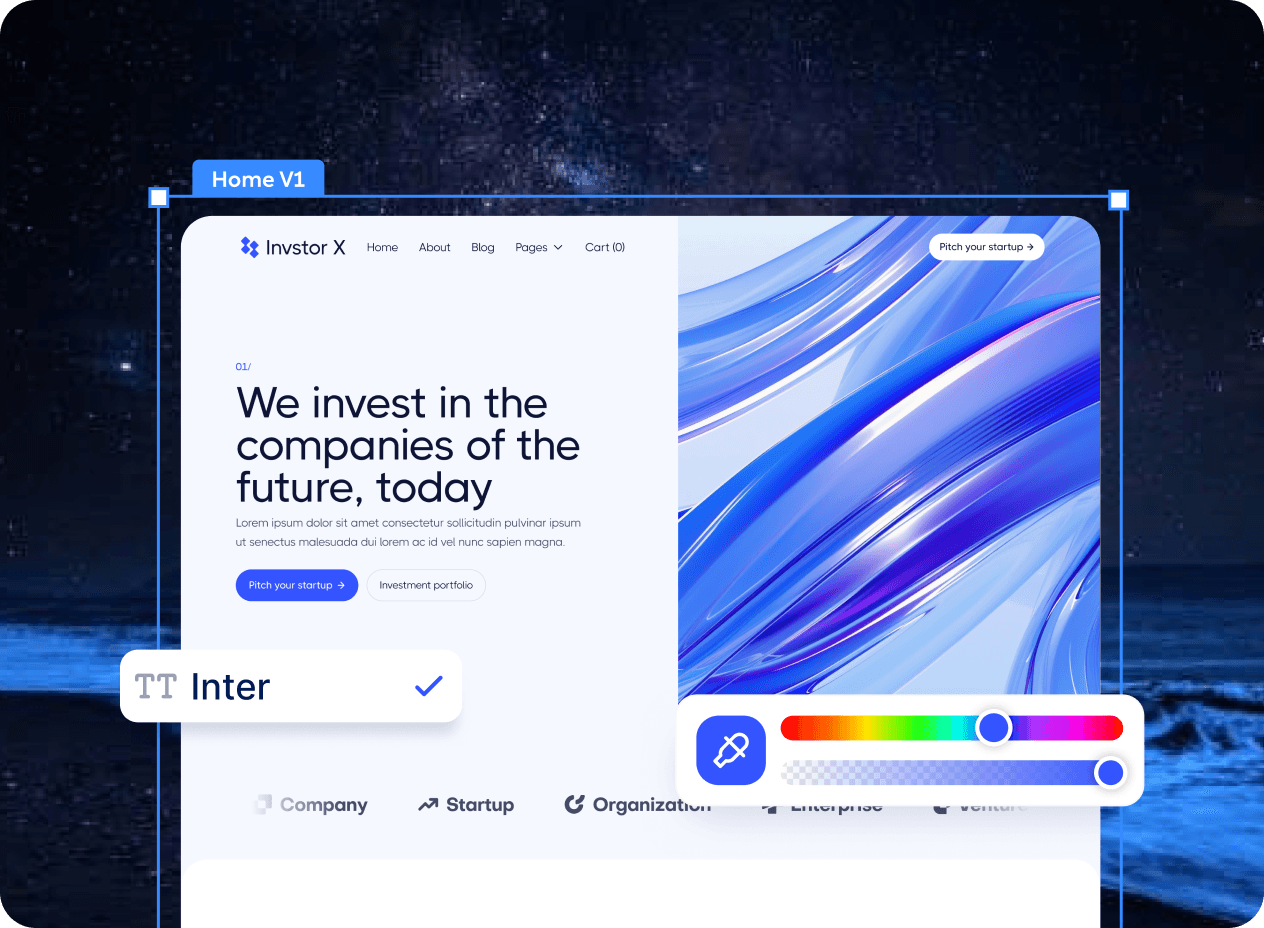
See It Come to Life
Greta.sh builds a working retention toolkit that you preview and refine by chat.
- Change layouts, copy and logic by describing the change.
- Preview the at-risk list and the cancellation survey.
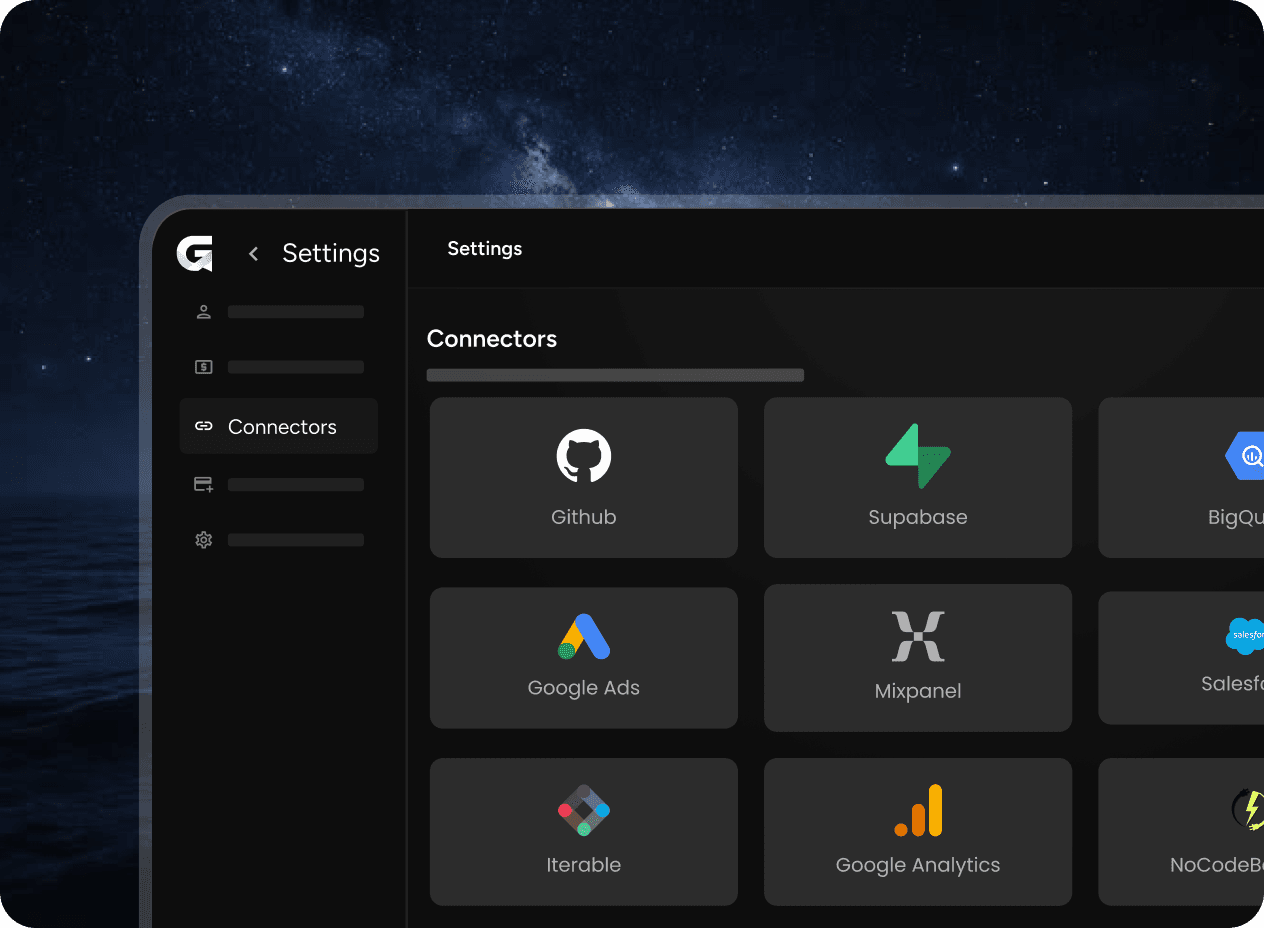
Add What You Need
Add the data, email and outside services your retention toolkit needs.
- Email goes out through the Resend connector; the database and Flows are on the Pro plan.
- Anything else with an HTTP API, such as your support desk, can be called from your app: describe the call and Greta.sh writes it.
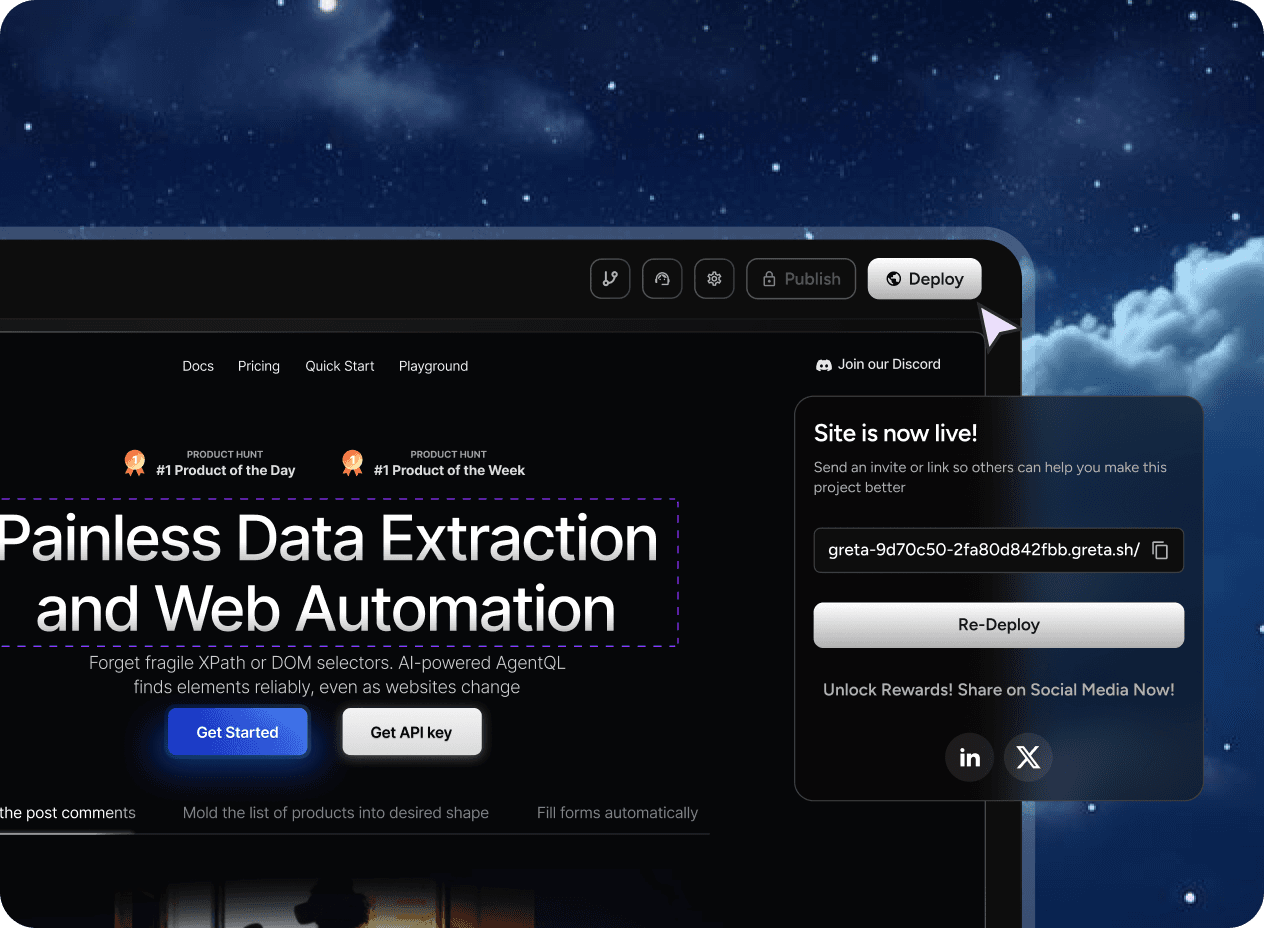
Publish When Ready
Put your retention toolkit live from the Starter plan, on your own domain if you want.
- Deployment, a custom domain and web analytics come with the Starter plan.
- The code is yours to read and edit, with GitHub version control on Pro.
Platform
What Your Retention Toolkit Can Include
Ideas to describe to Greta.sh. Each one becomes part of your own app, built from your prompt and published on your plan.
At-Risk Accounts View
An internal list of accounts that match your risk rules, such as no login in 14 days.
Cancellation Survey
Ask why people leave and save the answers to your database.
Win-Back Emails
Resend emails to lapsed accounts with the offer you choose.
Your Code, Your App
Read and edit the generated code in the editor, and keep it in GitHub with version control on the Pro plan.
Publish on Your Domain
Go live with deployment, a custom domain and web analytics on the Starter plan.
Explore More
Explore Other Industries
Greta.sh works across every industry. See how other marketers are driving results.
FAQ
Got more questions?
What to know before you build your retention toolkit with Greta.sh.
No. Your app flags accounts using rules you describe. If you want an AI summary of account activity, your app can call OpenAI, Claude or Gemini through the connectors.
Yes. Describe the change, Greta.sh updates the app, and you publish again. You can also edit the code directly in the code editor on Starter and above.
Build Something Real
If you can describe it, you can build it.