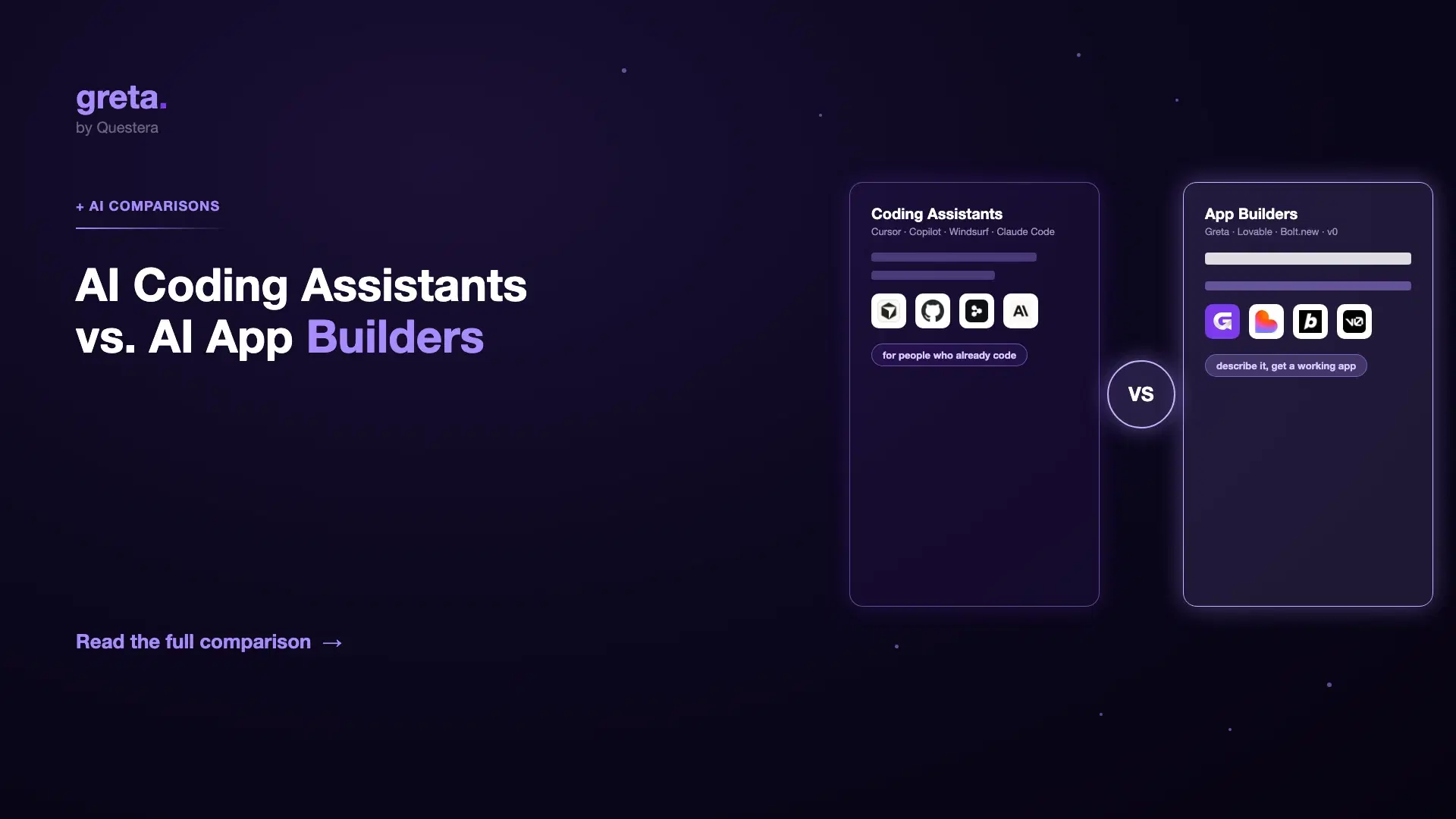
TL;DR: AI coding assistants (Cursor, GitHub Copilot, Windsurf, Claude Code) help someone who already codes write code faster --- they live inside an editor or terminal and assume you can read and evaluate what they produce. AI app builders (Greta.sh, Lovable, Bolt.new, v0) generate a working application directly from a plain-English description --- built for people who may not code at all. The categories overlap at the edges but solve different problems for different people. Picking the wrong one for your situation is the single most common mistake in this space.
Introduction
"AI coding" has become a catch-all term covering two genuinely different categories of tool, and mixing them up leads to real frustration --- a non-coder trying to get value from a terminal-first coding agent, or a professional engineer expecting an app builder to give them the fine-grained control their workflow needs.
This guide draws the line clearly: what an AI coding assistant is, what an AI app builder is, where the real tools in each category sit, and how to pick the right one for what you're actually trying to do.
What is an AI coding assistant?
An AI coding assistant lives inside the environment a developer already uses --- an editor, an IDE, or a terminal --- and helps them write, understand, or refactor code faster. The developer stays in the loop: they read suggestions, accept or reject them, and are expected to understand what the code does before it ships.
The category includes tools built for very different working styles:
- GitHub Copilot --- the most widely adopted tool in the category, deeply integrated into VS Code, JetBrains, Neovim, and Visual Studio. Lowest-friction option for most professional developers already working in those editors.
- Cursor --- an AI-native editor built around deep codebase understanding and multi-file editing, popular with full-stack developers working on complex, established projects.
- Windsurf --- known for speed and its autonomous "Cascade" mode, often the pick for indie developers who want a strong price-to-feature ratio.
- Claude Code --- a terminal-based agent built for large, autonomous engineering tasks, with a context window large enough to reason about substantial codebases at once. The tool serious engineering teams reach for when a problem is genuinely hard, not just repetitive.
All four assume the person using them can read code, judge whether a suggestion is correct, and take responsibility for what ships. That's the defining trait of the category.
What is an AI app builder?
An AI app builder generates a complete, working application directly from a natural-language description --- frontend, backend, database, and often deployment --- without requiring the user to read or write code at all. The target user is frequently a non-coder: a founder, a product manager, a marketer, someone who has never opened a terminal.
- Greta.sh --- generates full-stack apps from a description and bundles growth tooling (domain, SEO, analytics, content) into the same workspace.
- Lovable --- produces clean, production-grade React output on a fixed Supabase-backed stack.
- Bolt.new --- browser-native via WebContainers, with the strongest Figma-to-code import in the category.
- v0 --- Vercel's tool for clean Next.js UI, now extended with built-in database support for small full-stack apps.
The defining trait here is the opposite of the coding-assistant category: the user is not expected to read the generated code to use the tool successfully. They describe the outcome; the tool handles the implementation.
Got an idea? Build it now!
Just start with a simple prompt. No coding required: Greta.sh turns your idea into a working app in minutes.
The core difference, side by side
| AI coding assistants | AI app builders | |
|---|---|---|
| Who it's for | People who already code | People who may not code at all |
| Where you work | Inside an editor or terminal | A prompt-driven builder interface |
| What you control | Every line, accepted or rejected individually | The overall app; implementation is handled for you |
| Expected skill | Can read and evaluate code | Can describe what they want clearly |
| Output | Suggestions and edits inside an existing project | A complete, runnable application |
| Examples | GitHub Copilot, Cursor, Windsurf, Claude Code | Greta.sh, Lovable, Bolt.new, v0 |
Where the categories overlap
The line isn't perfectly clean. Several app builders (Bolt.new, Replit Agent) show you the generated code as it's written, and a technically curious non-coder can learn a surprising amount by watching. Conversely, some coding assistants are autonomous enough (Claude Code, Windsurf's Cascade mode) to complete large, multi-file tasks with minimal supervision, which starts to resemble what an app builder does.
The practical distinction that still holds: coding assistants assume you can evaluate the code if you choose to, and are built around that assumption. App builders assume you don't need to, and are built to make that true.
Which one should you actually use?
- Use a coding assistant if you already write code professionally and want to move faster inside your existing workflow.
- Use a coding assistant if the project is a large, established codebase where deep, file-by-file control matters.
- Use an app builder if you're a non-coder --- founder, PM, marketer --- and the goal is a working product, not a coding skill.
- Use an app builder if you want a complete application (frontend, backend, database, deployment) rather than assistance inside a project you're already building.
- Use both if you're a technical founder: an app builder like Greta.sh to get the first version shipped fast, then a coding assistant like Cursor or Claude Code once the codebase is real and you're extending it by hand.
Got an idea? Build it now!
Just start with a simple prompt. No coding required: Greta.sh turns your idea into a working app in minutes.
Frequently Asked Questions
Q1: Can a non-coder use an AI coding assistant? Technically yes, but it's a poor fit --- the tool assumes you can judge whether its output is correct, which is exactly the skill a non-coder doesn't have. An app builder is the right category for that use case.
Q2: Can a professional engineer use an AI app builder? Yes, often to prototype fast or hand a first version to a non-technical co-founder --- but most professional engineers move to a coding assistant once they're extending a real, growing codebase where fine-grained control matters more than generation speed.
Q3: Do app builders produce real, production-grade code? The better ones do --- Greta.sh, Lovable, Bolt.new, and v0 all export real, working code, some to GitHub directly. The difference from a coding assistant isn't code quality; it's whether the user is expected to read that code to succeed.
Q4: Is one category strictly newer than the other? No --- both have matured in parallel through 2025 and 2026. Coding assistants evolved from autocomplete into increasingly autonomous agents; app builders evolved from simple prompt-to-UI tools into full-stack generators with real backends.
Q5: What happens when a non-coder's app-builder project outgrows the tool? This is the most common handoff point: a founder ships a first version with an app builder, then brings in an engineer using a coding assistant to extend the exported codebase. Tools that export clean, real code (rather than locking you into a hosted-only platform) make this handoff far less painful.
Conclusion
AI coding assistants and AI app builders solve genuinely different problems for genuinely different people --- one speeds up developers who already know what they're doing, the other lets someone who doesn't code at all ship a real application. Neither is "more advanced" than the other; they're built around opposite assumptions about who's using them.
The fastest way to pick correctly: ask whether you want to write and evaluate code, or describe an outcome and let the tool handle the rest. That answer tells you which category you actually need.