At minimum, an educational app needs content delivery, user accounts with separate learner/instructor roles, progress tracking, and some form of assessment (quizzes or graded assignments) - payments and gamification are optional add-ons, not requirements. Building one used to mean hiring a development team or learning to code for months. With AI app builders that turn plain-English prompts into working full-stack software, a solo founder or teacher can now build and launch a real educational app in days, not quarters.
Educational apps look simple from the outside - lessons, quizzes, progress bars but the plumbing underneath (auth, roles, a database that tracks who finished what) is exactly the kind of "boring infrastructure" that used to require a technical co-founder. That's changed. This guide walks through what an educational app actually needs, then shows how to build one prompt by prompt.
One thing we've seen at Greta.sh is that people usually underestimate the infrastructure and overthink the screens. A tutoring or exam-prep app might look like a fairly simple collection of lessons and quizzes, but the first build often reveals the real work: making sure a student sees the right content, an instructor can manage it, and progress is saved correctly for each user.
What has surprised us is how quickly that part can now come together. Instead of spending days manually wiring roles, permissions, authentication, and progress data, a builder can describe how students and instructors should behave differently and let the platform generate much of that structure. That leaves more time for the part teachers and founders actually understand best: what students should learn and how the learning experience should work.
What educational apps actually need under the hood
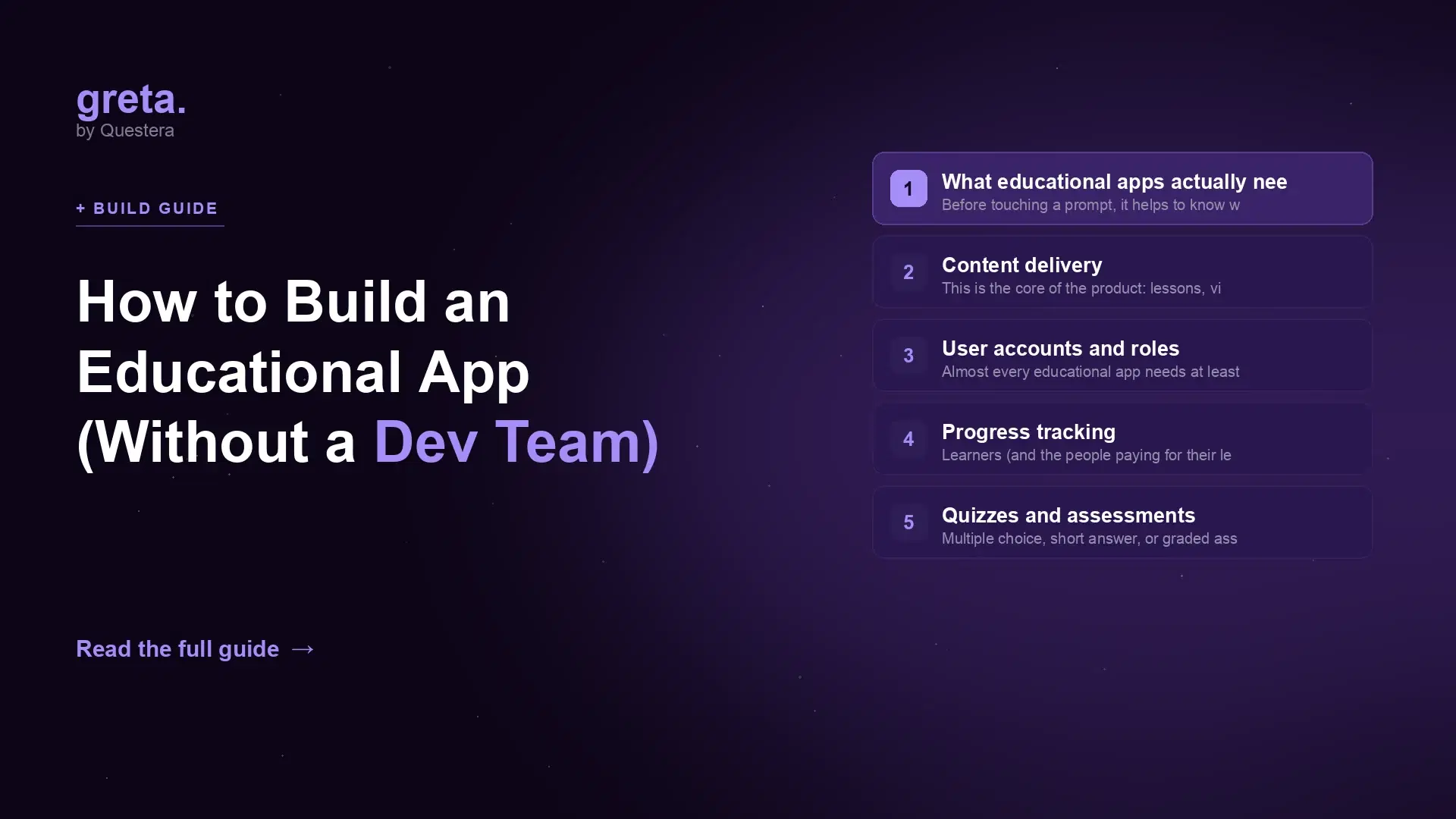
Before touching a prompt, it helps to know what you're actually building. Every real educational app whether it's a K-12 homework helper, a corporate training portal, or an exam-prep tool, is built from the same handful of moving parts.
Content delivery
This is the core of the product: lessons, videos, readings, or interactive modules organized into a sequence a learner moves through. You need a data model for courses, modules, and lessons, plus a way to upload and structure that content without touching code every time you add a unit.
User accounts and roles
Almost every educational app needs at least two roles: someone who consumes content (student) and someone who creates or manages it (teacher, admin, or instructor). Role-based access control decides who can edit a course versus who can only view it and submit answers get this wrong and either students can edit the answer key, or your one admin account becomes a bottleneck.
Progress tracking
Learners (and the people paying for their learning - parents, HR departments, schools) want to see what's been completed, what's in progress, and what's overdue. This means persisting completion state per user per lesson, not just per course, a detail that's easy to skip in a first draft and painful to retrofit later.
Quizzes and assessments
Multiple choice, short answer, or graded assignments — assessments are what turn passive content into verified learning. At minimum you need question banks tied to lessons, a scoring mechanism, and a way to store results against a user's progress record.
Payments (optional, but common)
Not every educational app needs to charge money on day one, but most eventually do — per-course pricing, subscriptions, or seat-based licensing for schools and companies. Stripe or a similar payment processor needs to hook into your user and course data so access unlocks automatically on purchase.
A realistic build walkthrough
Here's what building an educational app with an AI app builder actually looks like in practice — the kind of prompt sequence that takes you from nothing to a working product.
Prompt 1 — the foundation:
"Build an educational app for [exam prep / corporate training / a homework helper for middle schoolers]. I need two account types: students and instructors. Students can browse and enroll in courses; instructors can create courses made of modules and lessons."
This first prompt should get you a working data model, authentication, and role-based dashboards — the skeleton everything else hangs on.
Prompt 2 — content structure:
"Let instructors add lessons to a module, each with text content and an optional embedded video link. Let students mark a lesson complete and see a progress bar for the whole course."
Prompt 3 — assessments:
"Add a quiz builder for instructors — multiple choice and short answer questions attached to a lesson. When a student submits a quiz, score it automatically for multiple choice and store the results tied to their progress record."
Prompt 4 — monetization (if needed):
"Add Stripe checkout so students can purchase access to a course. Free preview of the first lesson, then require purchase to unlock the rest."
Prompt 5 — polish:
"Add an instructor dashboard showing enrollment counts and average quiz scores per course. Add email notifications when a student completes a course."
Each prompt builds on real, working infrastructure from the last — this is the same pattern behind other vertical builds, like the one in greta.sh's guide to building an online course platform with AI, which covers the course-and-cohort side of this in more depth.
Common pitfalls
A few mistakes show up over and over in early educational app builds, AI-assisted or not:
- Treating "progress" as a single flag instead of granular state. If you only track "course complete: yes/no," you can't show a partial progress bar or resume where a learner left off. Track completion at the lesson level from the start.
- Skipping role separation early. Bolting on an instructor role after launch usually means rebuilding your permissions model. Define student vs. instructor (and admin, if you need it) in the very first prompt.
- Ignoring privacy requirements if minors are involved. Apps aimed at children under 13 in the US fall under COPPA, and school-affiliated tools often need to consider FERPA. This isn't optional legal boilerplate — it affects what data you can collect and how sign-up has to work. The FTC's compliance guidance is the right starting point (FTC COPPA guidance).
- Building for desktop only. A large share of learners — especially in K-12 and corporate training — will use a phone or tablet. Test the actual quiz-taking and lesson-viewing flow on a small screen before you call it done.
- Overlooking accessibility. Educational content has to work for learners using screen readers or keyboard navigation, not just as a compliance checkbox but because it directly affects who can use your product. The W3C's WCAG standards (Web Content Accessibility Guidelines) are the reference point most institutional buyers will expect you to meet.
Got an idea? Build it now!
Just start with a simple prompt. No coding required: Greta.sh turns your idea into a working app in minutes.
Where Greta.sh fits
Greta.sh is built for exactly this kind of build: describe the app in plain English — "students and instructors, courses made of lessons, quizzes with auto-grading, Stripe for paid courses" — and get back a real full-stack app with a working database, authentication, role-based access, and deployment, not a prototype you still have to hand off to an engineer.
That matters most for the parts of an educational app that are tedious to build by hand but easy to get wrong: the permissions model that keeps students out of the answer key, the progress-tracking schema that survives a redesign, the quiz-scoring logic that has to run reliably at 2am when a student submits an assignment. Because greta.sh generates real code and a real database rather than a locked-in visual flow, you're not stuck if you outgrow the initial build — you can keep prompting for new features (cohorts, certificates, discussion boards) as your app grows.
If you're new to building with AI prompts generally, greta.sh's beginner's guide to your first full-stack app is a good primer before diving into something as multi-part as an educational app. And if you're comparing tools before you commit, greta.sh's roundup of the best AI app builders in 2026 covers how the major options stack up on exactly this kind of build.
Frequently asked questions
Do I need to know how to code to build an educational app?
No. AI app builders like greta.sh generate the frontend, backend, database, and authentication from plain-English prompts. You describe what the app should do — course content, student and instructor roles, quizzes — and refine it through follow-up prompts rather than writing code directly.
How long does it take to build an educational app with AI?
A working version with core features (accounts, course content, progress tracking, basic quizzes) can typically be built in a few days of prompting and testing, compared to weeks or months with a traditional development team. Adding payments, gamification, or advanced reporting extends that timeline but is still measured in days, not months.
What's the difference between a course platform and an educational app?
They overlap heavily. "Course platform" usually implies a marketplace-style structure with multiple instructors selling courses, while "educational app" is a broader term that also covers single-organization tools like a school's homework helper, a corporate training portal, or an exam-prep app with no marketplace at all. The underlying technical needs — content, roles, progress, assessment — are largely the same.
Do educational apps need to comply with COPPA or FERPA?
If your app is directed at or knowingly collects data from children under 13 in the US, COPPA applies. If it's used within a school and touches student education records, FERPA considerations can apply too. Requirements affect what you can collect at sign-up and how parental consent works, so it's worth reviewing the FTC's official guidance before you finalize your data model, not after launch.