Animate Ideas Into Reality
Design micro-interactions, transitions, and dynamic experiences that make your product feel alive.
How it works
From Static to Dynamic in Minutes
Add motion and interaction to your designs without any code or animation tools.

How it works
From Static to Dynamic in Minutes
Add motion and interaction to your designs without any code or animation tools.
Describe the Interaction
Tell Greta.sh the trigger and outcome — hover, scroll, click, or load — in plain language.
- No animation tools needed, just describe what you want to happen.
- Greta.sh builds the interaction logic automatically.
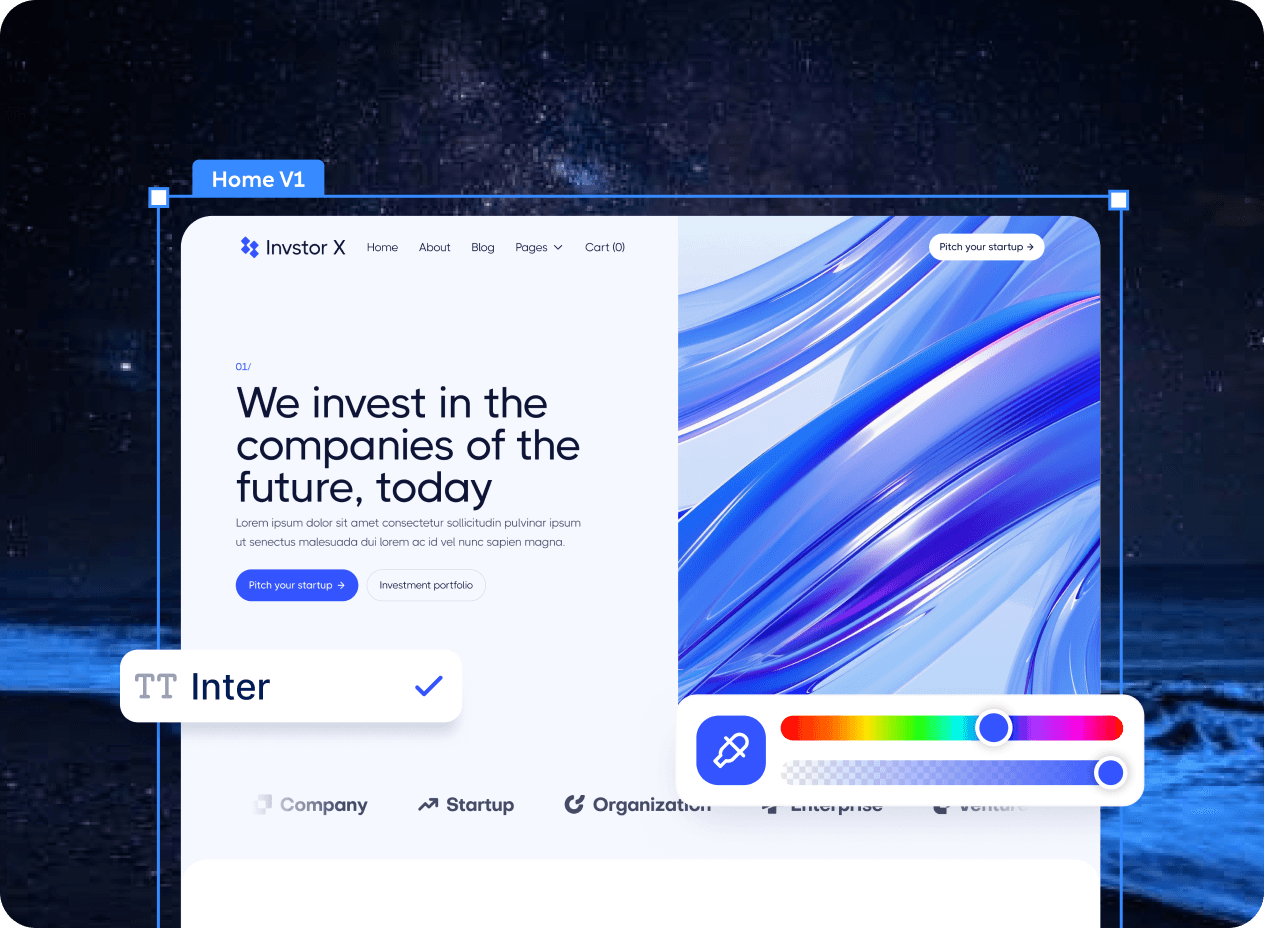
Preview in Real Time
See your animation appear instantly — then edit timing, easing, and sequencing until it feels perfect.
- Customise duration, delay, and triggers through simple prompts.
- Iterate on motion patterns without touching a single keyframe.
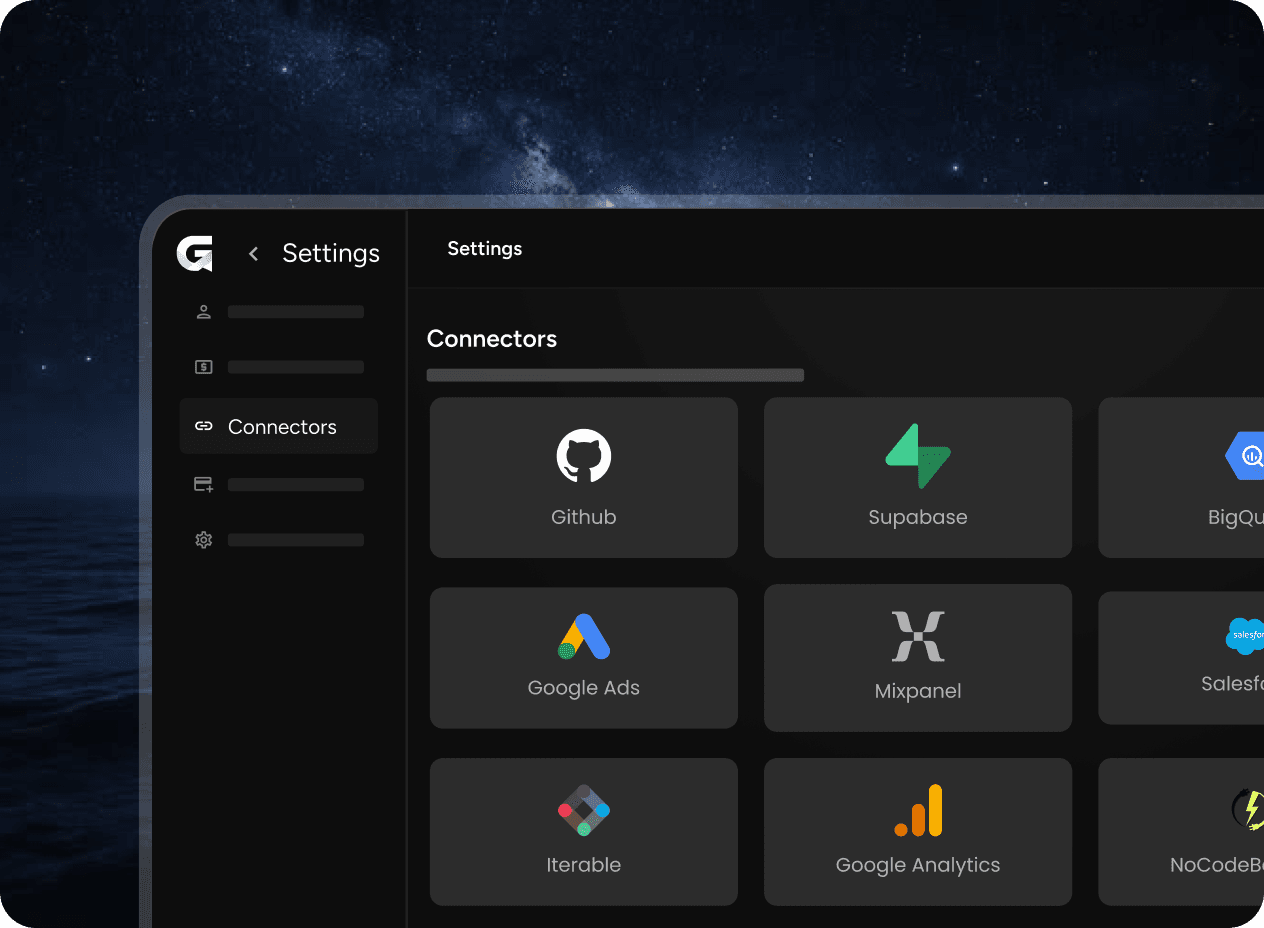
Connect to Your Workflow
Connect the tools your team uses to speed up handoff and keep everything in sync.
- Sync with Figma or your component library to apply motion at scale.
- Export interaction specs directly to your dev pipeline.
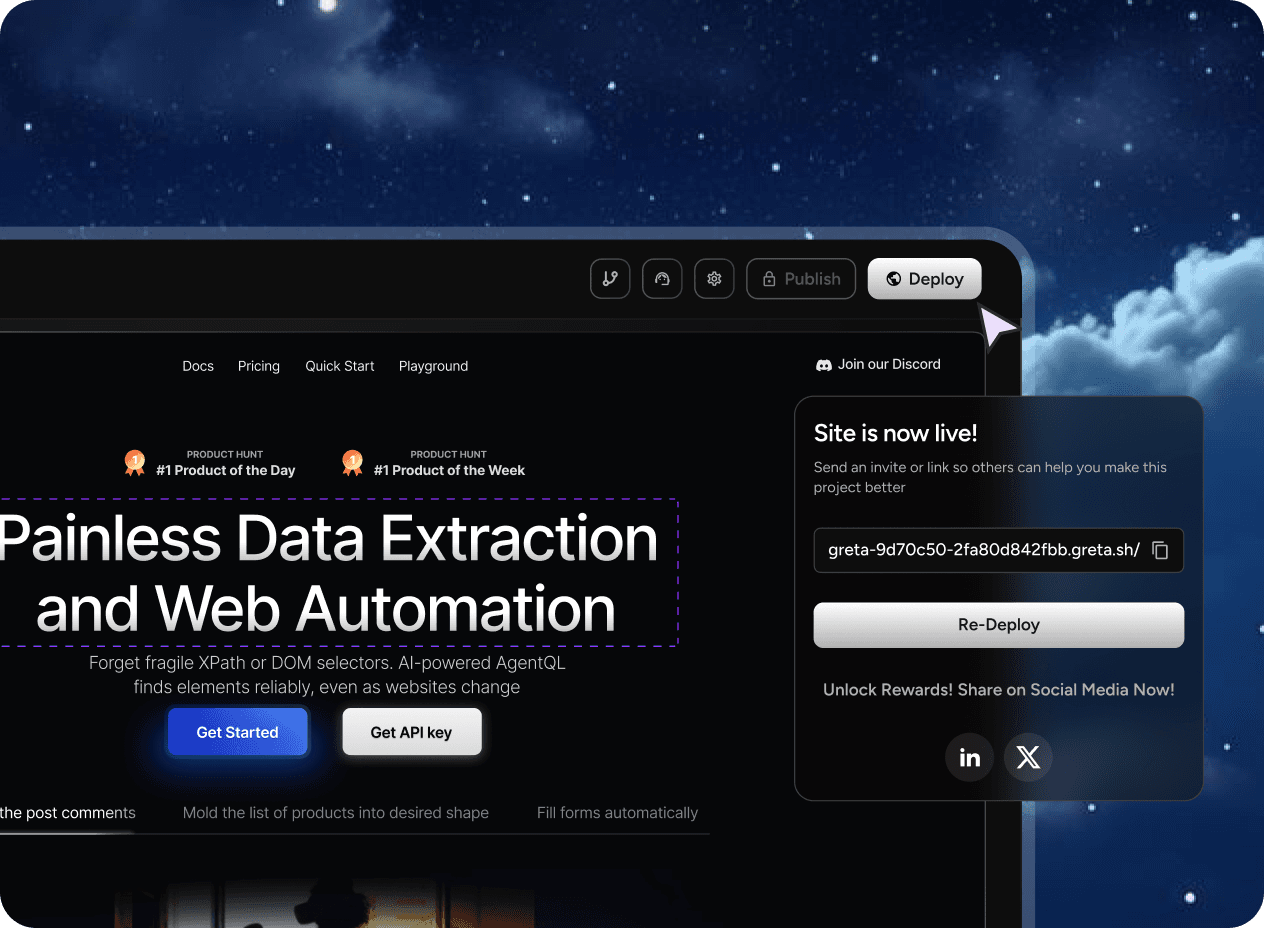
Deploy with One Click
Ship your animated components and share a live preview link in one click.
- Share a working, motion-ready prototype with anyone instantly.
- Developers get specs and previews — no back-and-forth needed.
Platform
Motion Design Without the Complexity
Build interactions that feel alive — no keyframes, no code, no compromise.
Micro-interaction Builder
Design hover states, button feedback, and loading animations without any code.
Scroll & Transition Effects
Add scroll-triggered animations and page transitions that feel natural and polished.
Real-time Motion Preview
See every animation play out on real components, not abstract keyframe editors.
Interaction Specs Export
Hand off motion specs to developers with precise timing and easing values included.
Animation Library
Access a curated library of motion patterns ready to apply to your components instantly.
Explore other categories
Other Design Disciplines
Greta.sh adapts to every design specialty. Explore how it works for your craft.
FAQ
Got more questions?
Everything you need to know before adding motion to your designs with Greta.sh.
Not at all. Describe what you want to happen and Greta.sh builds the interaction. No code required.
Yes. Save any animation pattern to your library and apply it to any component or project instantly.
Build Something Real
If you can describe it, you can build it.