Turn Your UI/UX Designs Into Working Screens
Describe your user flows or paste a screenshot of a mockup, and Greta.sh builds working screens you can click through, refine and publish.
How it works
From Flow Description to Working Product
Build and validate user experiences by describing them, then refine the result in conversation.

How it works
From Flow Description to Working Product
Build and validate user experiences by describing them, then refine the result in conversation.
Describe the User Journey
Describe your user flows in plain language and Greta.sh builds the screens and the navigation.
- No wireframing tool needed: describe the goal, or paste a screenshot of a mockup into the chat.
- Greta.sh lays out the screens and the links between them.
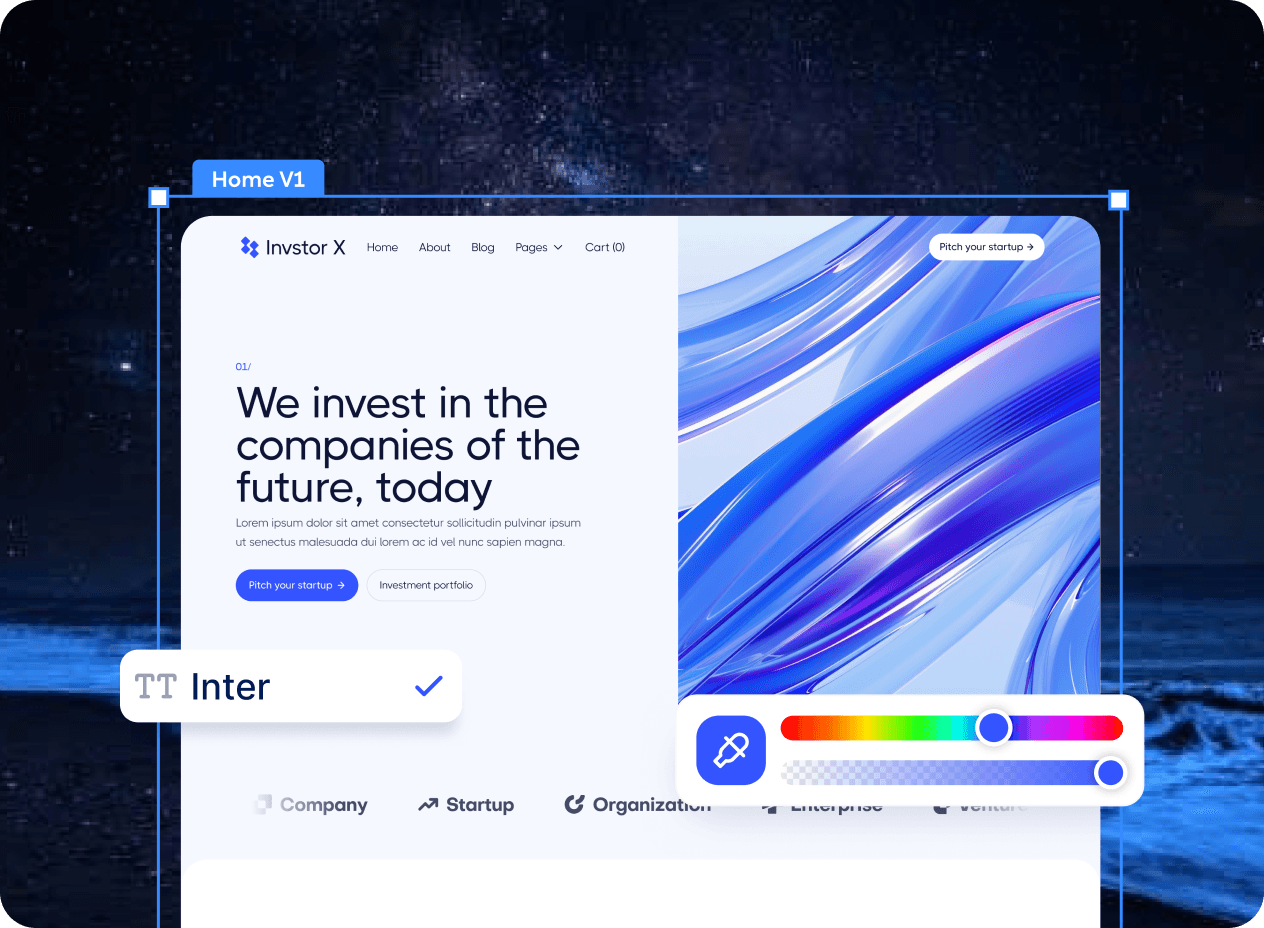
Refine the Screens
Edit layouts, components and copy by describing the change, or use the visual text editor for quick tweaks.
- Adjust spacing, components and interactions just by describing what should change.
- Iterate as many times as you need; earlier versions can be restored with project rollback.
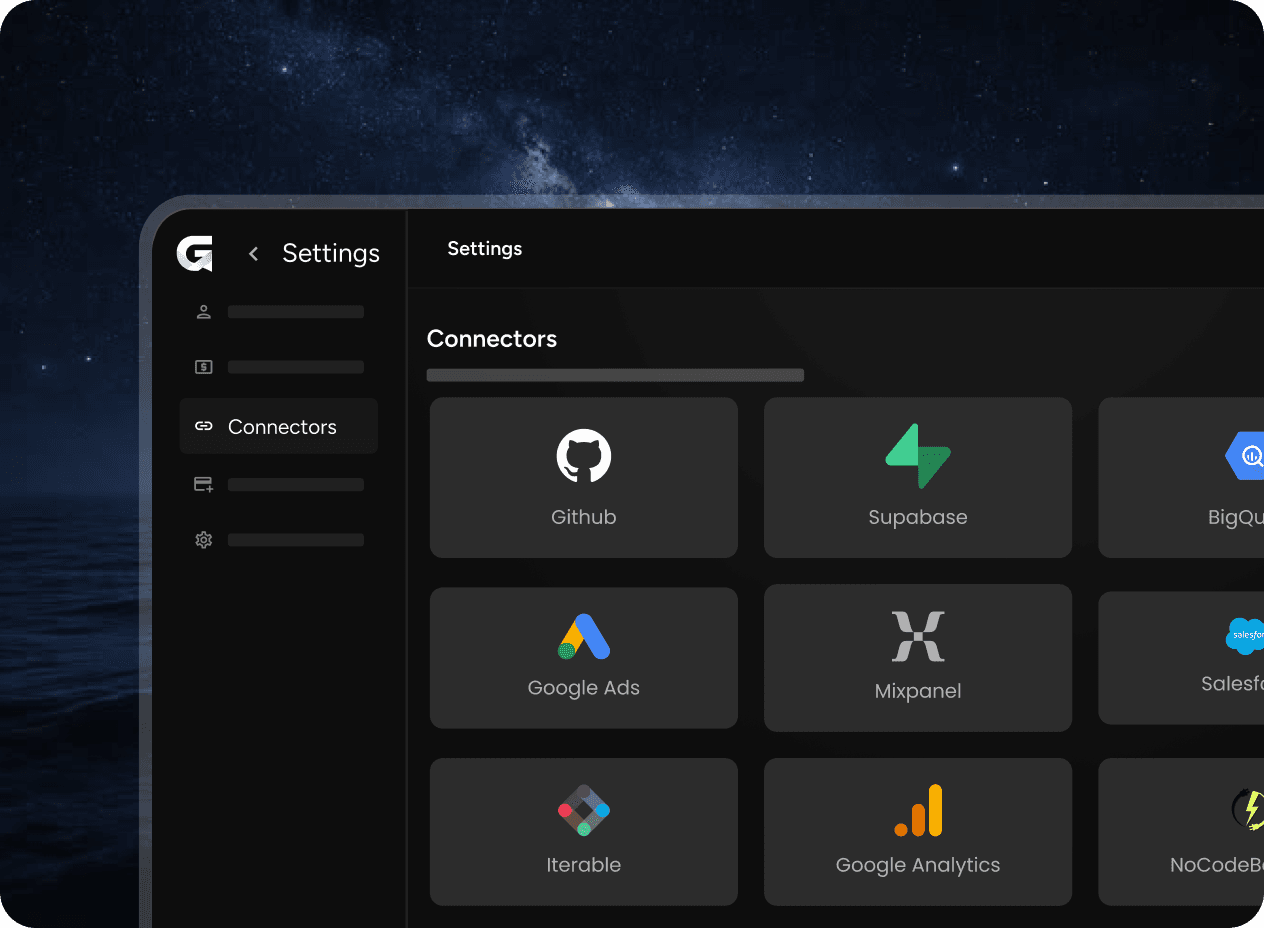
Bring Your Design System
Start from a built-in design system, or create and edit your own on the Pro plan.
- Free includes 3 design systems, Starter 20+, and Pro adds AI design system creation.
- Read the generated code in the code viewer and export it with GitHub version control (Pro plan).
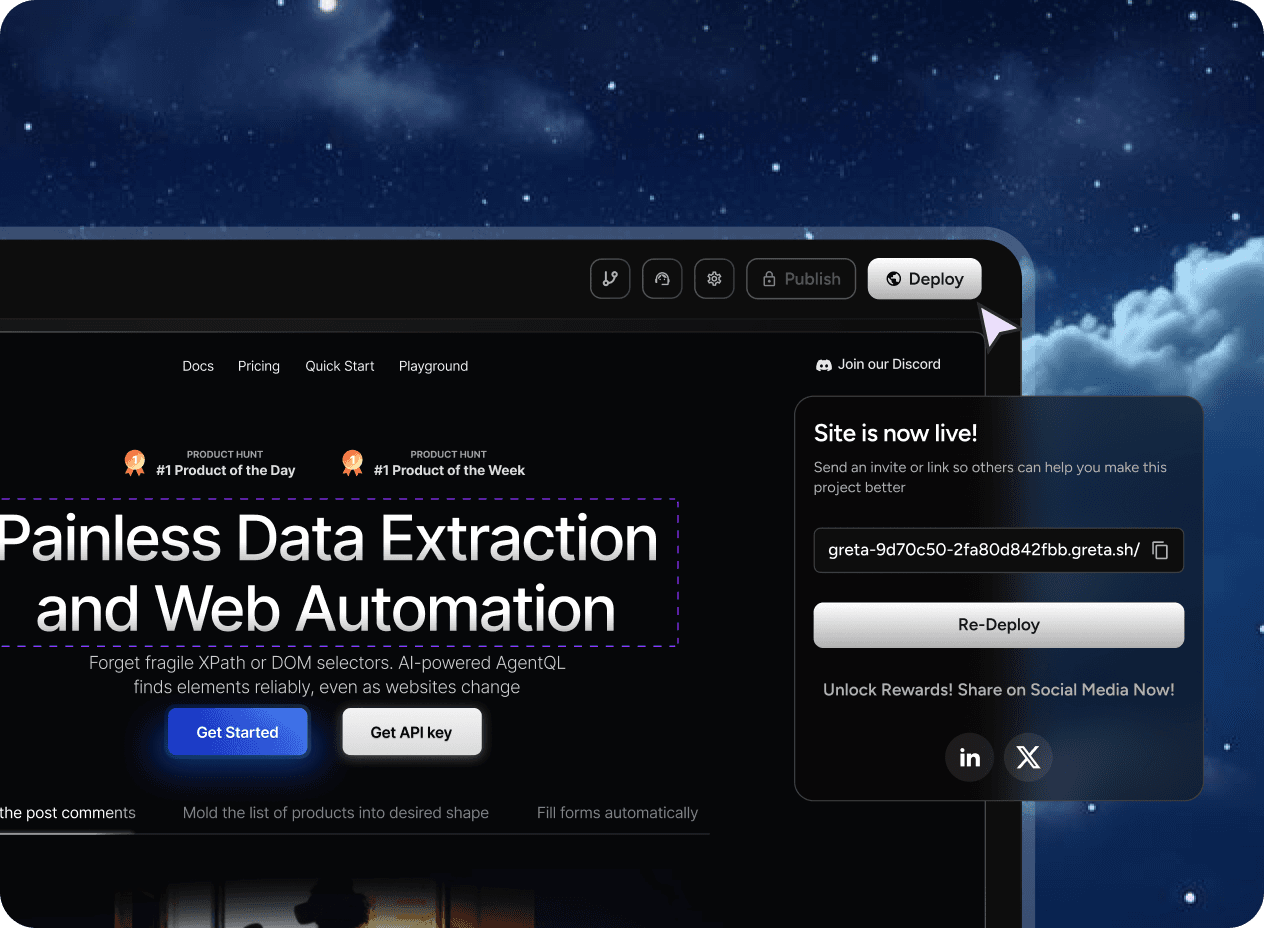
Publish a Live Link
Check everything in the preview, then publish to a live URL (deployment from the Starter plan).
- Share a working link with clients, developers or stakeholders.
- Collect feedback on a working product instead of a static mock.
Platform
What a UX Designer Can Build
User flows, responsive screens and a design system you control, as a real web app with code you can read.
User Flows
Describe complete journeys from onboarding to checkout and get them as linked, working screens.
Design Systems
Use a built-in design system or create and edit your own (Pro plan) so every screen stays consistent.
Screens for Every Size
Ask for mobile, tablet and desktop layouts and check each one in the preview.
Clickable Prototypes for Testing
Share a working link with testers and collect feedback on real interactions.
Readable Code
Developers can read the generated code in the code viewer, edit it in the code editor (Starter) and sync it to GitHub (Pro).
Explore other categories
Other Design Disciplines
Greta.sh adapts to every design specialty. Explore how it works for your craft.
FAQ
Got more questions?
Everything you need to know before building your first UI/UX project with Greta.sh.
Yes. Describe the whole journey, from first touchpoint to conversion, and Greta.sh builds the screens and the navigation between them.
Describe the change and Greta.sh updates the project. Publish again to update the live link.
Build Something Real
If you can describe it, you can build it.