Clickable demos that close
Build polished, interactive prototypes that show clients exactly what you'll build before you build it — and win the project before the SOW is signed.
How it works
From idea to tested prototype in four steps
A prototyping workflow designed for speed, real feedback, and confident decisions
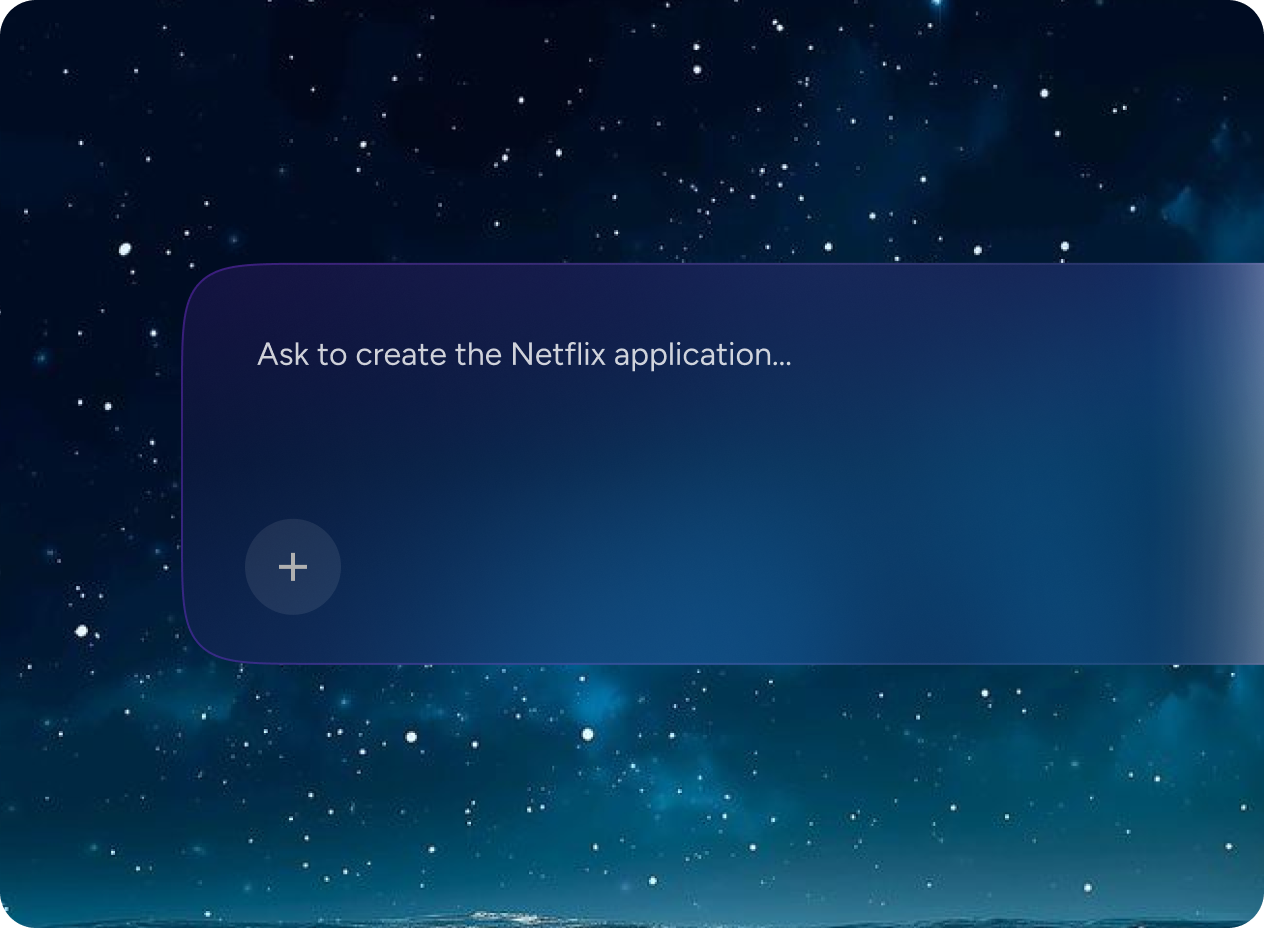
Understand the client brief
Describe the client's product, industry, and goals. Greta.sh builds around their context, not a generic template.
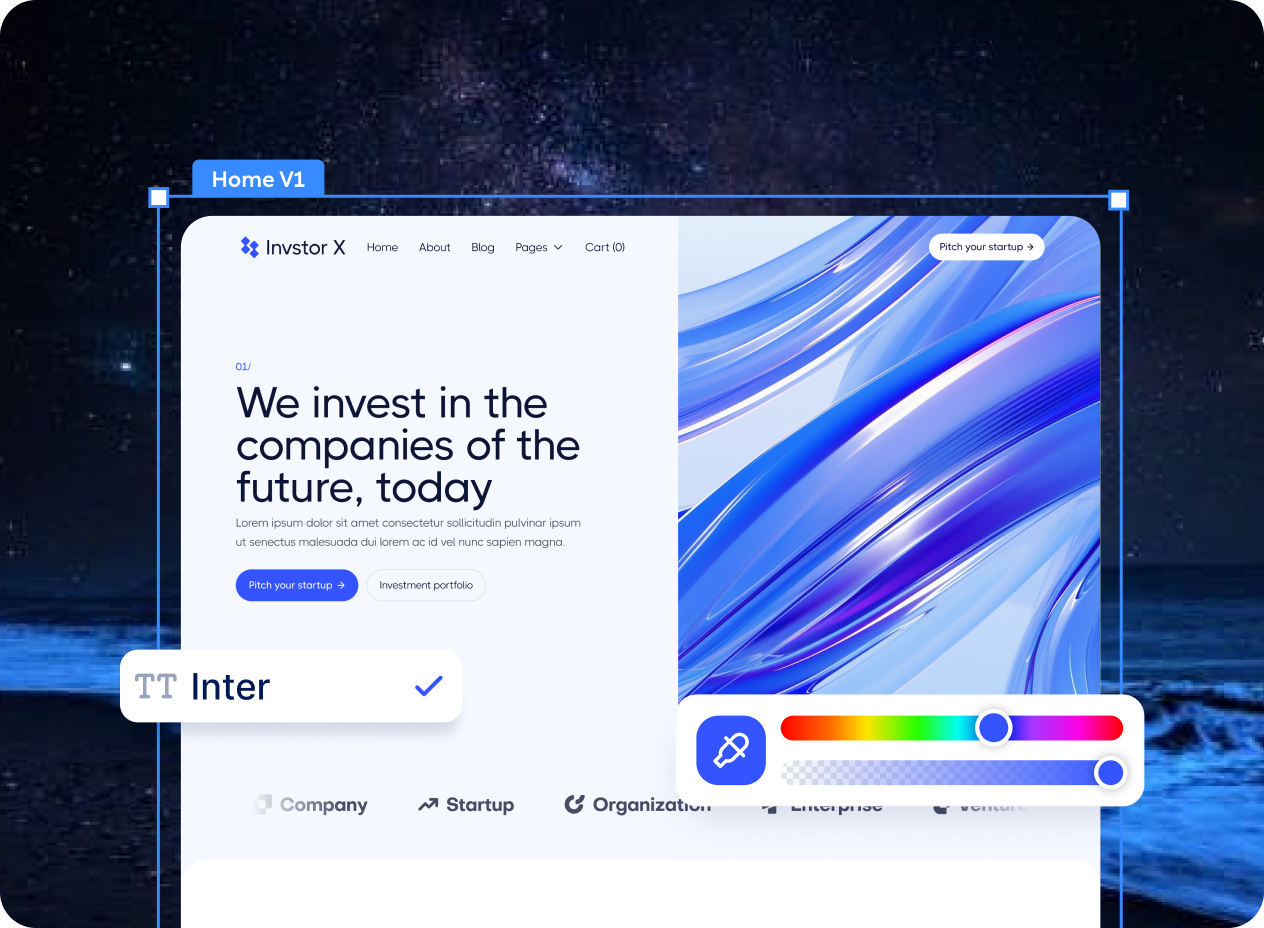
Build the presentation demo
Get a fully interactive, client-ready prototype with real screens, branding direction, and navigable flows.
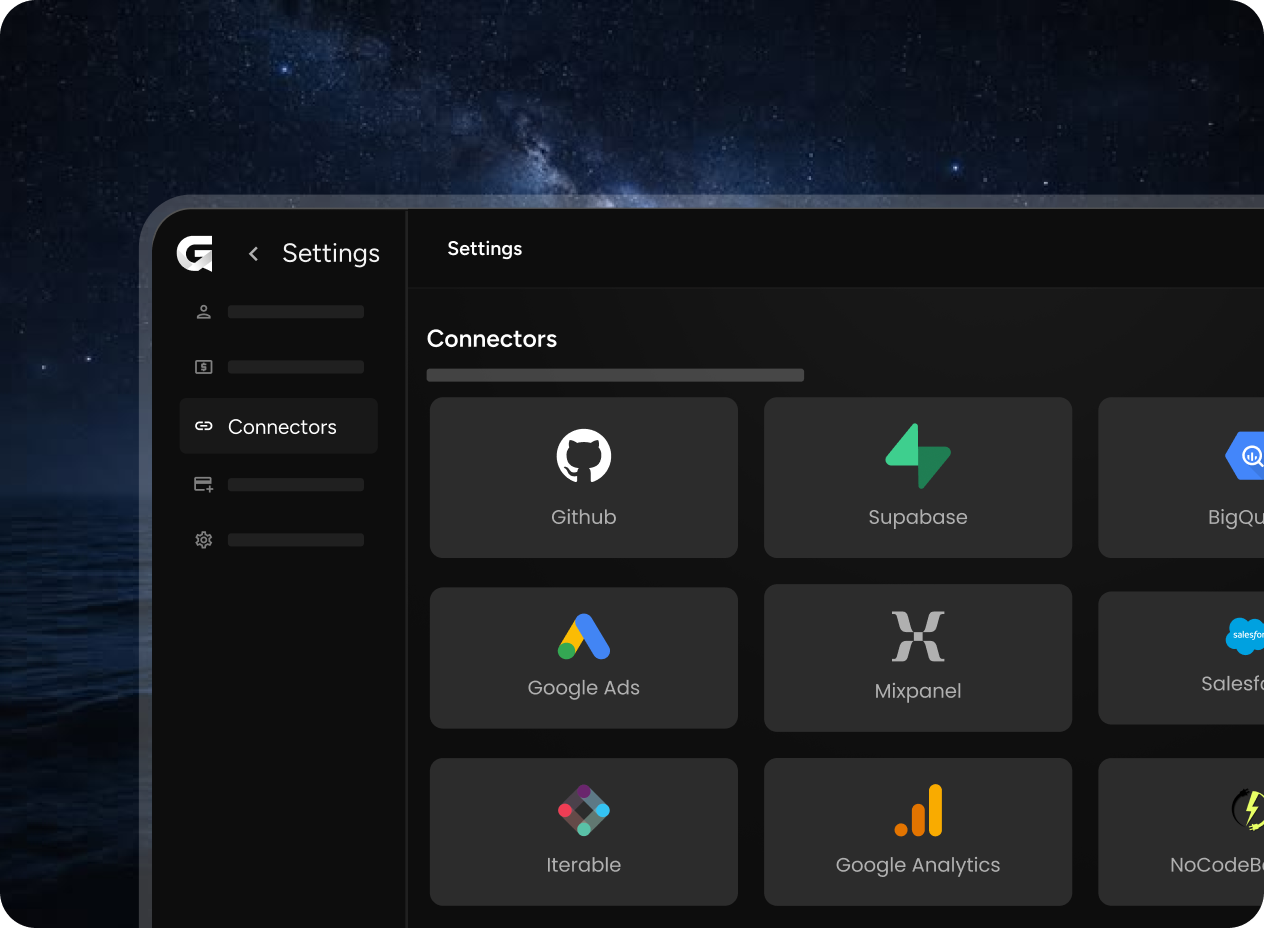
Add What You Need
Walk clients through a clickable experience that feels real. Answer their questions live by editing the prototype on the spot.
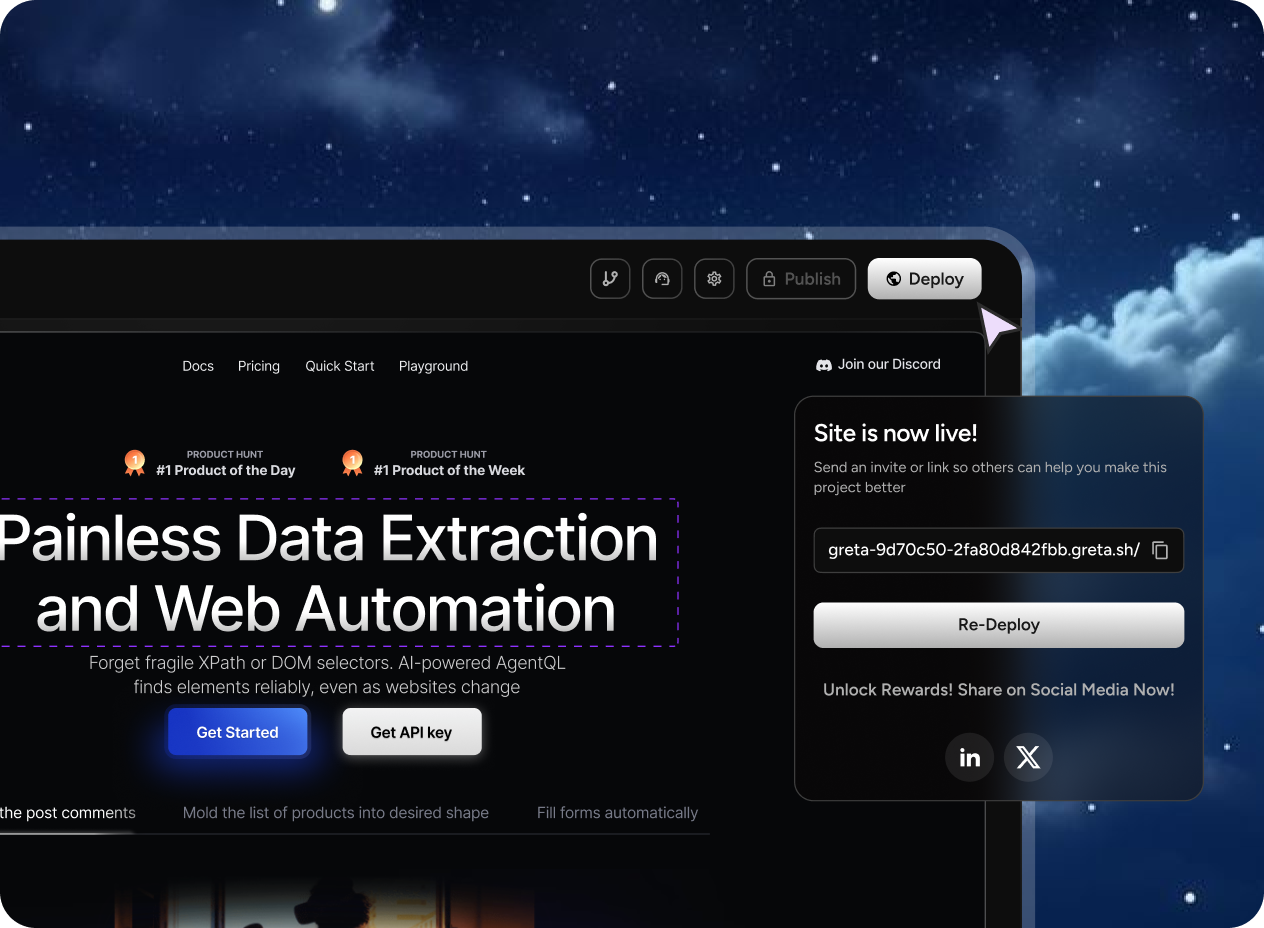
Deploy with One Click
Win the project. Hand off the prototype as the design foundation your team builds from.
Platform
Proposals that look like finished products.
Win more client projects by showing exactly what you mean.
Client-Grade Polish
Prototypes look and feel like finished products — clients can't tell the difference until you tell them.
Live Edits in Meetings
Make changes on the spot during client calls to show responsiveness and reduce revision cycles.
Faster Approval
Show instead of tell. Clients approve faster when they can click through what they're approving.
Scope Clarity
A clickable prototype eliminates scope misunderstandings before work begins — saving everyone time.
Design-to-Dev Handoff
Turn the approved prototype directly into your team's development blueprint.
FAQ
Got more questions?
Everything you need to know before you start building with Greta.sh.
Yes. Apply client colors, fonts, and branding to make the prototype feel like it was built just for them.
No. They click a link and explore on any device — nothing to download or set up.
Categories
Explore other categories
Greta.sh works across every prototyping use case. See what else you can build and test.
Build Something Real
If you can describe it, you can build it.