Building & Deploying a Website with Greta.sh
How do you choose a template in Greta.sh?
Explore Greta.sh's collection of website templates and learn how to pick the one that best suits your project needs.
How do you choose a template in greta?
Step 1: Sign Up & Verify Your Account
- Visit https://app.greta.sh/ and sign up using your email or Login/Sign up with your Google account.
- Incase of email sign up, enter the OTP sent to your email to confirm your account. Once verified, you’re ready to use Greta.sh.
Step 2: Select a pre-designed template
- After logging in, you’ll be taken to the landing page which has different sections in it.
- In the center of the page,you can find a text field where you can enter your prompt to create a website. Here, you can start from scratch or choose from Greta.sh’s pre-designed templates to match your needs.
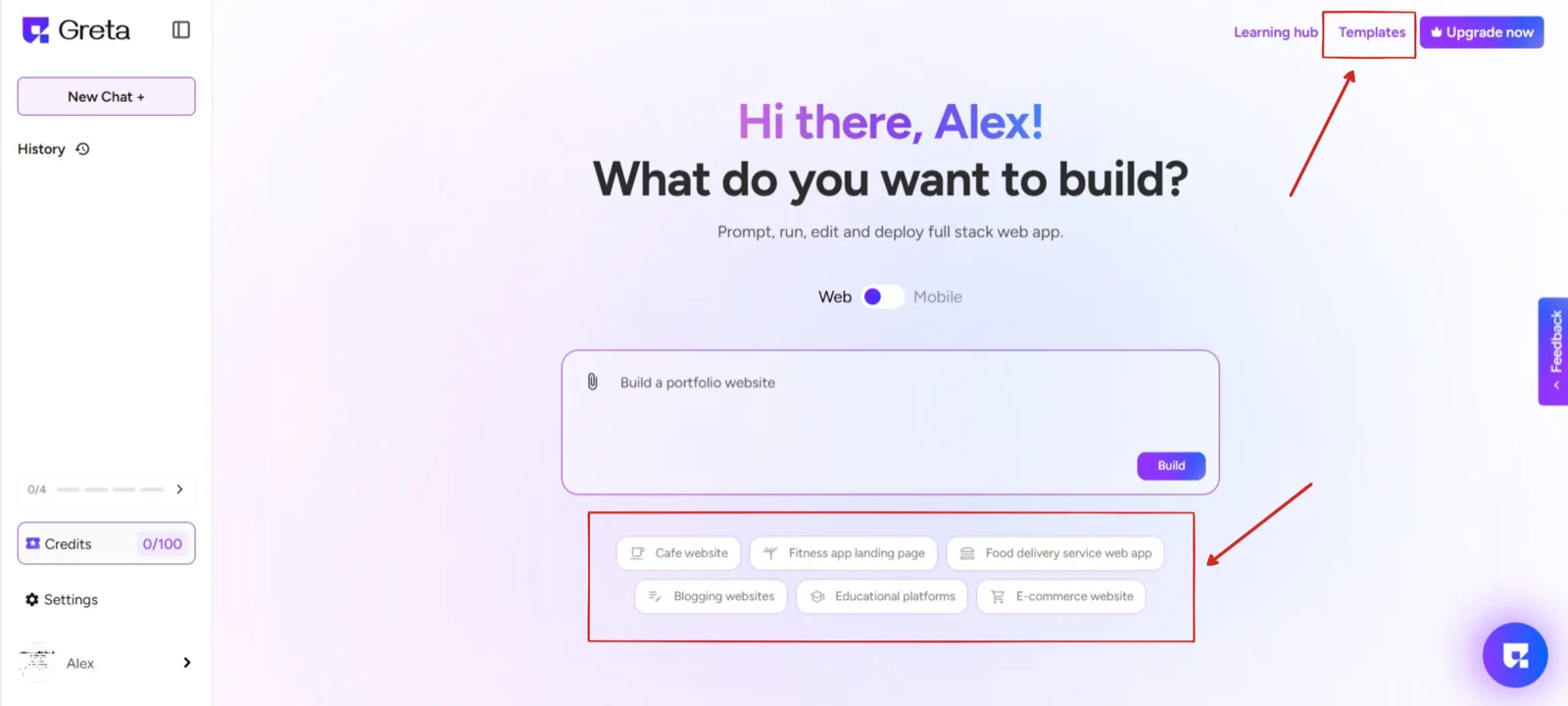
Template Categories in Greta.sh
Greta.sh offers templates tailored for different types of websites, such as:
- Portfolio Websites:Ideal for showcasing your work, resume, or creative projects.
- Company Websites:Perfect for businesses looking for a professional online presence.
- Landing Pages:Used for promotional or marketing campaigns.
- Blogs and Personal Sites:Designed for writers, bloggers, and content creators.
- E-commerce Templates:Suitable for online stores selling products or services.
And many more to come.
Each template comes with a predefined layout, typography, and color scheme that can be customized later.
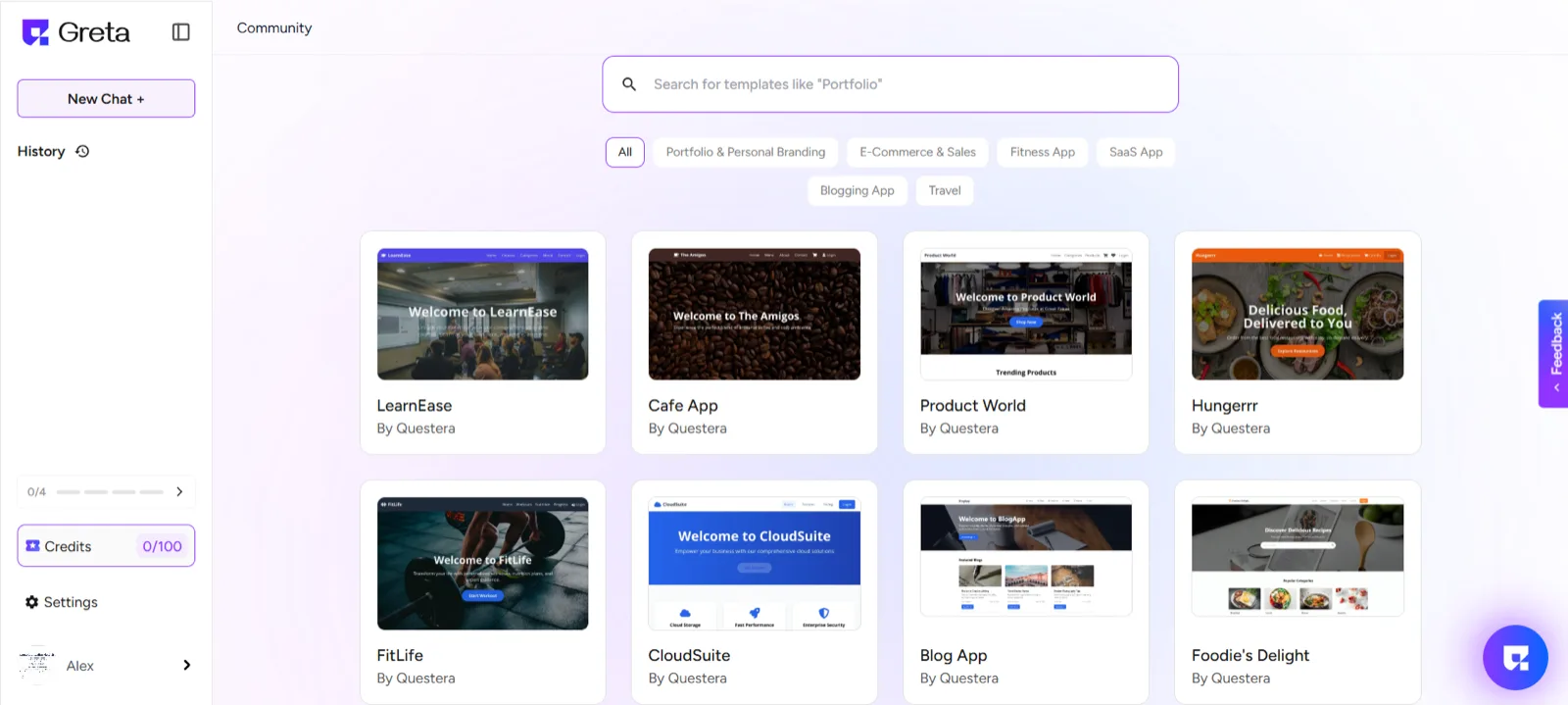
Step : 3 Preview the Template
- Click on any template to open a real-time preview.
- This will give you a full view of the design, structure, and elements included in the template.
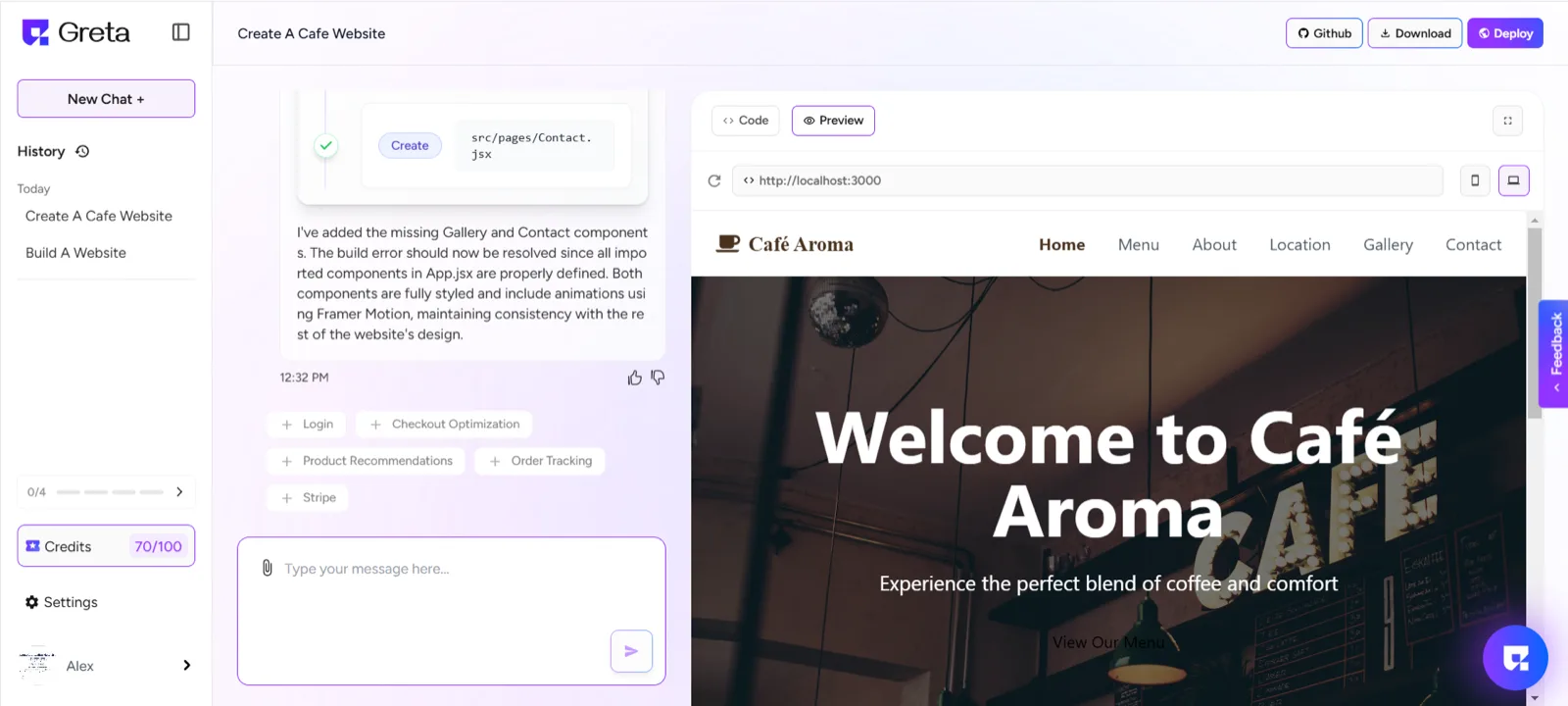
Step 4: Customize the Website and Deployment
- After selecting a template, you can customize the website to your liking and needs. Modify text, images, layout, and colors to match your brand identity. You can also add or remove sections as required.
- Greta.sh provides a range of advanced components to improve your website’s functionality and user experience.
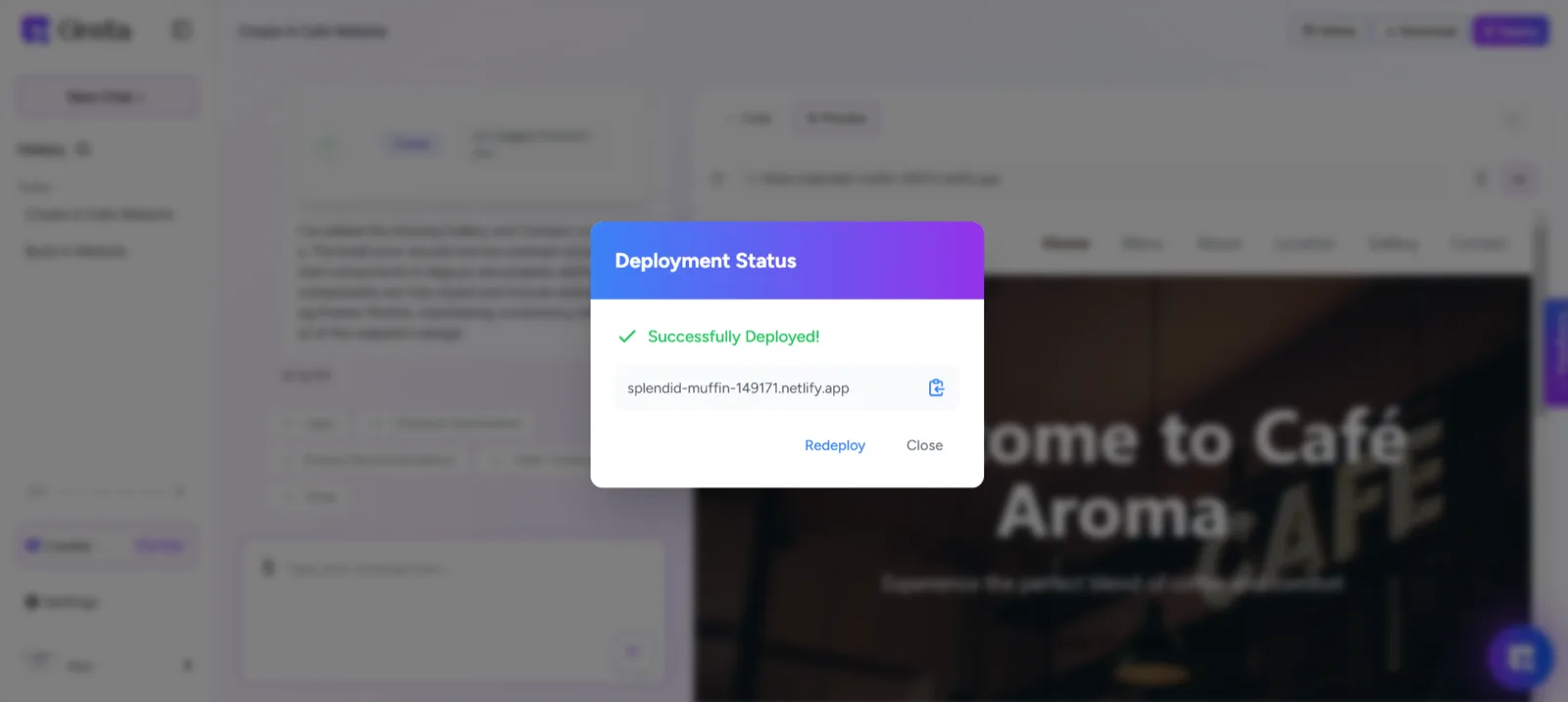
- Once Your customization is done and your website is ready, you can deploy it to make it live.