Collaboration & Brainstorming

How can I paste a screenshot into the chat to give Greta visual context?

Learn how to paste a screenshot into the chat to give Greta visual context.

How can I paste a screenshot into the chat to give Greta visual context?

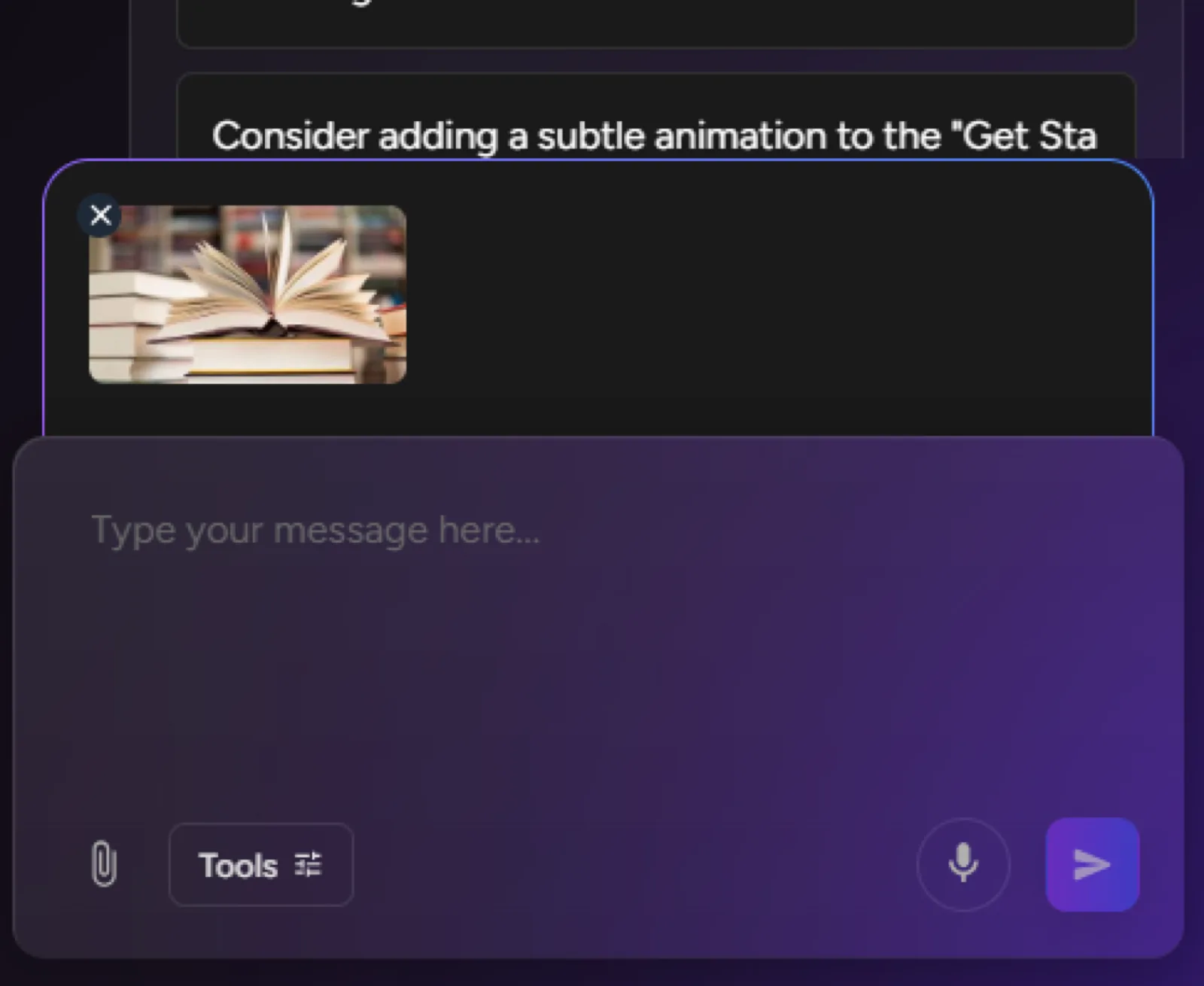
You can now paste screenshots directly into the chat to provide visual references and context. Here's how:

Doc45Image1

1. Capture Your Screenshot

  • Take a screenshot using your computer's built-in tools"
  • Or copy any image from your device or the web

2. Paste Directly into Chat

  • Simply use the keyboard shortcut:
    • Ctrl + V (Windows/Linux)
    • Cmd + V (Mac)
  • Or right-click in the chat input and select "Paste"

3. That's It!

  • The image will appear directly in the chat
  • Greta can now reference and understand the visual context
  • No file uploads or additional steps required

This feature makes it incredibly easy to communicate visual ideas and get more accurate, context-aware responses from Greta!

Build Something Real

If you can describe it, you can build it.