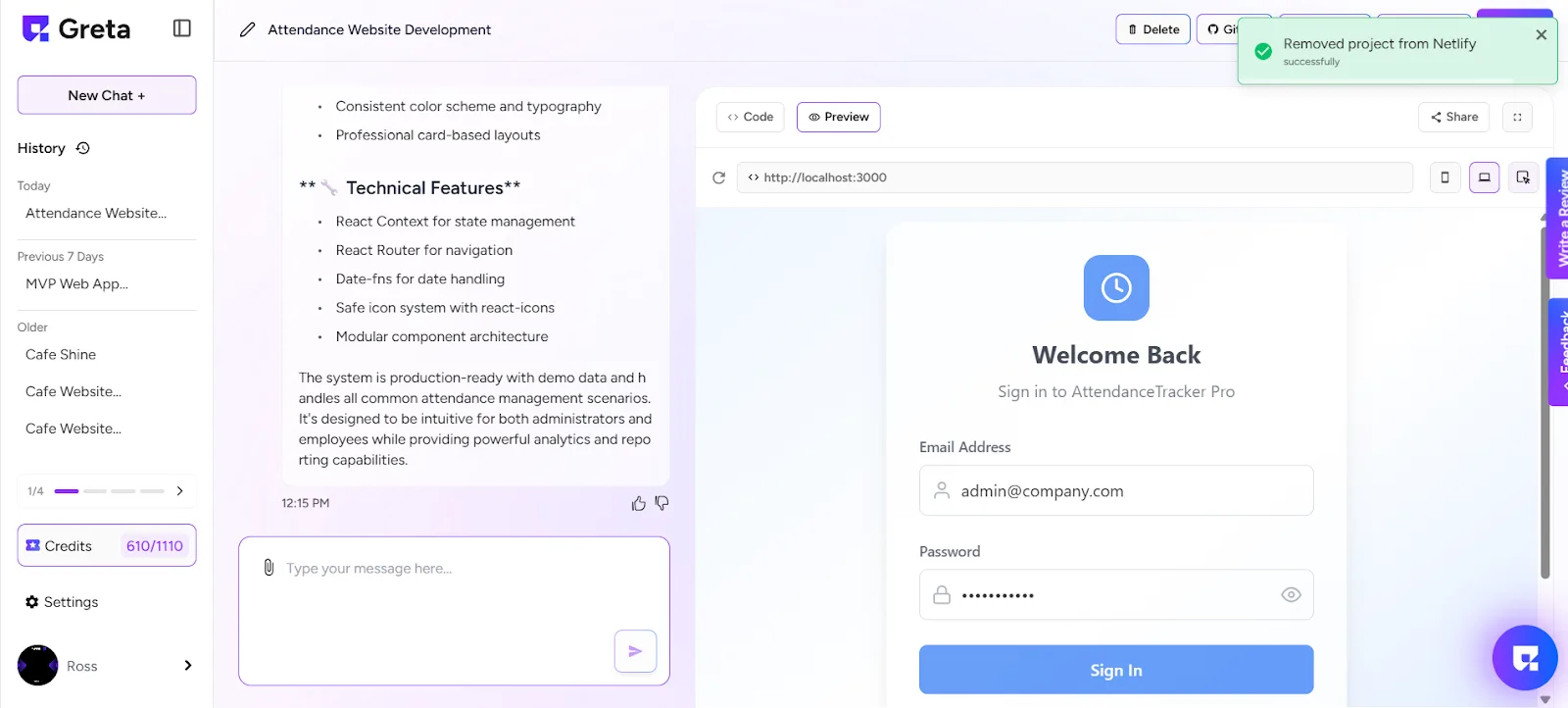
Learn how to remove your project from Netlify on Greta.sh.
1. Log in to Greta.sh
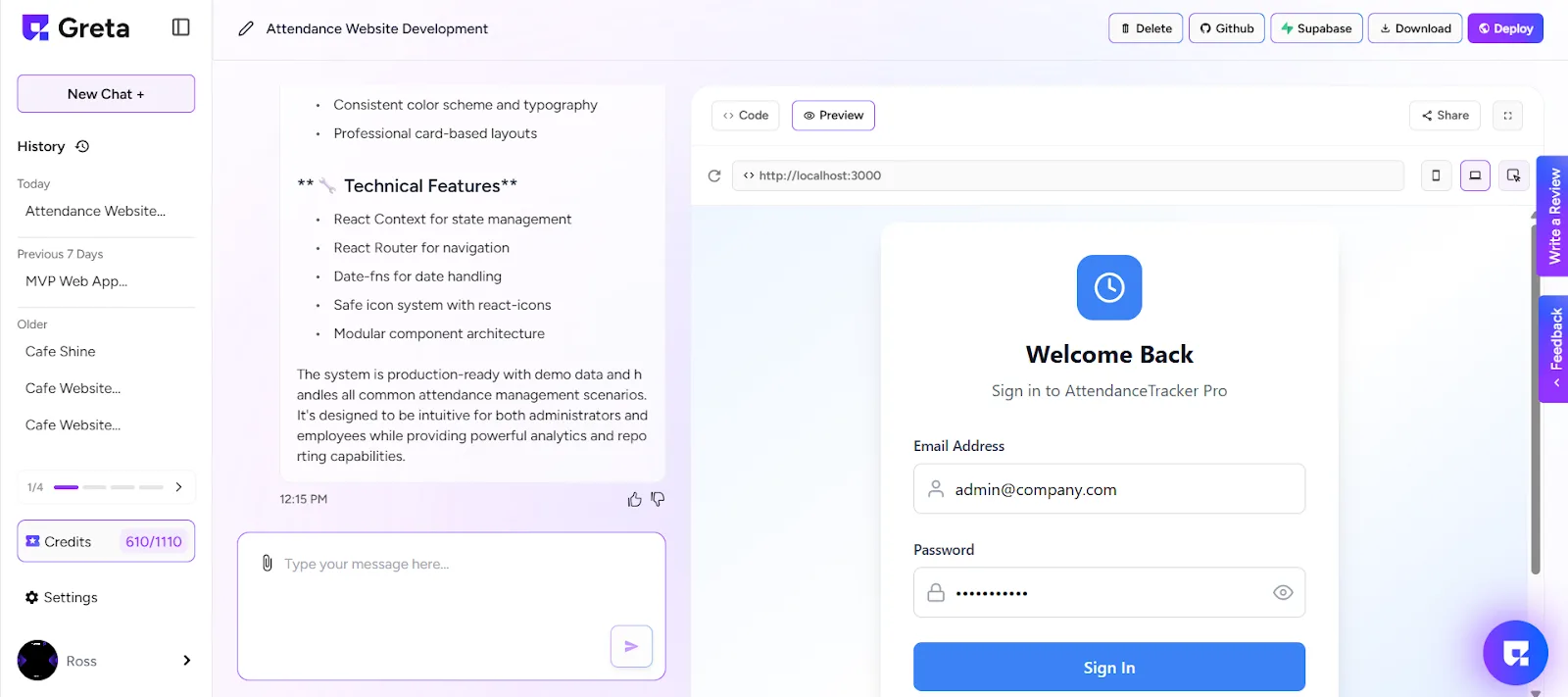
2. Create a new project or select an existing one from your history.
3. Make sure the project is in Preview Mode.
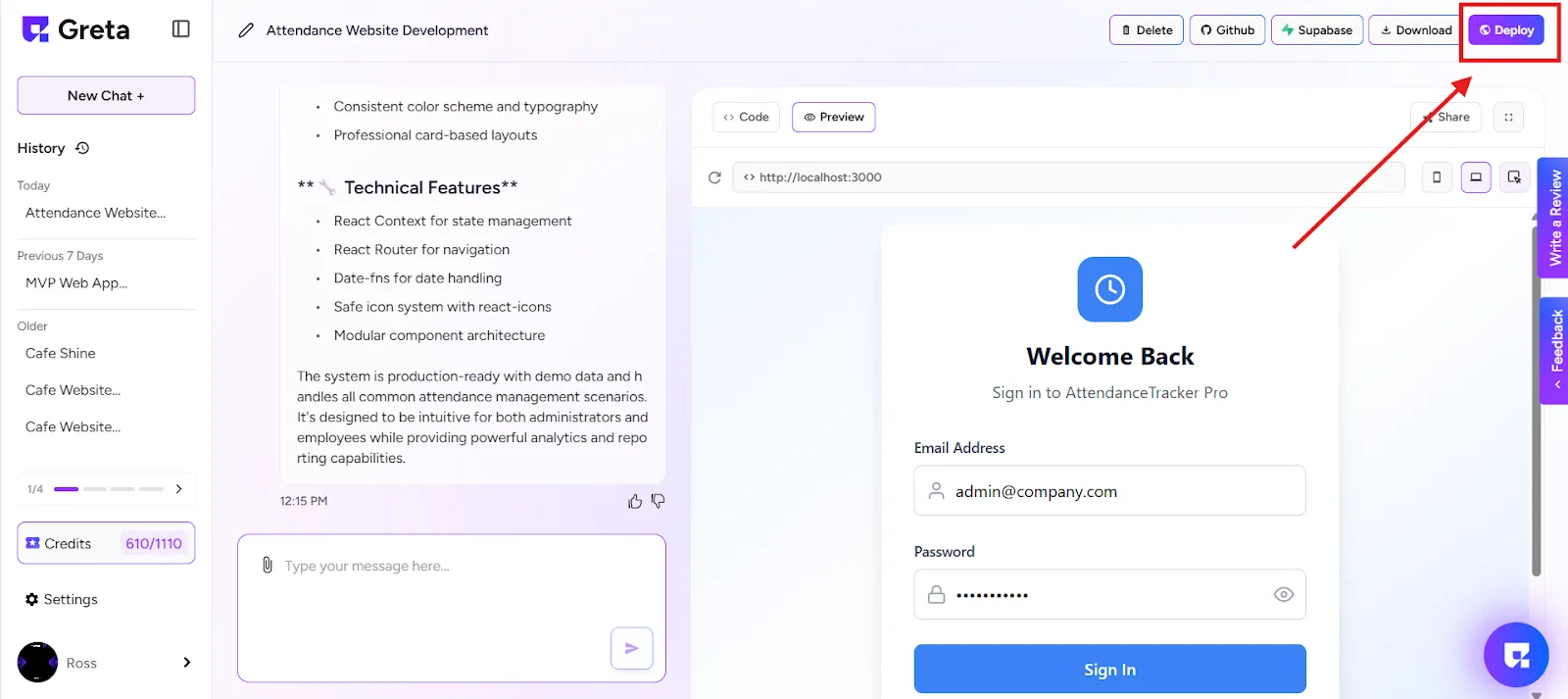
4. If the project is not yet deployed, click “Deploy”.
5. Wait until the deployment is complete.
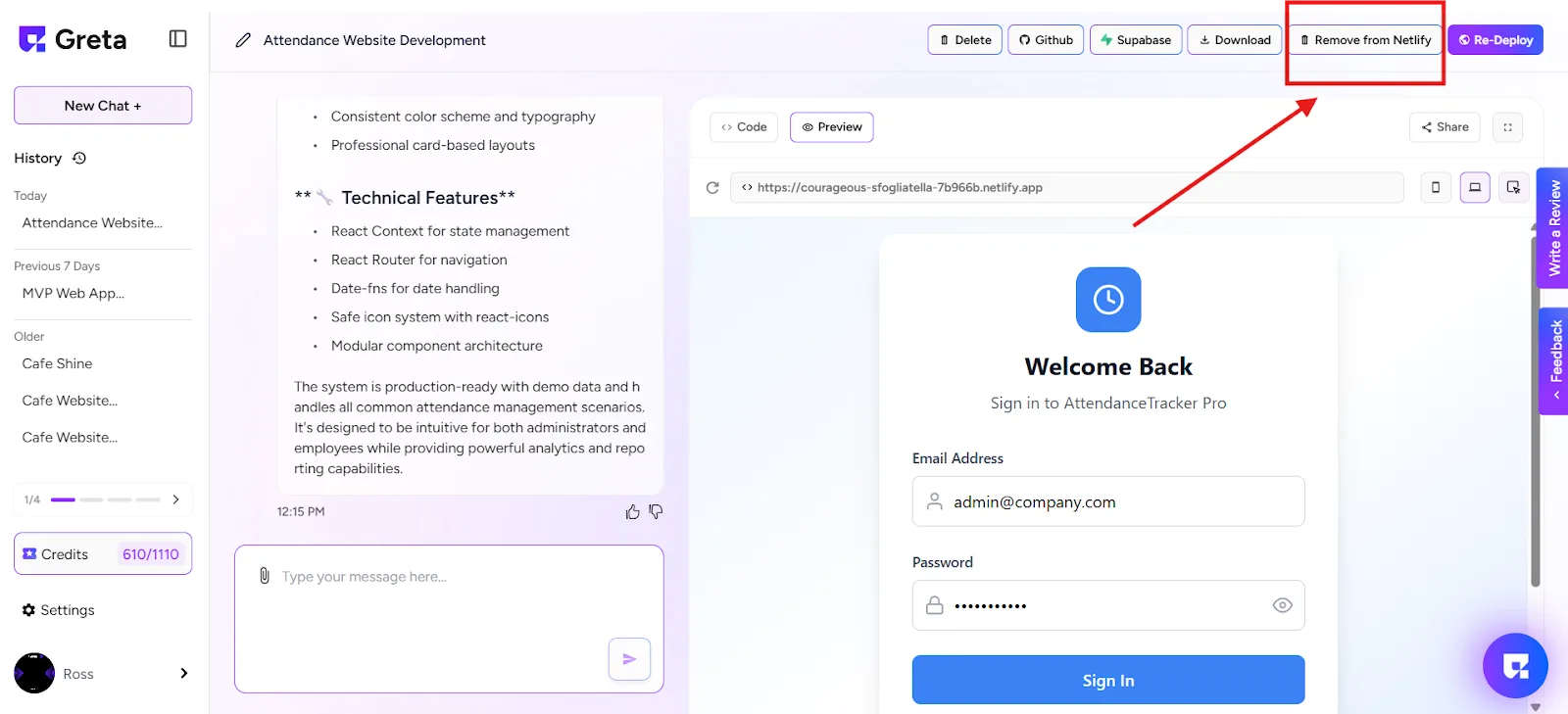
6. Once deployed, you’ll see a “Remove from Netlify” button at the top-right corner of the screen.
7. Click on “Remove from Netlify”.
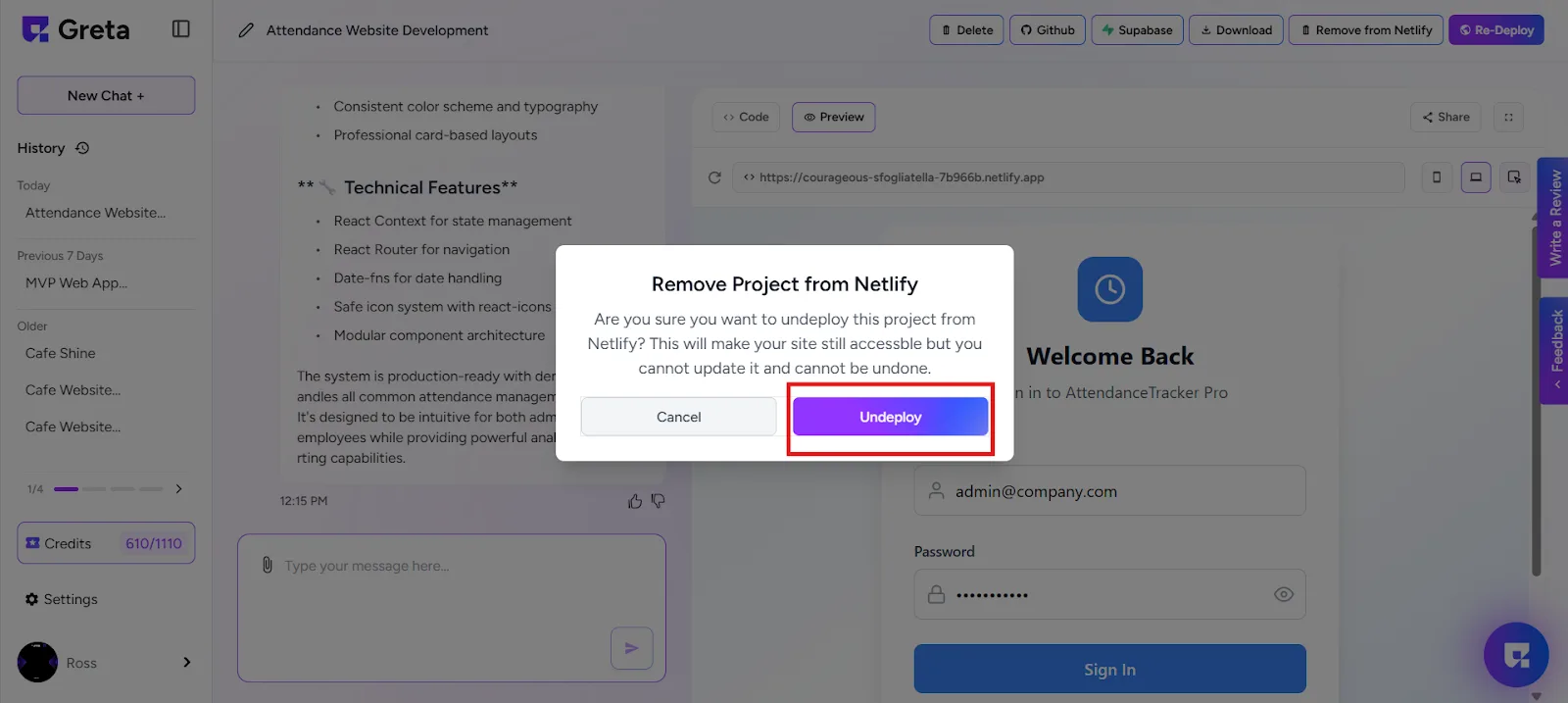
8. A warning popup will appear asking if you want to undeploy the project.
9. Click on “Undeploy” to confirm.
Done!
10. Your project will now be automatically removed from Netlify.
If you can describe it, you can build it.