How can you customize the design and layout of your website?
Modify styles, adjust colors, update fonts, and refine the layout to create a visually appealing and functional website.
How can you customize the design and layout of your website?
Step 1: Define Your Website’s Design & Layout
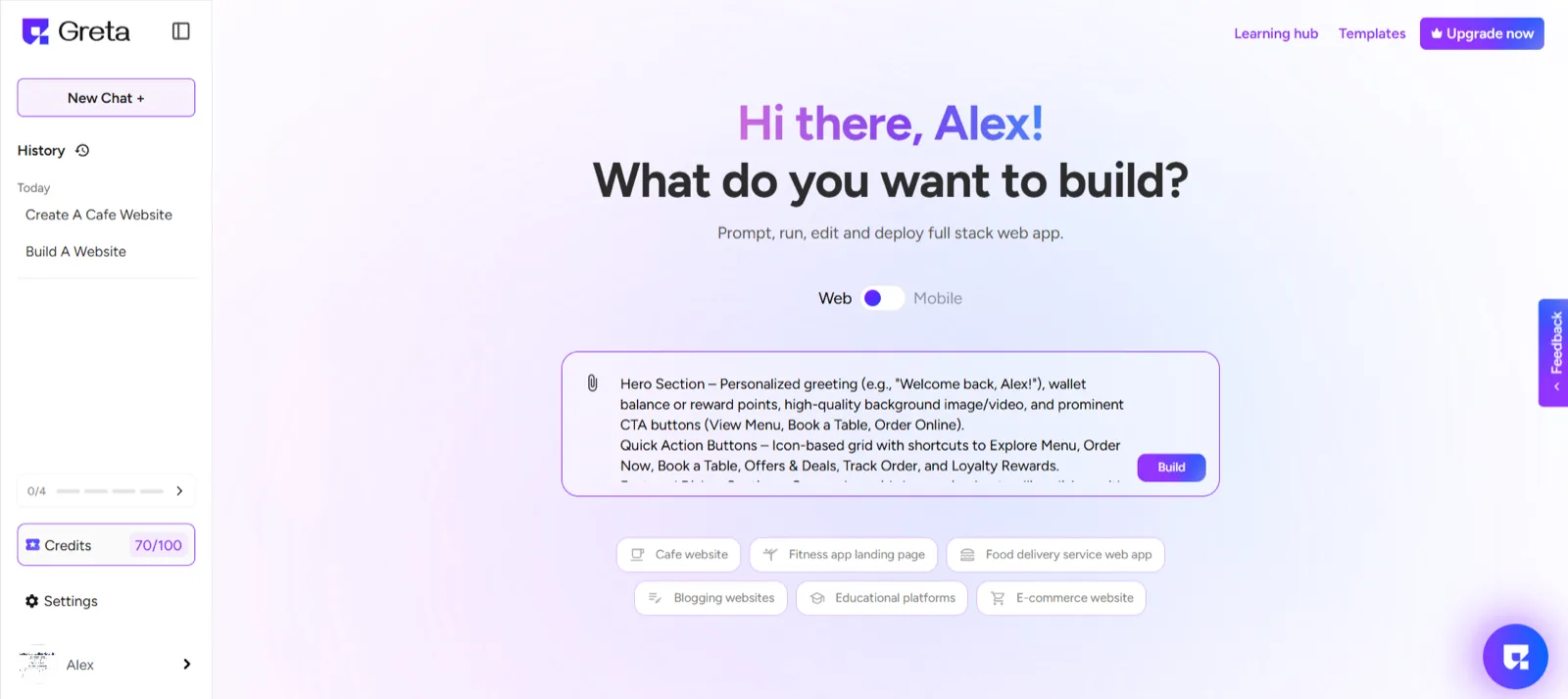
On the landing page, provide a detailed prompt describing how you want your website to look and function.
Ensure your prompt includes specific design preferences, such as color schemes, typography, layout structure, and any interactive elements.
Step 2: Add & Customize Components
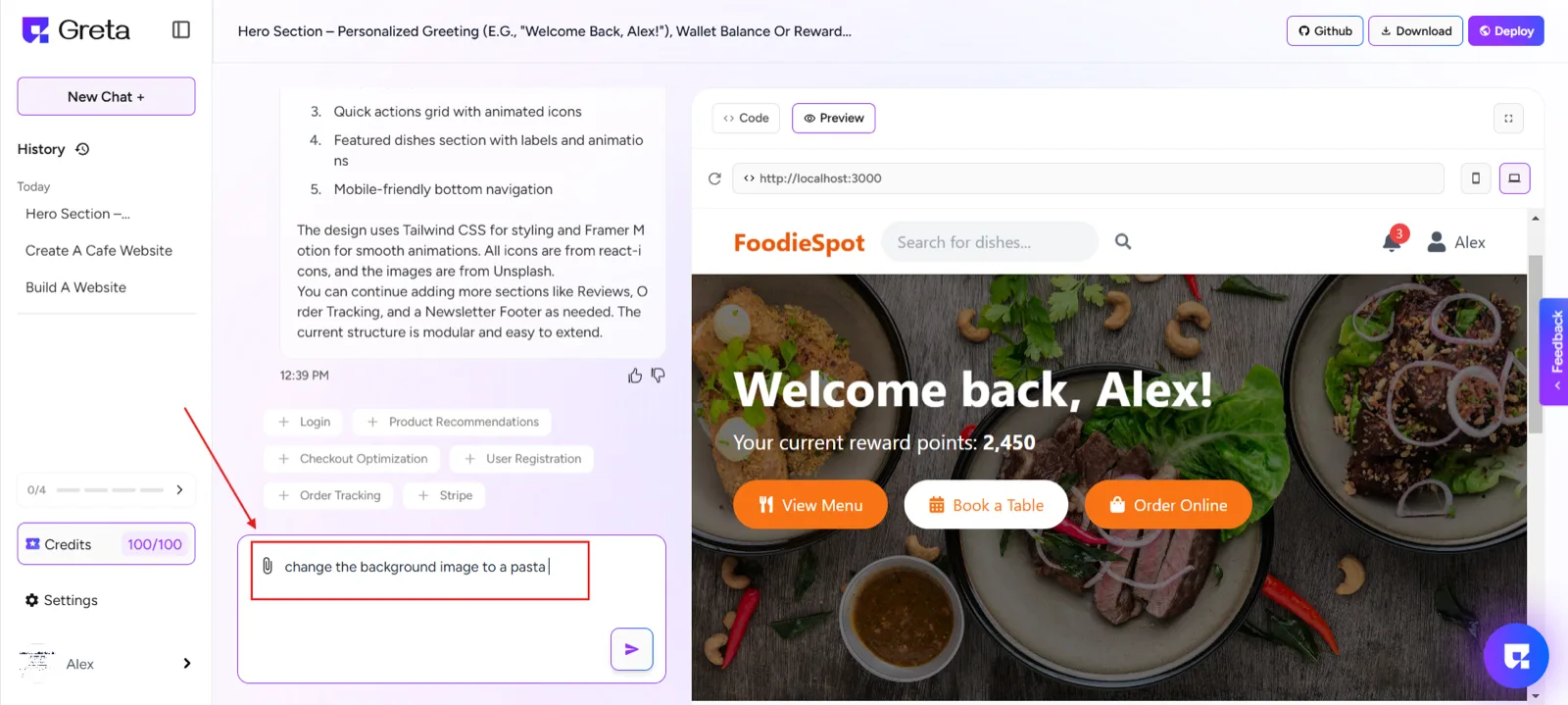
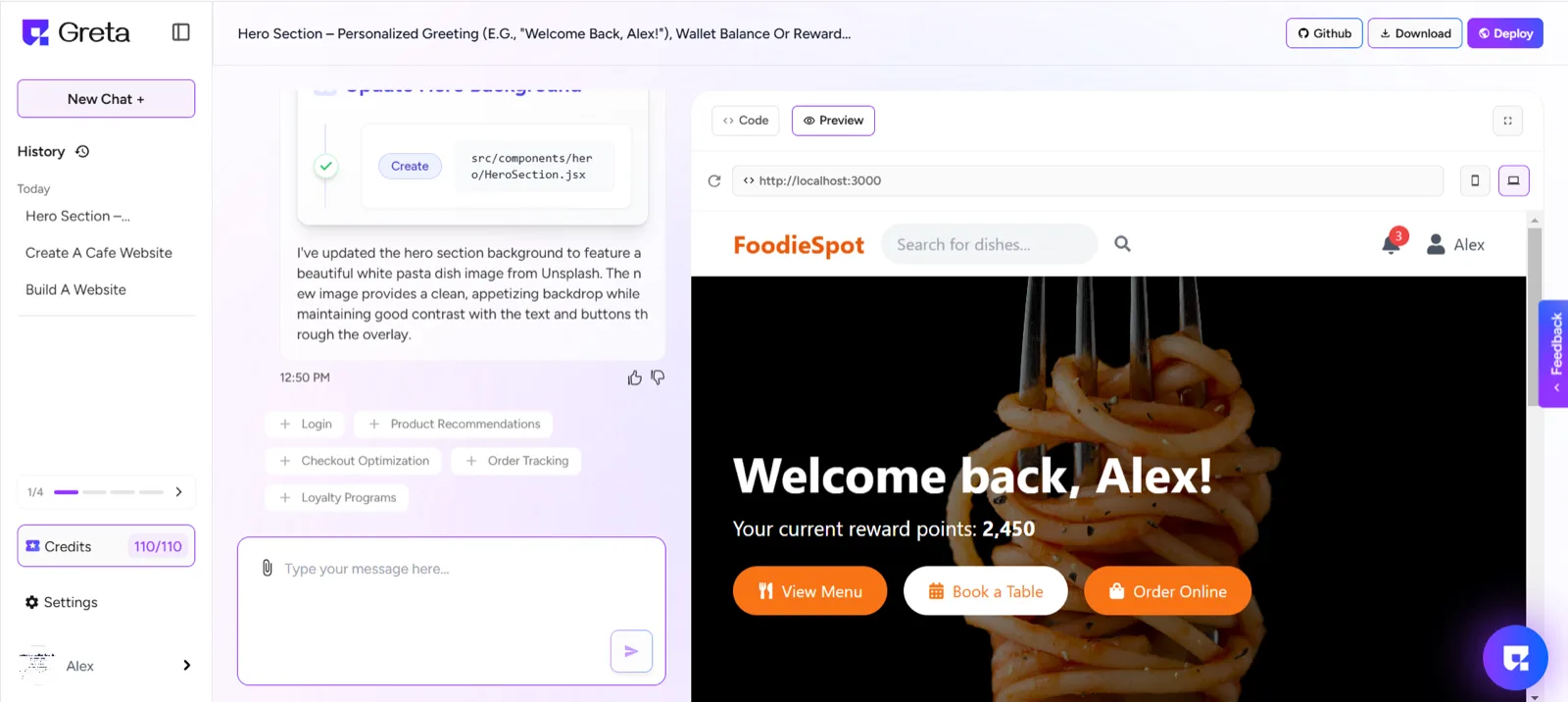
You can keep prompting with greta to further make customizations in the website and get your desired look and features on your website.
You can use the components provided by Questera to enhance your website’s layout, functionality and design.Customize each component according to your preferences to align with your brand and user needs.
Step 3: Optimize for Usability & Experience
Refine the design by adjusting layouts, spacing, and visual elements for a seamless user experience.
Ensure responsiveness across different devices for better accessibility.
Step 4: Preview & Deploy
Once satisfied with the customization, preview your website to check for any refinements needed.
After finalizing the design, proceed with deployment to make your website live.