Troubleshooting & Support
What should you do if your website fails to deploy?
Identify common deployment errors and follow troubleshooting steps to resolve issues quickly.
What should you do if your website fails to deploy?
- If your website fails to deploy, the quickest solution is to re-deploy or refresh the process. Sometimes, deployment issues occur due to temporary glitches, network delays, or minor build errors.
Steps to Fix Deployment Issues:
- Refresh the Page:A simple refresh can resolve temporary errors in the deployment dashboard.
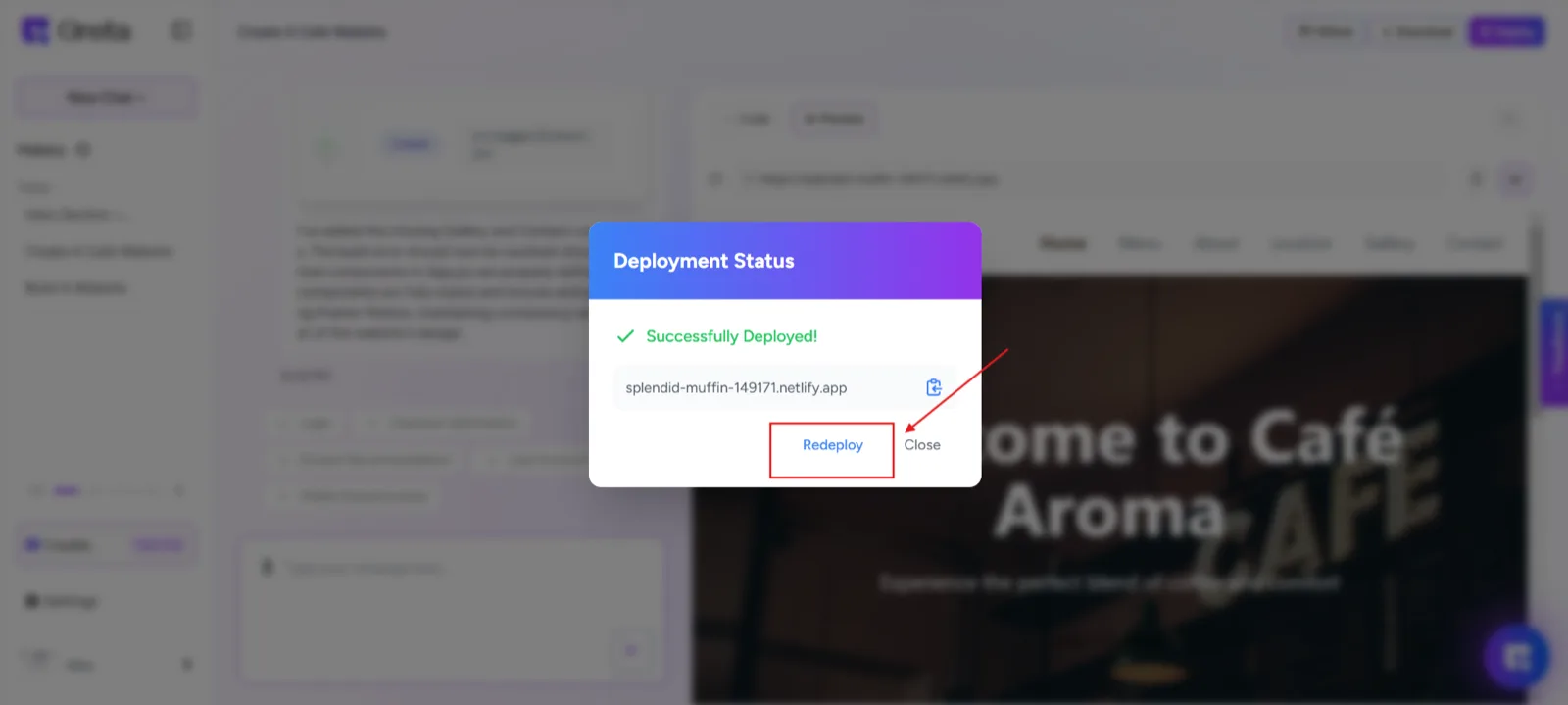
- Re-Deploy:Click the "Deploy" button again to restart the process. This can fix issues.
Deployment is available on the Starter plan and above; the Free plan cannot deploy. See the pricing page.
Still stuck?
If the deploy still fails after a refresh and a re-deploy, contact us and choose Technical Support. Include your project name and the error you see.