Building & Deploying a Website with Greta.sh
How do you create a new website using Greta.sh?
Learn how to quickly set up a new website using Greta.sh's intuitive builder, selecting templates and adding key components.
How do you create a new website using Greta.sh?
Step 1: Sign Up & Verify Your Account
- Visit https://app.greta.sh/ and sign up using your email or Login/Sign up with your Google account.
- Incase of email sign up, enter the OTP sent to your email to confirm your account. Once verified, you’re ready to use Greta.sh.
Step 2: Access the Dashboard & Start a Project
- After logging in, you’ll be taken to the landing page which has different sections in it.
- The left side panel displays New chat, existing projects and the history of all projects you've created before.
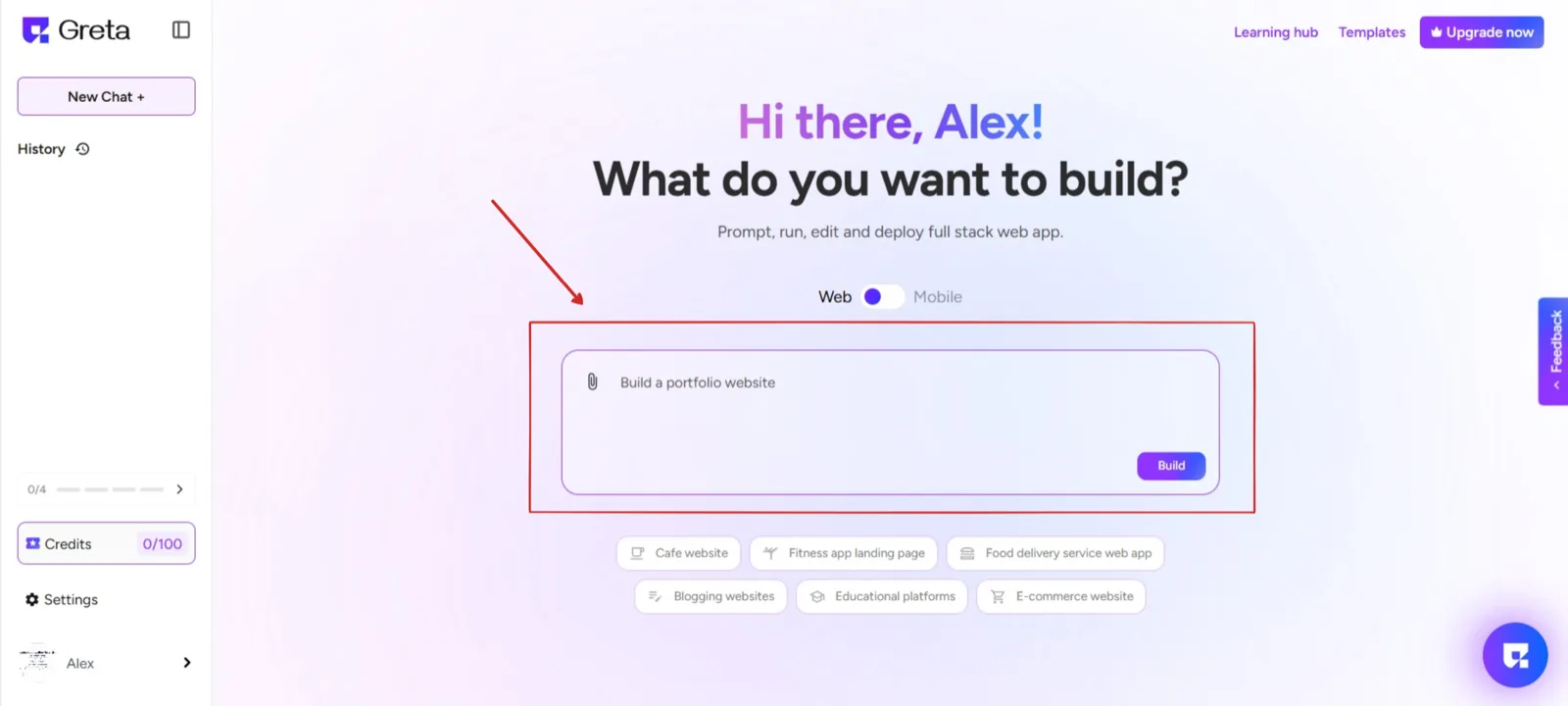
- In the center of the page,you can find a text field where you can enter your prompt to create a website. Here, you can start from scratch or choose from Greta.sh’s pre-designed templates to match your needs.
Step 3: Build & Deploy
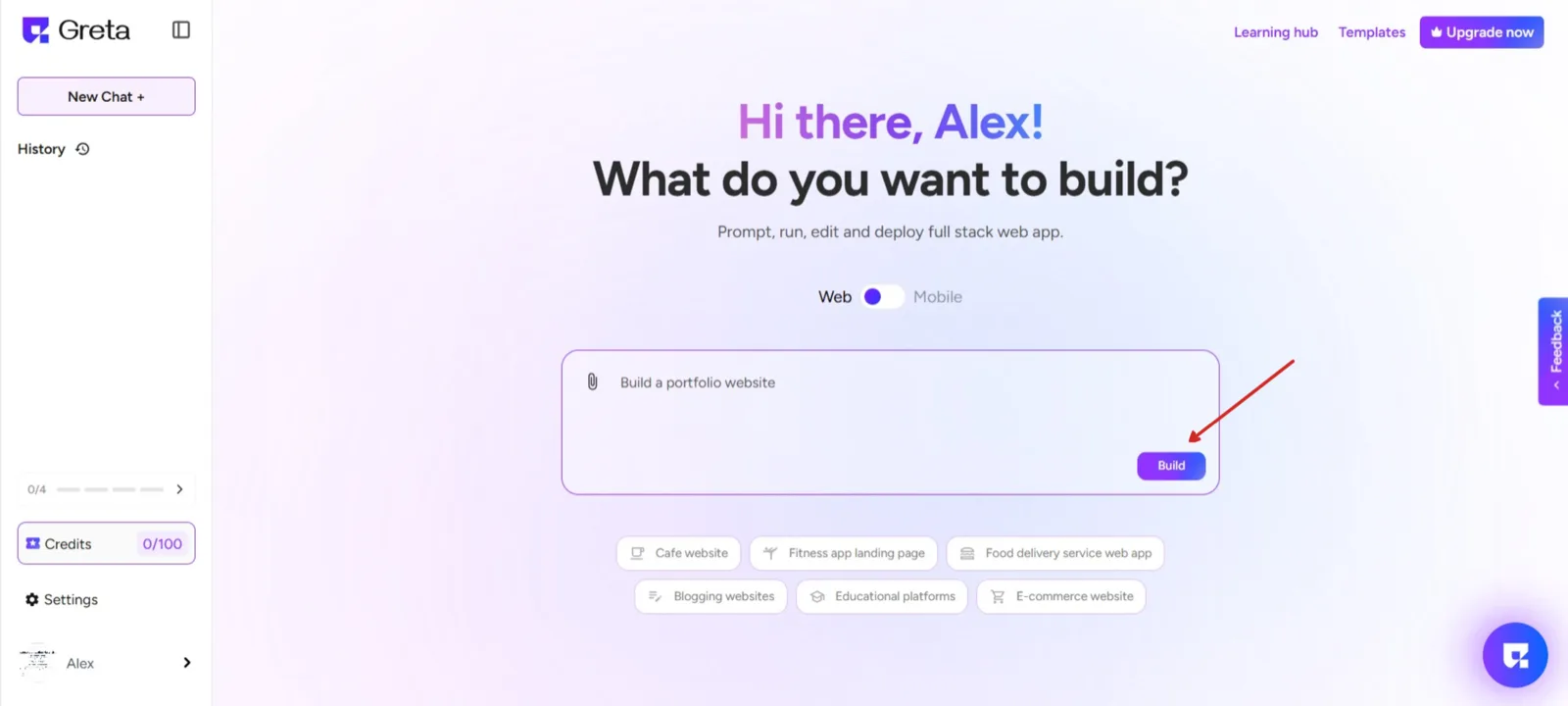
- After you select an existing template or enter the prompt, click “Build”, and Greta.sh will set up your project.
Step 4: Adding Useful Components
Enhance your creation by leveraging personalized suggestions tailored to improve your project. These recommendations help refine features, optimize performance, and add new functionalities, making your website more engaging and effective.

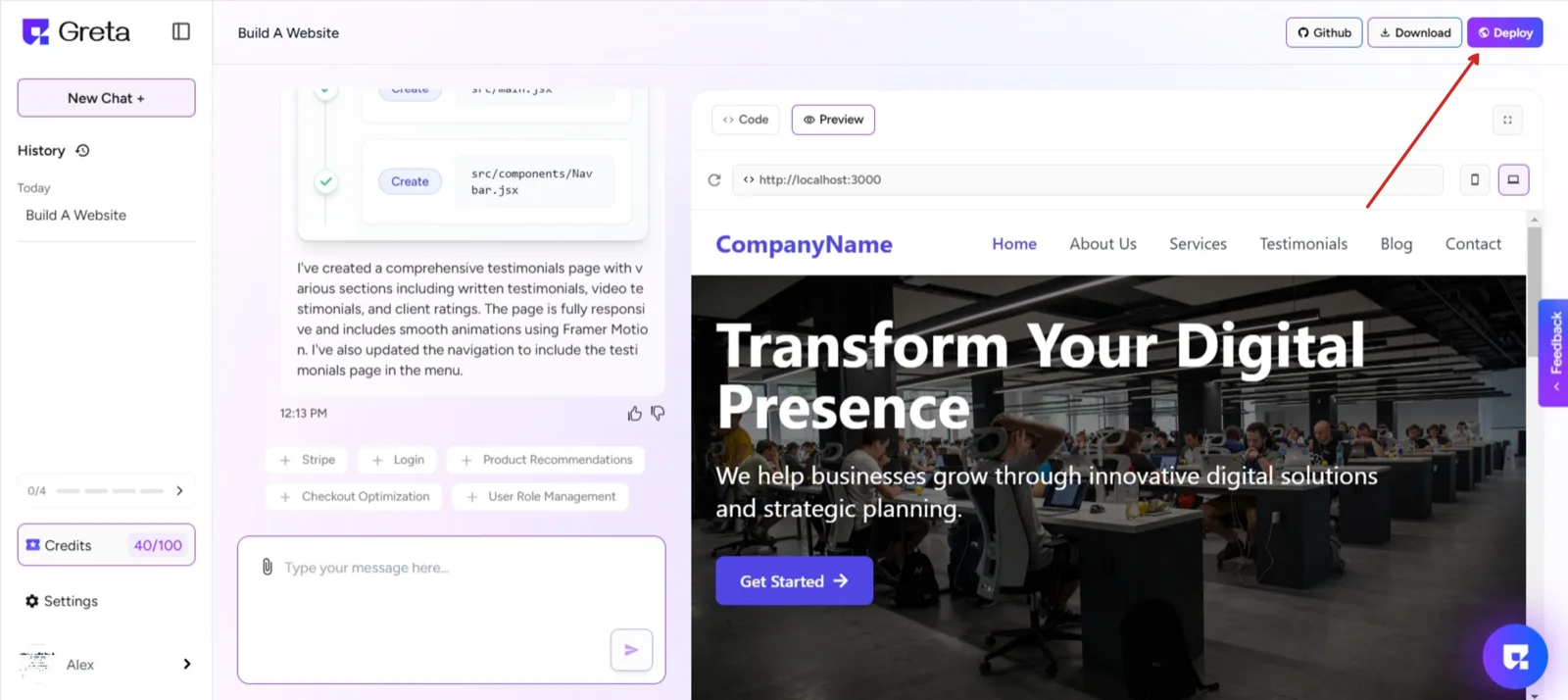
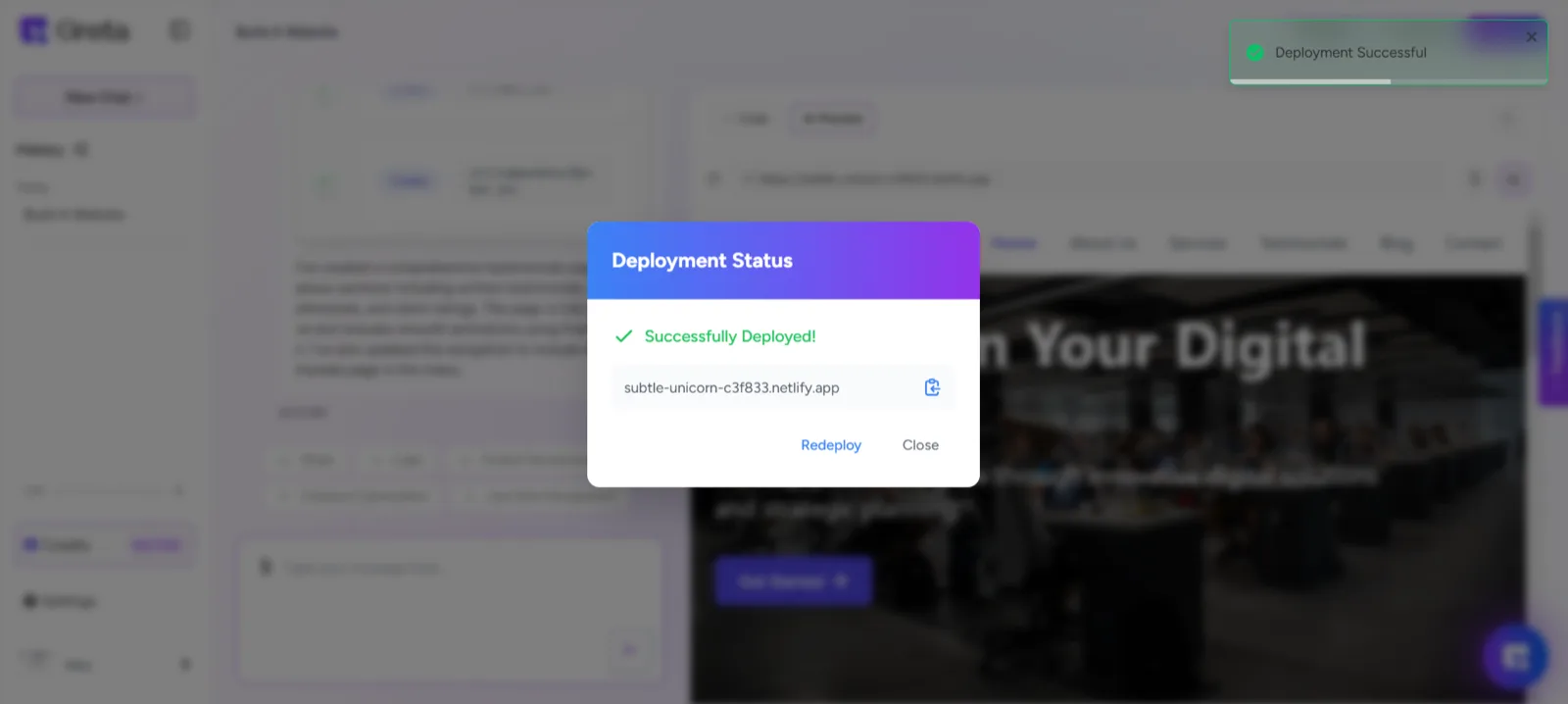
- Your new website is now ready to deploy! You can click on the Deploy button on the right top of the page to deploy your website.